How to move the Codex to the right sidebar in Cursor
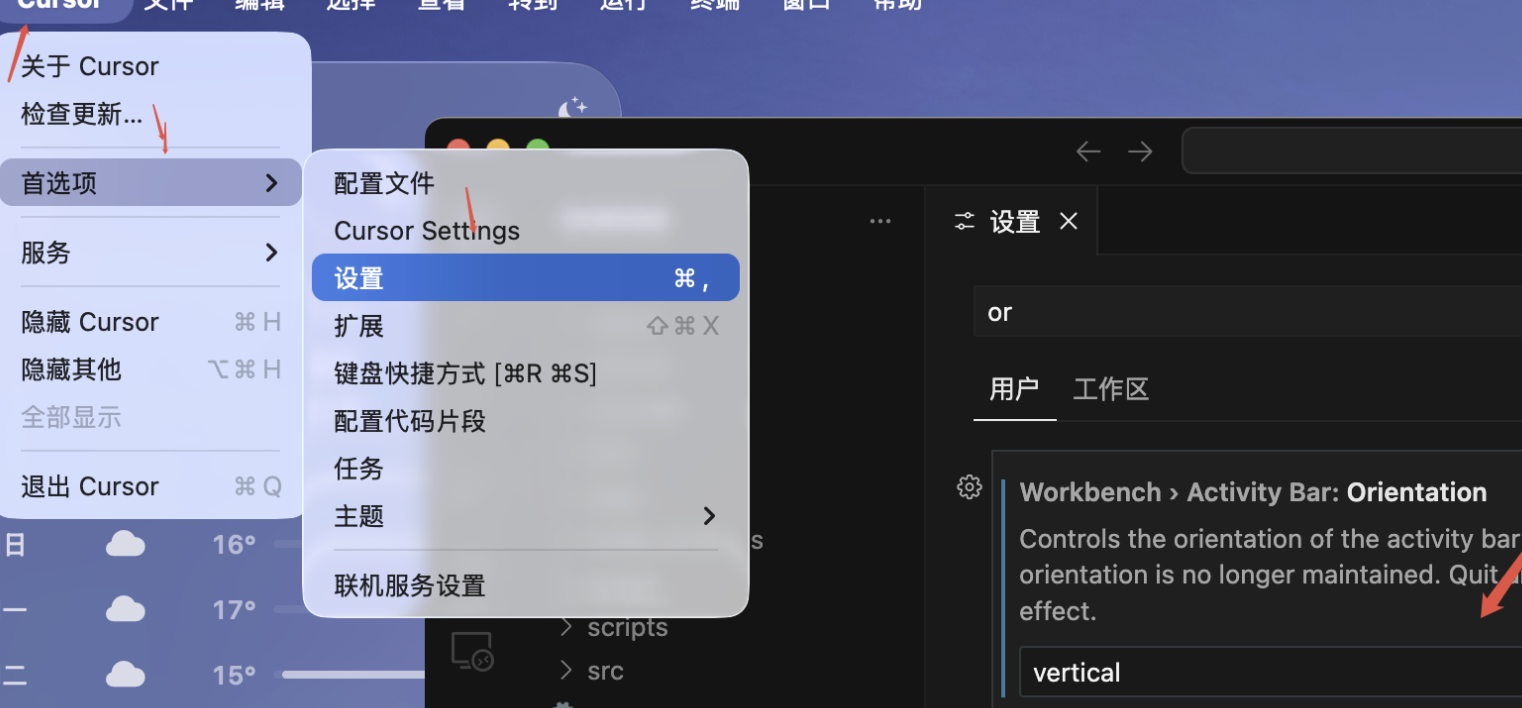
- Open Cursor and click Cursor → Preferences → Settings in the upper-left menu.
- Search for or find Workbench › Activity Bar: Orientation in Settings.
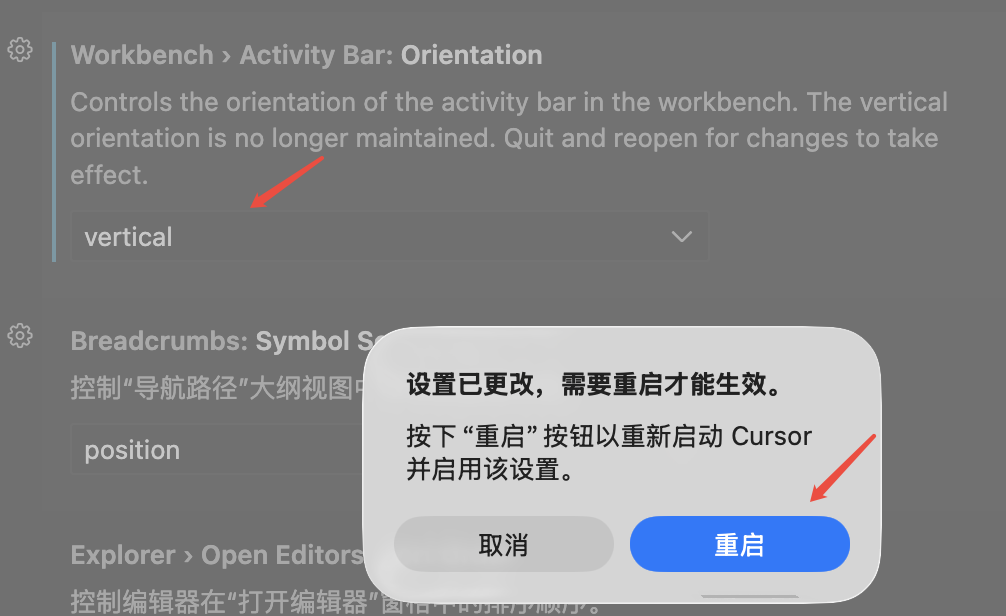
- Set this option to vertical.
- Restart Cursor for the setting to take effect.
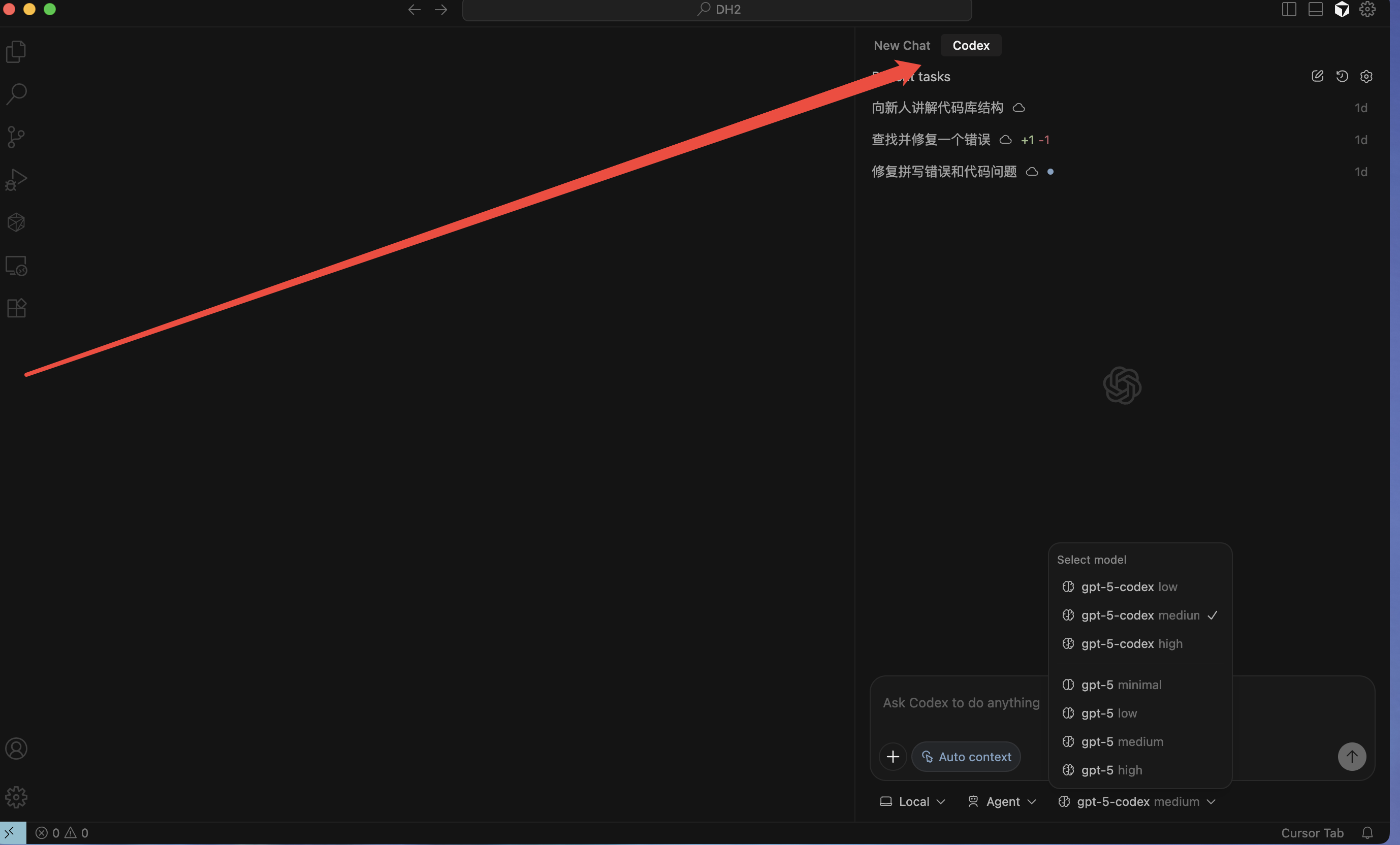
- After restarting, use your mouse to drag the Codex icon from the left activity bar to the right bar.
How to Move Codex to the Right Sidebar in Cursor
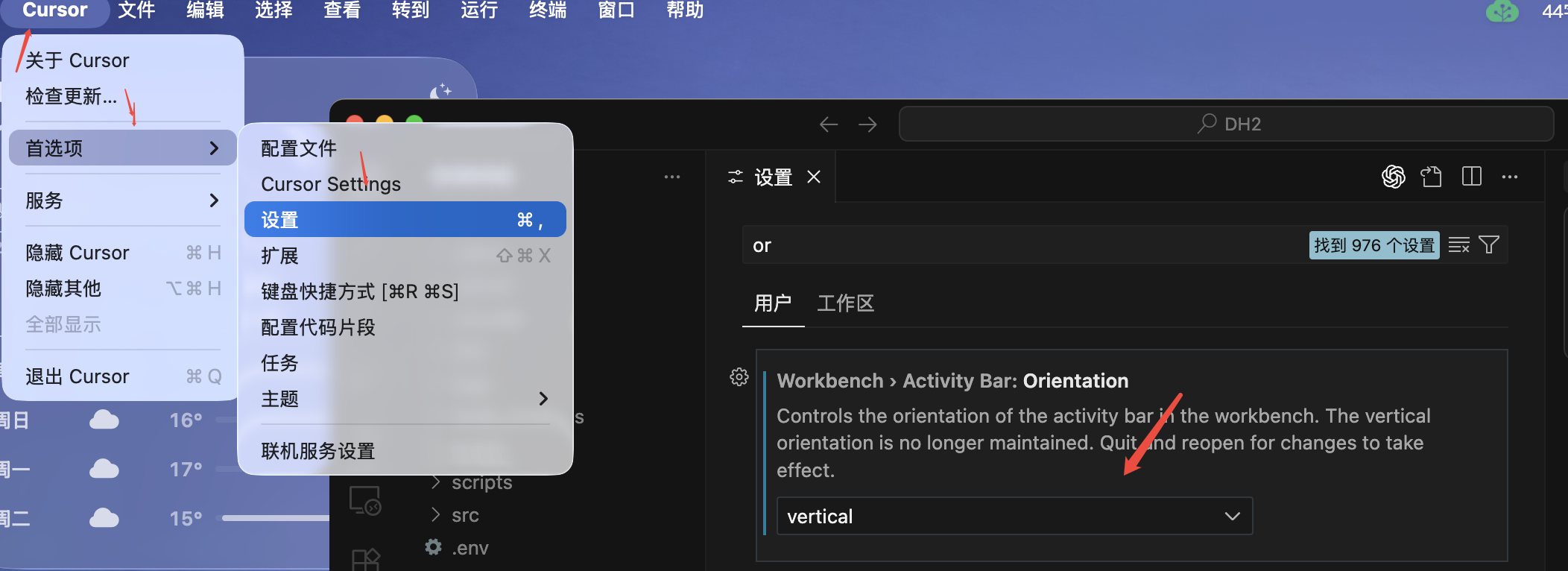
- Open Cursor and go to Cursor → Preferences → Settings.
- Search for or locate Workbench › Activity Bar: Orientation.
- Change the setting to vertical.
- Restart Cursor to apply the change.
- After restarting, drag the Codex icon from the left activity bar to the right sidebar with your mouse.