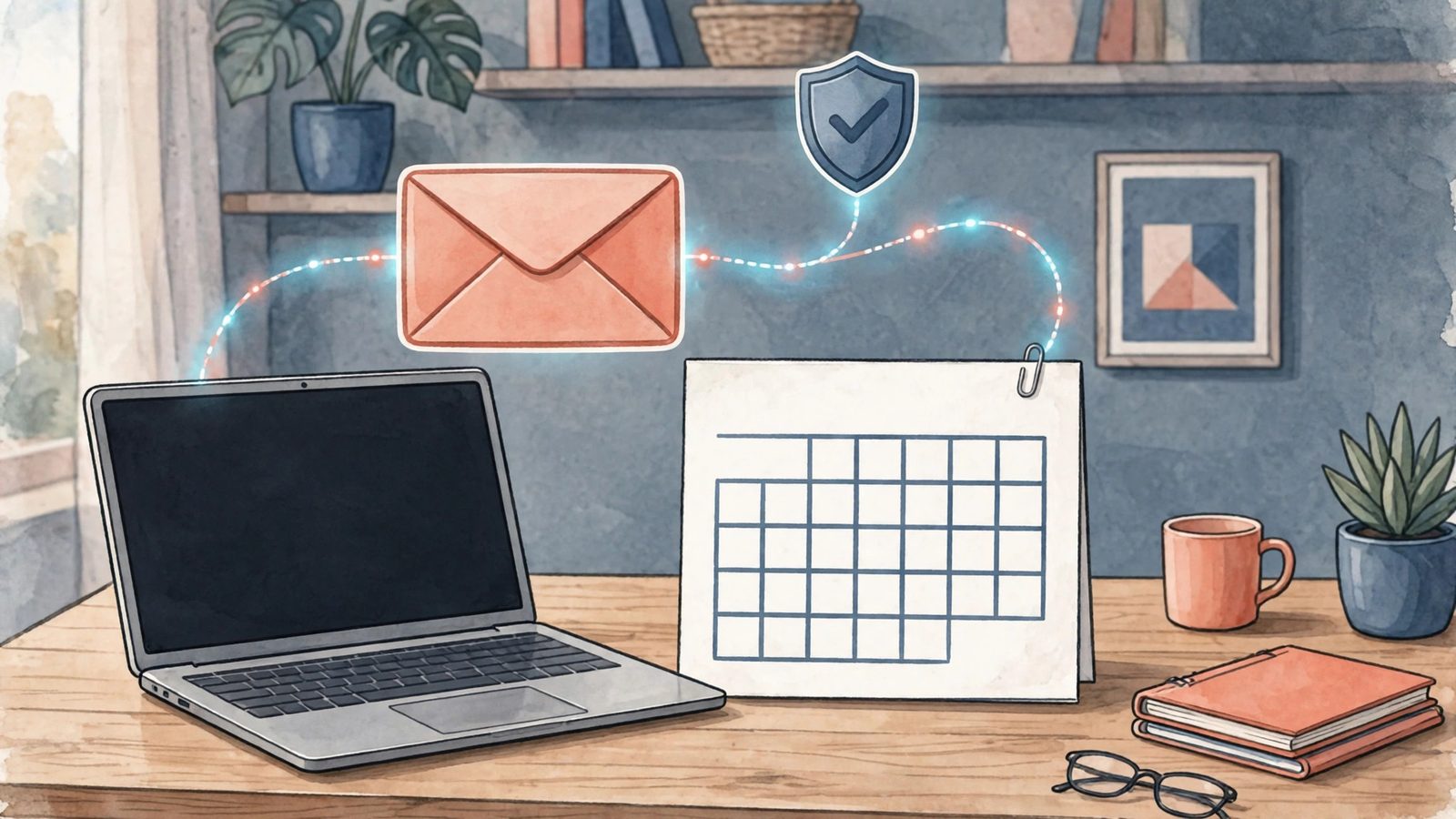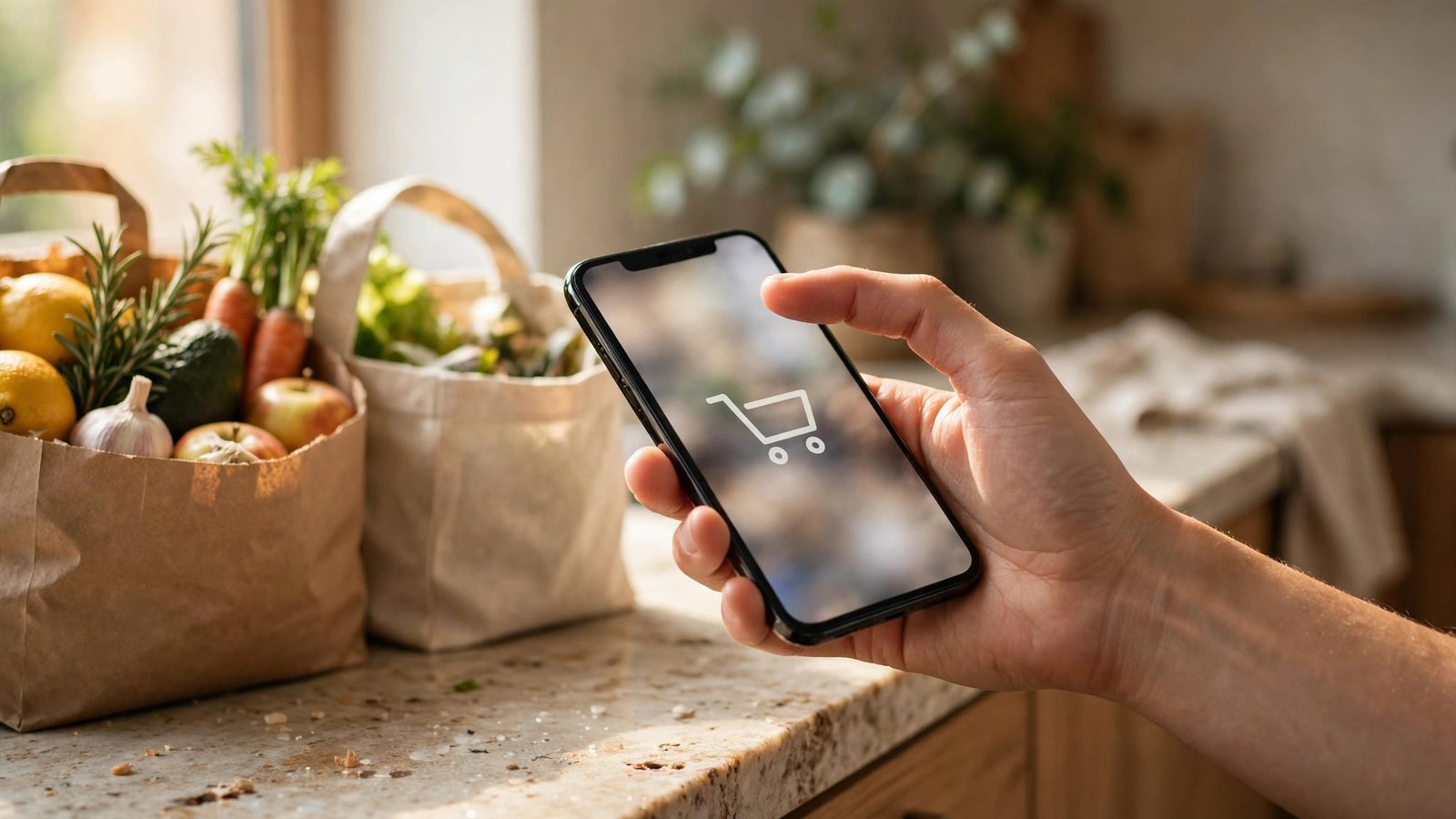
Muse will not spend your money on shopping without you knowing, as long as you do not switch off the approval step. By Meta's design, sensitive actions such as sending email or buying things must first be confirmed by you: it first lays out the item, taxes, shipping, and total on an approval card, and only pays after you confirm.
When paying, your real card number is not used directly: paying through Link by Stripe creates a one-time card number, and Shopify stores settle through Shop Pay, so the real card number never reaches the model. Passwords and payment information live in what Meta calls the Muse Secure VM, out of the model's direct view — that is Meta's design claim, and you should still check every card yourself.
It can compare prices and build carts, but which retailer to use and whether to buy at all is your call: it lists price, shipping, and return terms, and you have to read them before nodding. It does not take responsibility for a wrong purchase. Each retailer's connector features roll out in stages, so go by the list actually available inside the app, not the list in the news.
Test the first order in this order
- Connect only one retailer you buy from regularly, not all of them at once. 2. First order something small and returnable, and check the delivery address, quantity, and total. 3. After delivery, check the order history, and only widen what it may do once everything matches. 4. Keep approval alerts, payment notifications, and order emails all switched on. If any of them does not line up, stop and check first.
Two red lines
First: skimming the approval card and confirming is the same as signing it yourself, and saying afterward that you did not look closely rarely gets money back. Second: do not let it buy expensive, custom, or non-refundable goods as a first order, and do not switch approval off to save time. If something goes wrong, first check the order status and refund options at the original retailer, then whether the information was passed along wrongly on Muse's side.
Once you are used to it, the rules can loosen a little: let it prepare everyday items you buy regularly from your list. But never skip the card shown before payment.