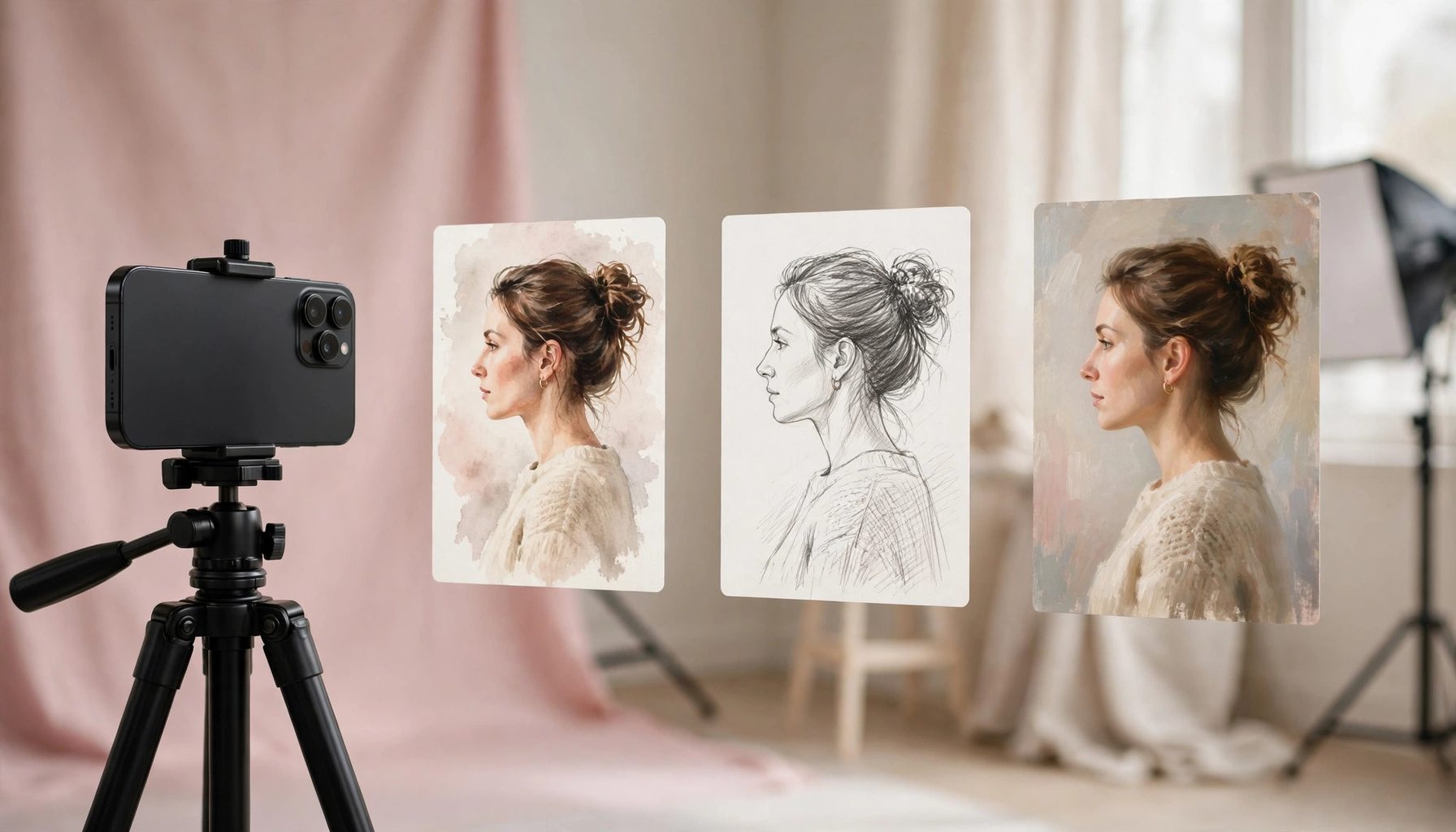
When an AI-generated avatar does not look like you, do not blame the tool for drawing badly first. An unlike avatar is mostly caused by two steps: the input photo and the style settings. A photo taken from a single angle, in dim light, with too much stylisation leaves the AI guessing to complete a face. Change the photo first, then tone down the stylisation, and the chance of an unlike result drops noticeably.
Change the photo first: give the AI a face it can recognise
Choose a front-facing photo with even light and clear features, where the outlines of the eyes, nose and mouth can all be seen, with no large shadows or obstructions on the face. Profile shots, sunglasses and heavy beautification filters are not suitable as reference images; the AI will guess the outline of a profile face and the eyes behind sunglasses, and a wrong guess turns it into someone else. When the same photo keeps giving poor results, try a different clear front-facing photo taken in a different scene and light, instead of endlessly tweaking the prompt on the same photo. For group photos, crop yourself out first so the AI does not pick the wrong face among several.
Tone down the stylisation: the stronger the style, the less it looks like you
The stronger the stylisation — cartoon, oil painting, cyberpunk, anime — the more the AI changes facial features, and the harder it becomes to recognise the same person. For an avatar that looks like you, start with realistic, natural-light, low-stylisation settings, confirm the features and face shape are right, and only then add style gradually. Write the request specifically: keep the face shape, hairstyle, skin tone and facial features of the original photo, change only the background and clothing, and do not change the proportions of the features. Stating do not beautify, do not smooth the skin, and do not change the face shape works better than only writing look like me.
If it still does not look like you, change approach
If realistic settings with two photos still do not look like you, lower your expectations first: use the AI avatar as a stylised avatar, not as a replacement for an ID photo. For an avatar needed in a formal setting, use the original photo or have one taken by a person, and do not rely on AI generation. If you only want a fun new avatar, try a different approach: use AI for background replacement and outfit changes, with only light retouching of the face, keeping the face from the original photo; similarity is higher that way. After generating, check three things yourself: face shape, the distance between the eyes, and the hair outline. If two of the three are off, change the photo and start again; do not try to rescue it with heavy post-editing.