When AI keeps misreading handwriting, do not rush to switch tools — most problems lie in the photo and the handwriting itself. First photograph the writing clearly, have it recognised in sections, and check it line by line. After those three steps the result is usually usable; only if that fails is it worth changing recognition methods.
Get the photo right first
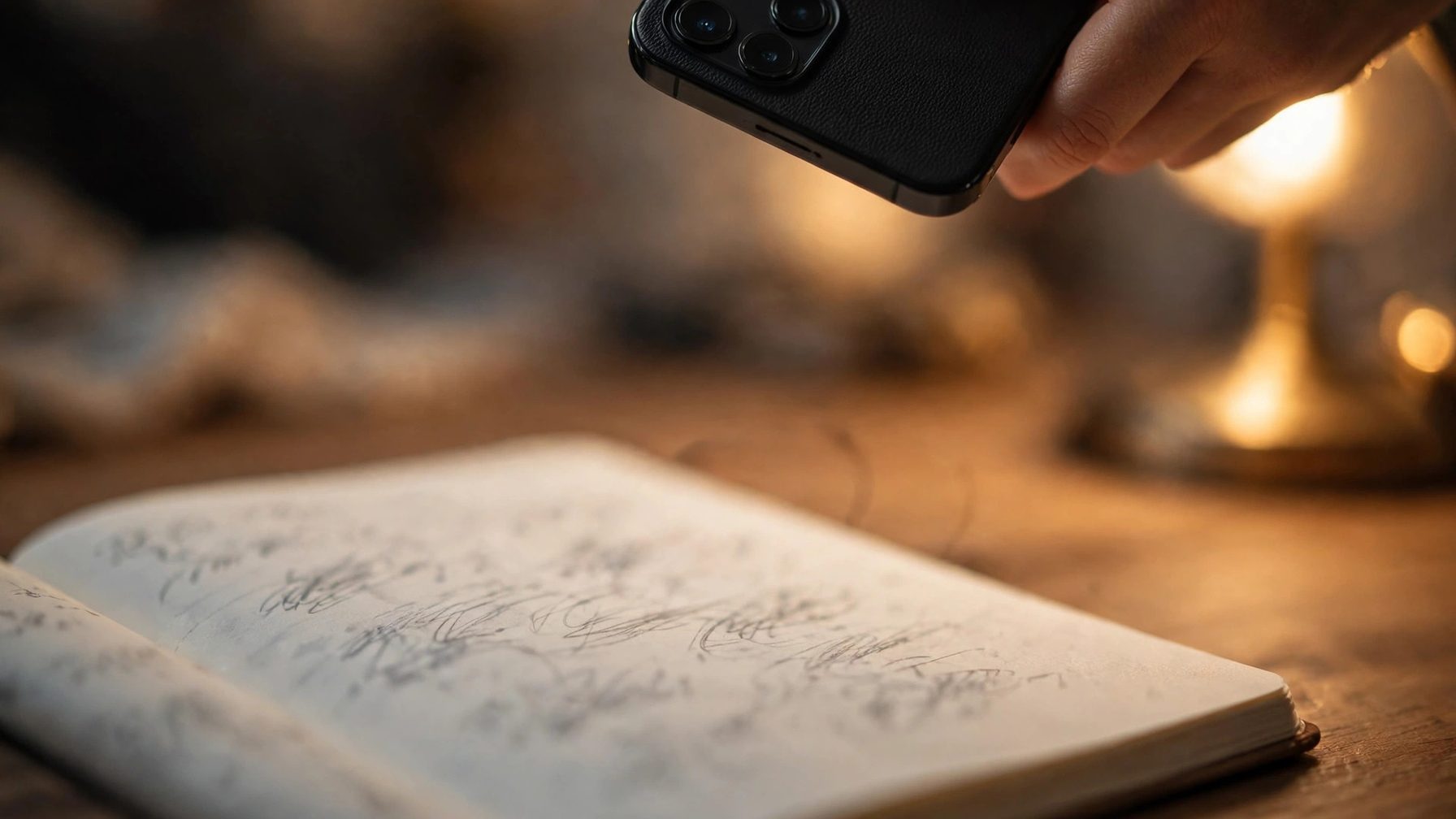
Handwriting recognition fails most often on blurry, reflective, or shadowed photos. Lay the paper flat, light it evenly, and hold the phone parallel to the page instead of shooting at an angle. If the writing is too small, photograph it two or three times, capturing only half a page each time; a zoomed-in shot is more accurate than a shrunken whole page. Faint ballpoint ink and reflective pencil are easily misread, so check on screen first whether the writing looks clear — a blurry photo is bound to produce errors.
Recognise in sections, not all at once
Recognising a whole page at once means one misread character can throw off an entire sentence. Process the text paragraph by paragraph or page by page, check each section immediately, fix errors on the spot, and then move on. For people's names, place names, and technical terms, tell the tool the correct spelling first so recognition leans in that direction. Numbers and letters are the easiest to confuse, such as 1 and l, or 0 and O, so pay special attention to numbers, dates, and amounts when checking.
The result must be checked line by line
The recognition result is only a draft and must not be used directly. Go through it sentence by sentence, watching numbers, names, and negations in particular: a single wrong character can reverse the meaning entirely. If the same characters are repeatedly misread, another approach is faster: photograph those characters enlarged in a separate shot, or type them in manually, rather than re-running recognition. Handwriting so messy that you can barely read it yourself is unlikely to be guessed correctly by a tool either; manual completion is the fastest fix.
If the photo is clear, the sections were processed separately, and large parts are still wrong, the handwriting is beyond the current tool's ability. Try a specialised OCR tool once, or have the key parts transcribed by a person. For everyday notes, writing digitally from the start is more reliable in the long run, reserving handwriting for occasions when writing by hand is genuinely needed.