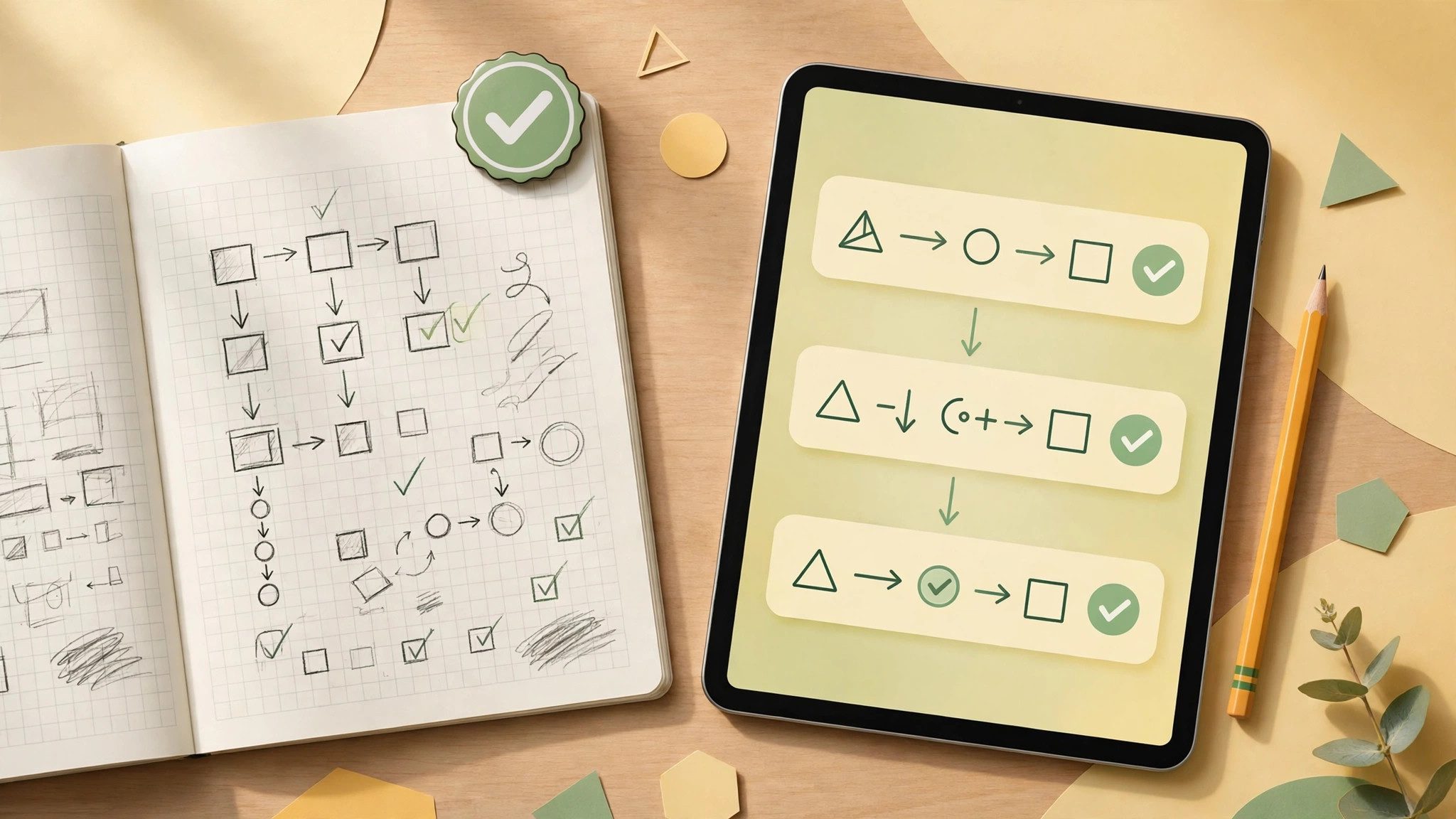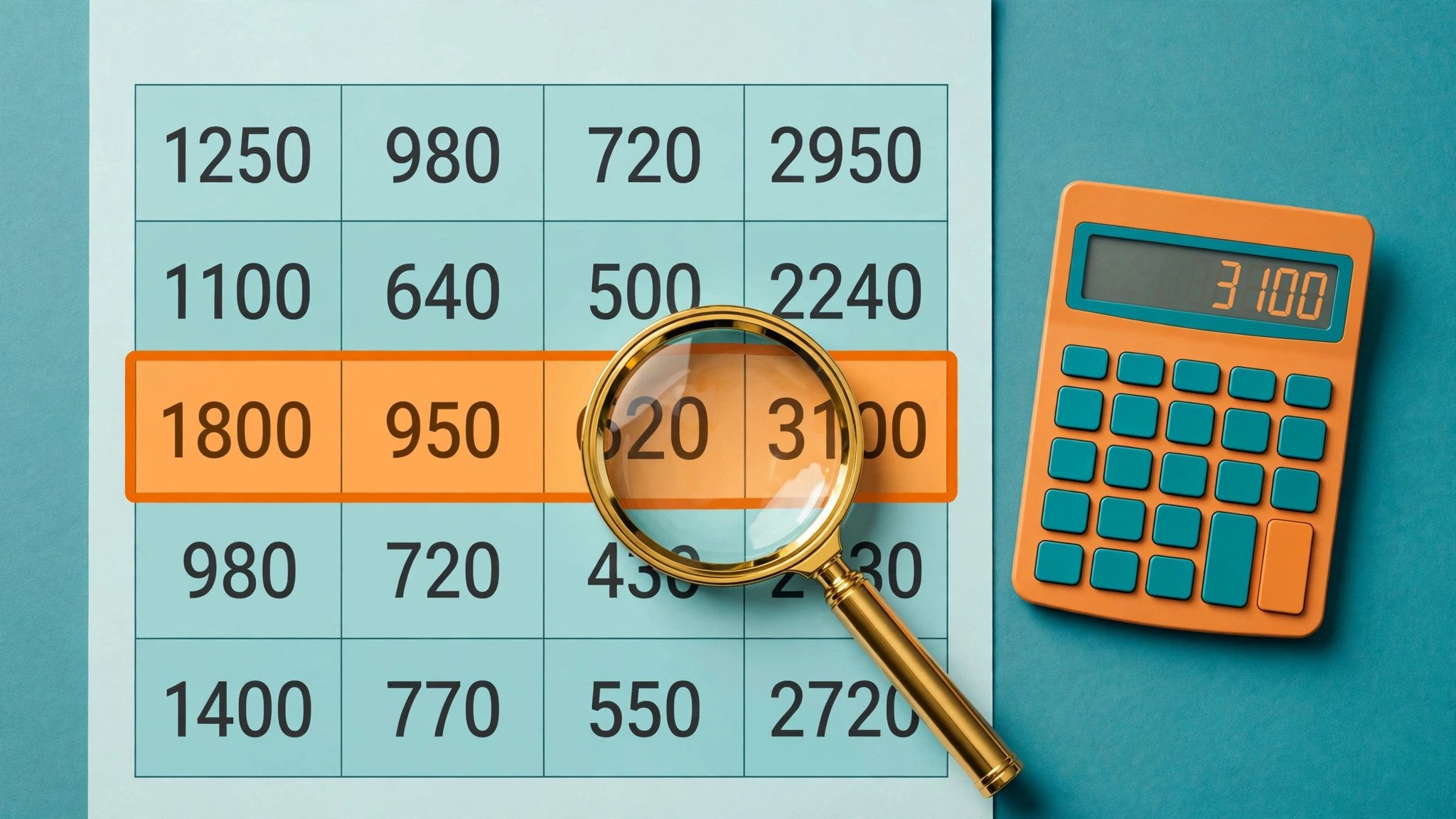
When an AI table's totals do not add up, do not redo everything at once: ask it to show each calculation step — the error is usually in just one or two rows. AI builds tables fast, but multi-step arithmetic is exactly where it slips most often.
Step 1: Ask for the formulas
Say directly: “List the formula and intermediate result for each row, not just the total.” Once you see the working, check whether addition and subtraction directions are reversed, units are mixed up (yuan versus ten-thousand yuan is a classic), or the same figure was counted twice.
Step 2: Recalculate the key rows yourself
You do not need to check every row. Focus on three kinds: the largest amounts, rows edited by hand, and rows making up more than half the total. Checking these three usually exposes eighty percent of errors.
Step 3: Split large tables
For tables over 20 rows, do not let it calculate everything in one go. Split by month or department, calculate each chunk separately, then have it sum the subtotals. Smaller chunks mean a lower chance of dropped figures or crossed rows.
Sensitive numbers need another tool
For expenses, quotes, or payroll figures, always recheck with spreadsheet software or a calculator in the end. AI tables suit drafts and frameworks, not final ledgers. The habit of “AI drafts, tools verify” works better than switching models.