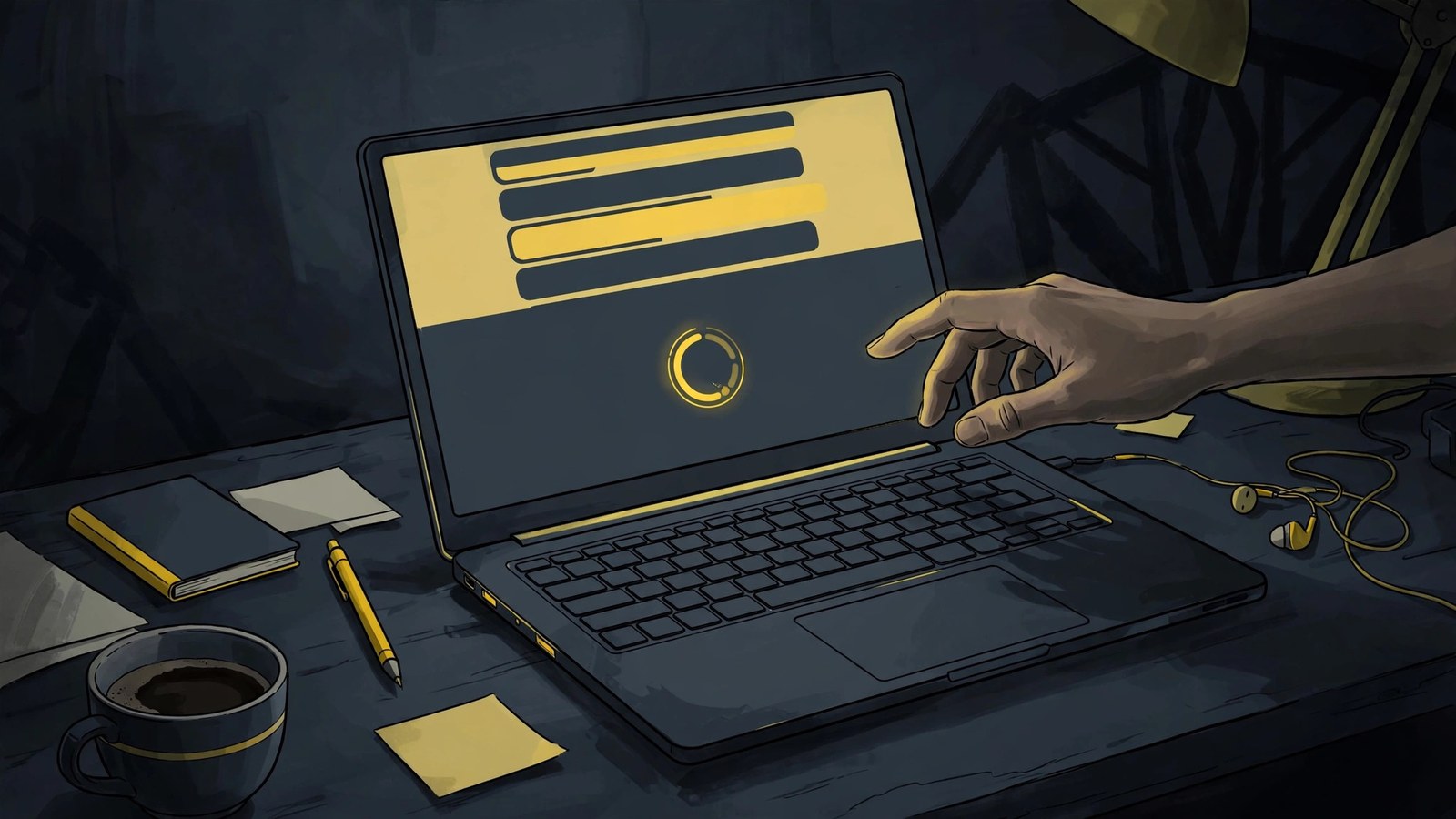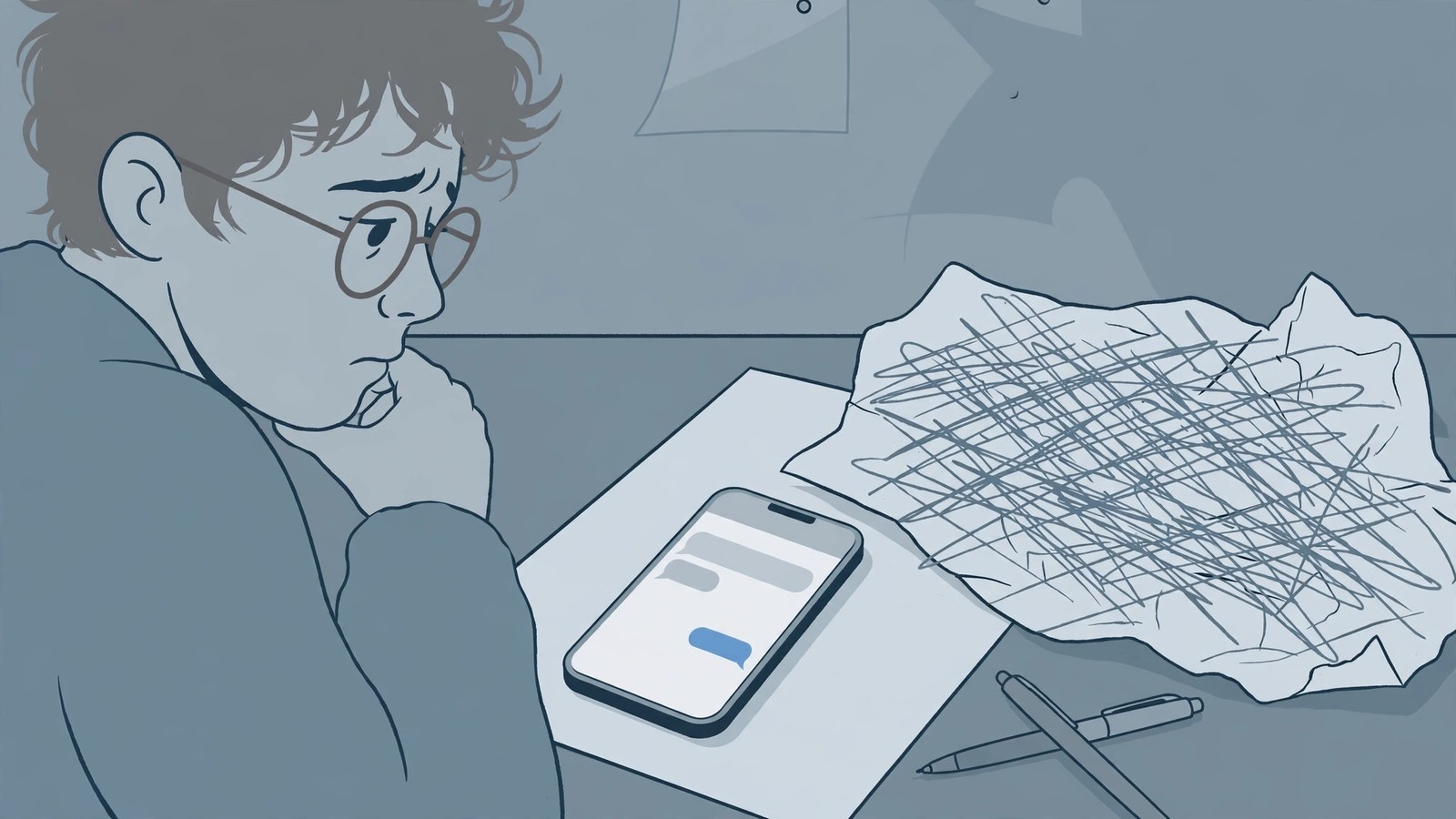
When AI chat history disappears, do not assume it is gone: accidental deletion, a new device, a different account, or an incognito-style temporary chat each need a different recovery method. Identify the situation first, then act.
First, identify the situation
Search the sidebar for a keyword. If results appear, the history was only collapsed or archived, and restoring the archive brings it back. If the whole list is empty, check whether you are signed in to a different account or opened a temporary session that does not save history. If history vanished after switching phones, the new device usually has not finished syncing, or the old device was saving locally.
Recovery for the three situations
Accidentally deleted a single conversation: check the trash or deleted list first; many tools keep deletions for a while and only purge them after expiry, and the restore button is there. Lost after switching devices: first confirm the history is still on the old device and sync is switched on, then sign in to the same account on the new device and wait for sync to finish; do not create a same-named conversation on the new device that might overwrite it. Signed in with a different account: history follows the account, so switch back to the original account and sign-in method; if you originally registered with email, do not sign in with a phone number, since the two entries may be two separate accounts.
What to do when it cannot be recovered
If deletion is confirmed permanent, stop fiddling with sync; more fiddling only risks overwriting remaining data. Rebuild the essentials instead: reorganize the conclusions, prompts, and generated results you remember into a saved document, and make a habit of regularly exporting or copying important conversations into notes. Temporary and incognito sessions never save history, so before an important conversation, confirm the top-left corner is not showing a temporary-session state.
Two backup habits for everyday use
Two habits prevent most losses: first, confirm sync is switched on for your usual devices, and before switching phones, open the conversation list on the old device and check it; second, export or copy important conversations into a notes app as you go, rather than leaving them only in the conversation list. The conversation list is a workspace, not an archive; genuinely important content deserves its own copy.