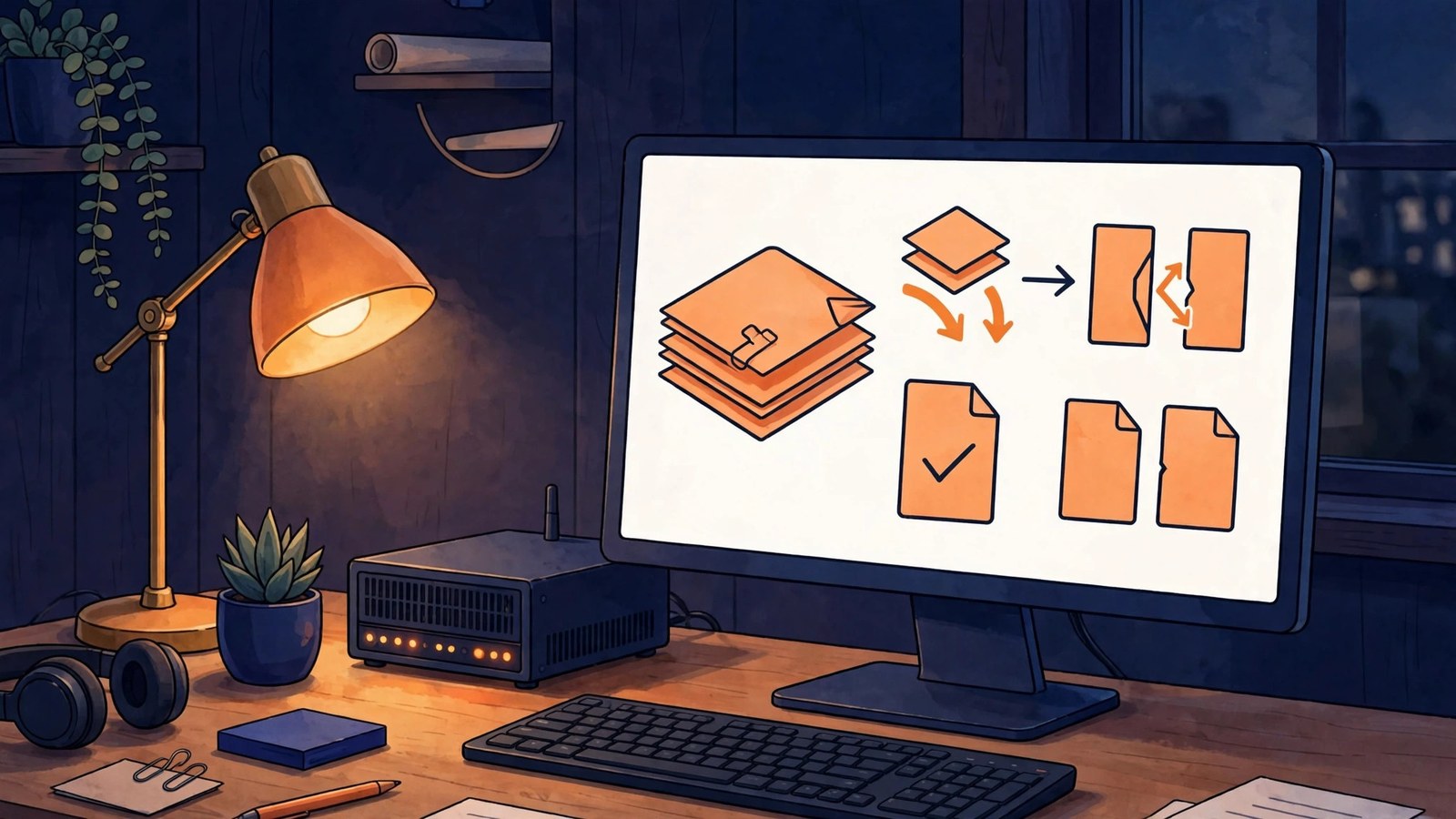
Stirling-PDF is an open-source tool that brings PDF processing back to your own machine: everyday jobs like merging, splitting, compressing, watermarking, and converting to images run locally, without uploading files to unfamiliar websites. Whether it is worth installing depends on how often you handle PDFs and how much you care about privacy.
Official repository info
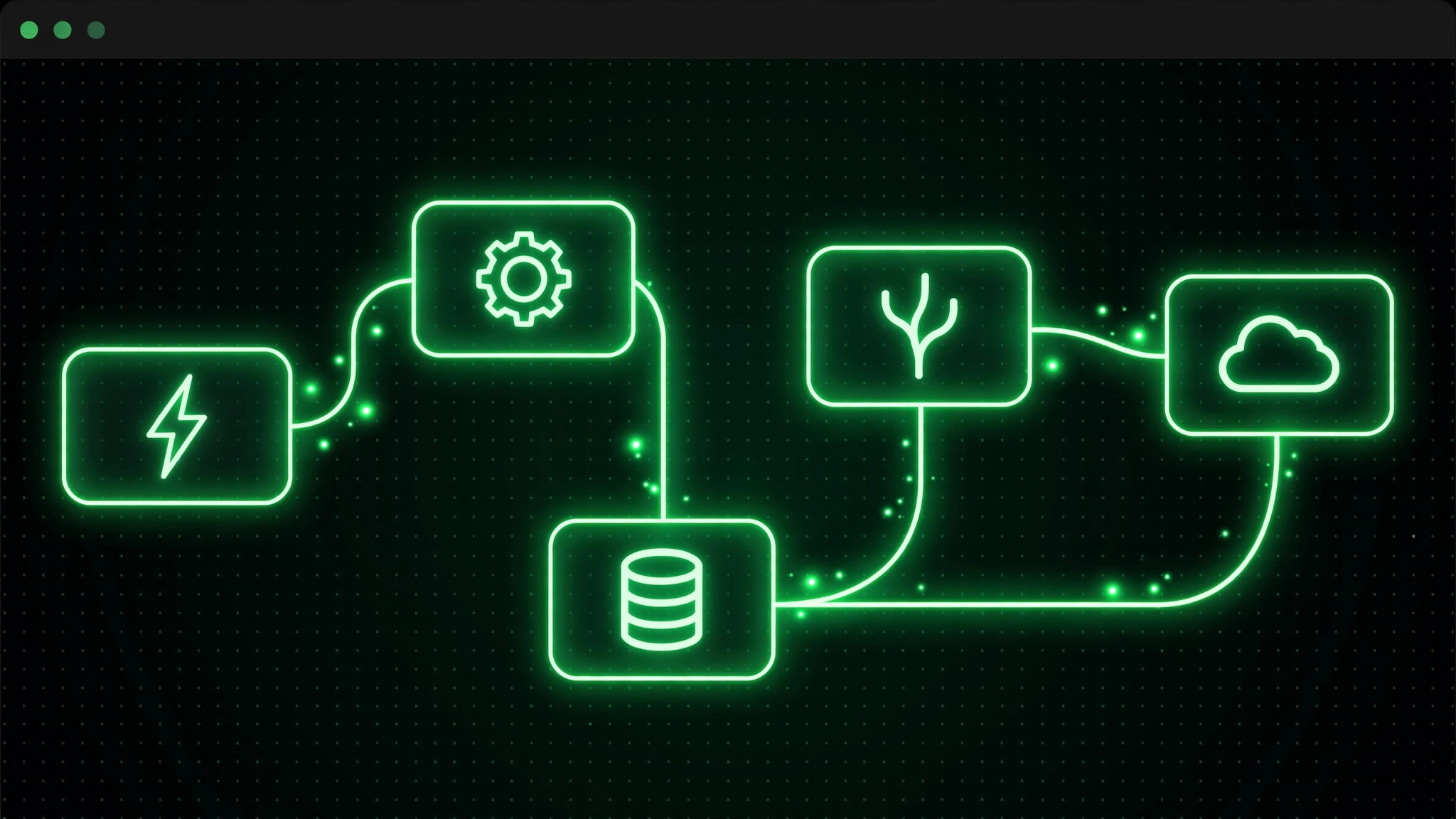
The official repository is on GitHub, under the organization Stirling-PDF, and the project is also named Stirling-PDF. It is a web-based tool: once deployed, you open it in a browser, with no separate client to install on every computer. Deployment is mainly via Docker; one always-on computer or home server is enough, memory use is modest, and personal use usually needs no extra server purchase.
Three costs to work out first
The first is privacy: files never pass through a third-party site, so contracts, resumes, and reimbursement forms containing personal information feel safer. The second is features: high-frequency jobs like merging, splitting, rotating pages, deleting pages, adding page numbers, and compressing are all covered, but it is not a professional layout tool, so complex form filling and fine editing are out of scope. The third is maintenance: deployment itself is not hard, but OCR needs separate language packs, large files slow down, and updates occasionally require reconfiguring, which can feel like a chore if you are not hands-on.
Real pitfalls
First, OCR does not work out of the box: scanned PDFs need language data installed first, and Chinese users should confirm the Chinese pack separately. Second, very large files and image-based PDFs slow down noticeably; splitting a several-hundred-page file into batches is steadier. Third, it offers no cloud sync, so moving files between devices is your own job; do not treat it as a cloud drive.
It suits three groups: office workers who handle PDFs often, people who dislike sending files to third-party sites, and hands-on users who already have an always-on device at home. If you only merge a file once or twice, a ready-made online tool is actually less hassle, and there is no need to maintain a service for it.