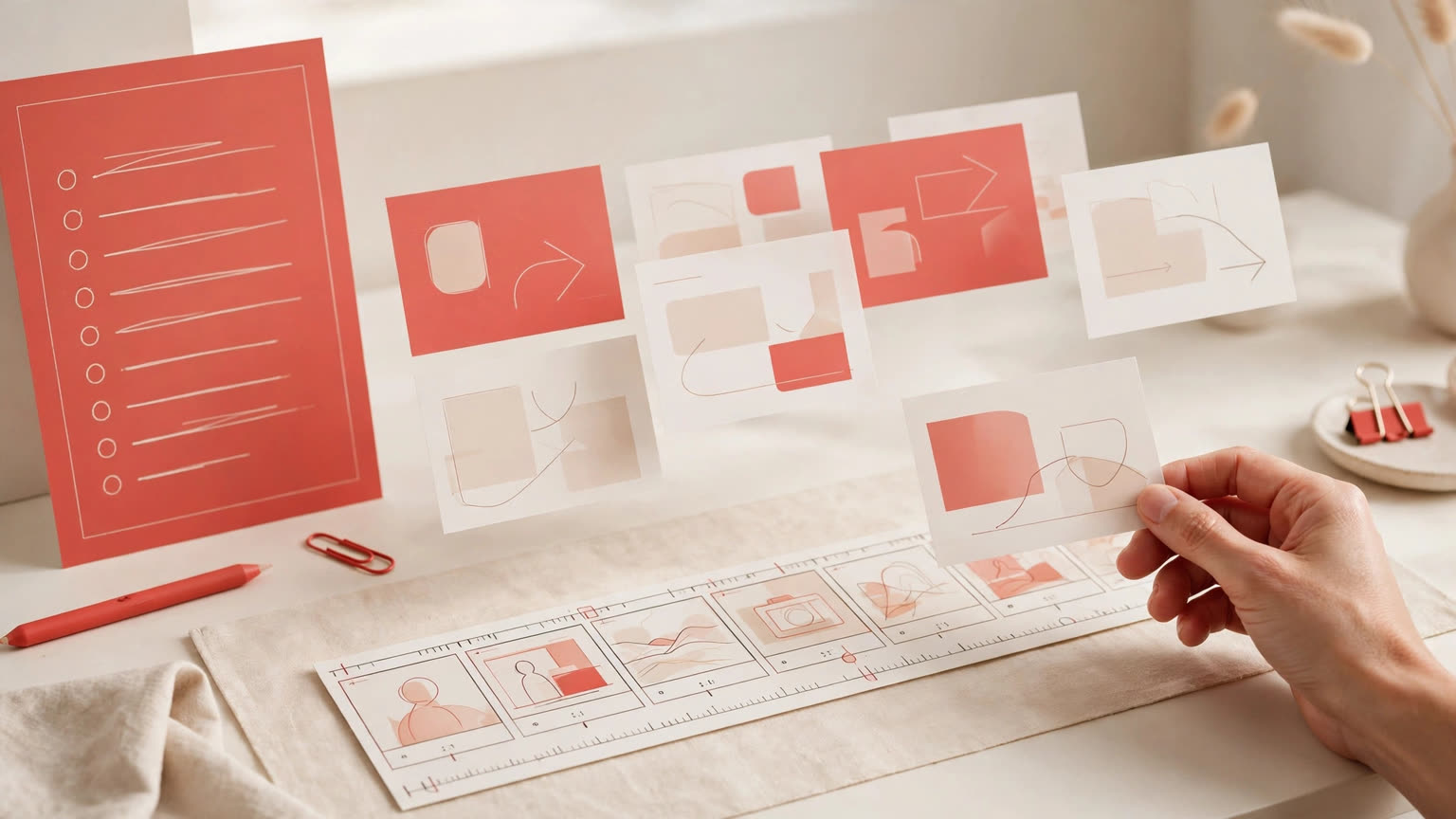
Gemini Notebook's slide and video generation changed on October 19, 2026, from one-shot output to align first, render later. In an official blog post, Google announced co-creation flows for Slide Decks and Video Overviews: after a user asks in chat, Notebook suggests topics to include based on the sources, the user confirms direction, visual style, and format, and only then does production begin. A new Review toggle goes further, letting users inspect the outline, reorder scenes, and give feedback before anything renders, then press Proceed to generate the final artifact.
The step being fixed was the least controllable one
Anyone who has used tools like this knows the gap: one prompt goes in, and the structure, level of detail, and visual style of the result are all decided by the model on the spot; if it misses, the only option is to regenerate the whole thing. The co-creation flow hands those decisions back: review the suggested topics and decide what goes in and what stays out, steer the visual style and format, and, when finer control is needed, use the Review toggle as a checkpoint before rendering. Users who already know exactly what they want can say so in the prompt and skip straight to the review stage.
The Review toggle edits what finished work gets wrong most
With Review on, slides can be checked in the Studio panel through "Review outline notes," and videos through "Review producer notes." Before rendering, users can give concrete feedback — add an executive summary at the beginning, or swap the order of a scene. These are precisely the structural problems that are most expensive to fix after the fact: a missing summary has to be inserted, a wrong order has to be rebuilt, while before rendering each fix costs one sentence. Once everything looks right, selecting Proceed produces the final file.
The fast path is still there
Co-creation is not mandatory. Users in a hurry can still open the Studio panel, click the artifact, skip the Review toggle, and let Notebook generate as it did before. Google says the co-creation capabilities are rolling out globally to all Gemini Notebook users over the coming week, so not seeing the entry point in an account yet means the rollout has not arrived, not that the account is excluded. The product is the source-based notebook formerly known as NotebookLM; Google's official blog now uses the Gemini Notebook name throughout.
Who should try it first, and who can wait
The biggest beneficiaries are people making briefings, training material, and teaching content: everything comes from their own uploaded sources, and whether the structure and order make sense matters more to usability than visual polish, so reviewing the outline intercepts rework at its cheapest point. The boundary is equally clear: co-creation controls topic selection, structure, and style, not the quality of the sources — content that is not in the material cannot be reviewed into existence. Together with NotebookLM's earlier flashcards, reports, and learning-guide upgrades, this update shows the product's center of gravity shifting from generating fast to generating under control.