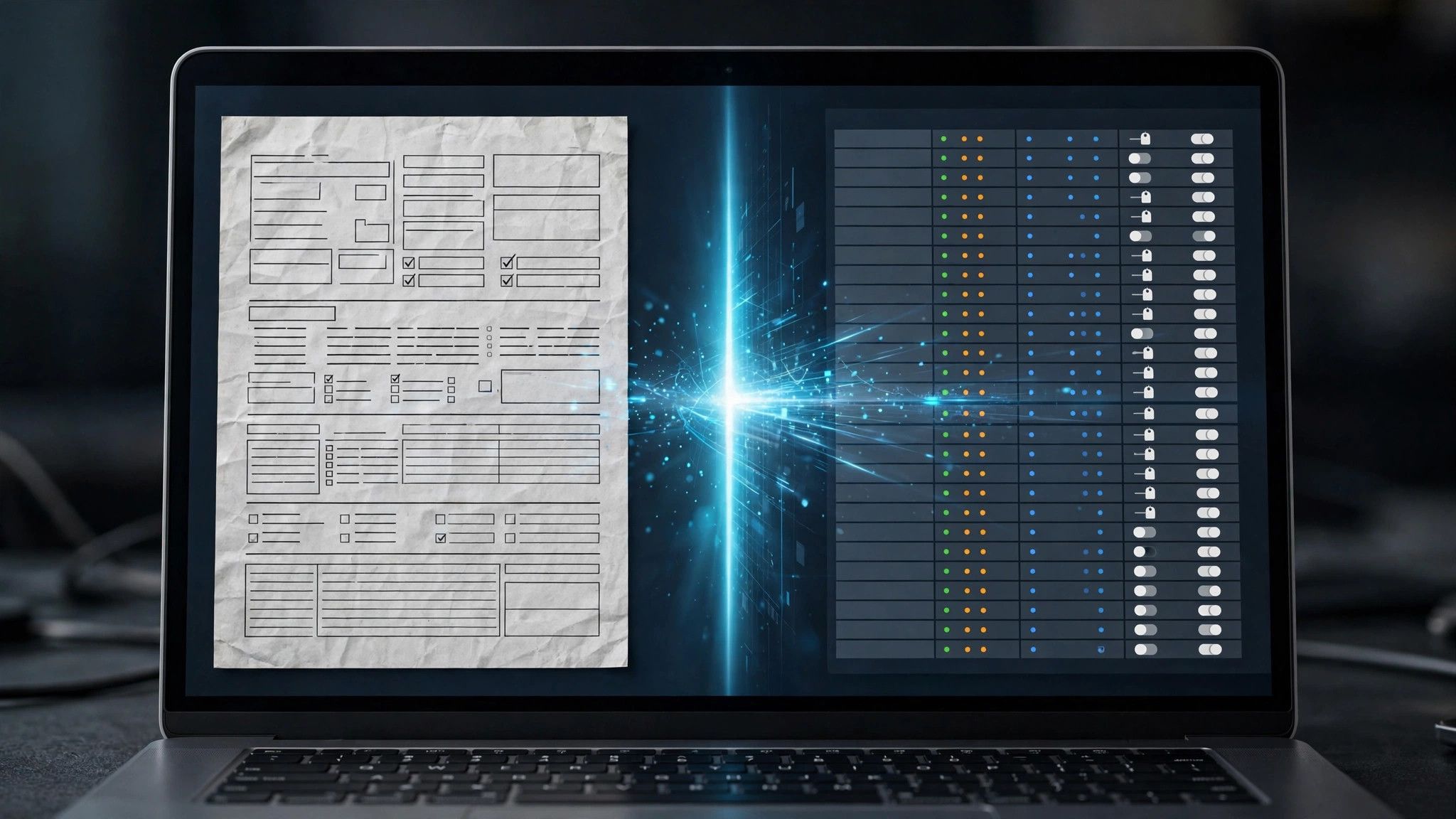
PaddleOCR is an open-source OCR toolkit maintained by Baidu's PaddlePaddle team, built to extract the text in PDFs and images together with the layout structure, as data machines can use. It has stayed popular on GitHub not because it is novel, but because so many teams building knowledge bases, invoice processing or document Q&A stall at the same first step: the documents are pictures, large models cannot read them directly, and something has to recognise the words and table structure first. PaddleOCR is the veteran tool for exactly that step.
Official repository information
- Repository platform: GitHub
- Organisation: PaddlePaddle
- Project name: PaddleOCR
- Licence: Apache-2.0
- Main components: the PP-OCR line handles text detection and recognition, the PP-Structure line parses layout and tables, and recent versions add vision-language components aimed at document understanding
- Languages: officially more than 100, with Chinese, English and mixed Chinese-English text as its traditional strengths
Where it genuinely earns its place
First, it is light. Its main recognition models are small, so an ordinary CPU server can run batch jobs; you do not need a metered cloud API or a giant model just to read an invoice. Second, it returns more than characters: paragraphs, tables and reading order come out as structured results, which is precisely what RAG knowledge bases and document Q&A need downstream — whether the fed document keeps its layout often matters more than swapping in a bigger model. Third, it deploys locally, so documents never leave the intranet; finance files, contracts and medical records stay off third-party servers.
The deployment cost, itemised
Installing it is one command, but the bulk underneath is the PaddlePaddle framework, which is not small; mixing it into a machine that already runs a PyTorch stack can produce version and dependency conflicts, so a separate virtual environment or container is the safe route. Models come in mobile and server grades — pick too large and it crawls, too small and accuracy drops, so test against your material types. In production you also own the job queue, retries and result validation: this is a toolkit, not a ready-made document processing service.
Three real pitfalls
One: complex layouts still fail. Cross-page tables, merged cells, multi-column mixes and handwriting over print can come out in the wrong order or structure, so spot-checks are mandatory rather than assuming correctness. Two: poor input quality widens the gap sharply — skewed scans, stamps over text and yellowed, photo-like backgrounds cut recognition noticeably, so test with your worst batch before launch, not with the official sample images. Three: upgrade carefully. Major versions have changed interfaces and model files before, so production systems should pin versions and keep regression samples instead of chasing the newest release.
Decide with a hundred of your hardest pages
The most reliable test is not a leaderboard score. Take a hundred of your most difficult pages — the densest tables, the worst scans, the strangest layouts — and measure key-field accuracy and time per page. If field accuracy passes and speed is acceptable, this is a very cost-effective open-source choice for the step. If the errors concentrate in layout parsing and patching them costs too much, that is the moment to look at cloud document-intelligence services or vision-model approaches instead.