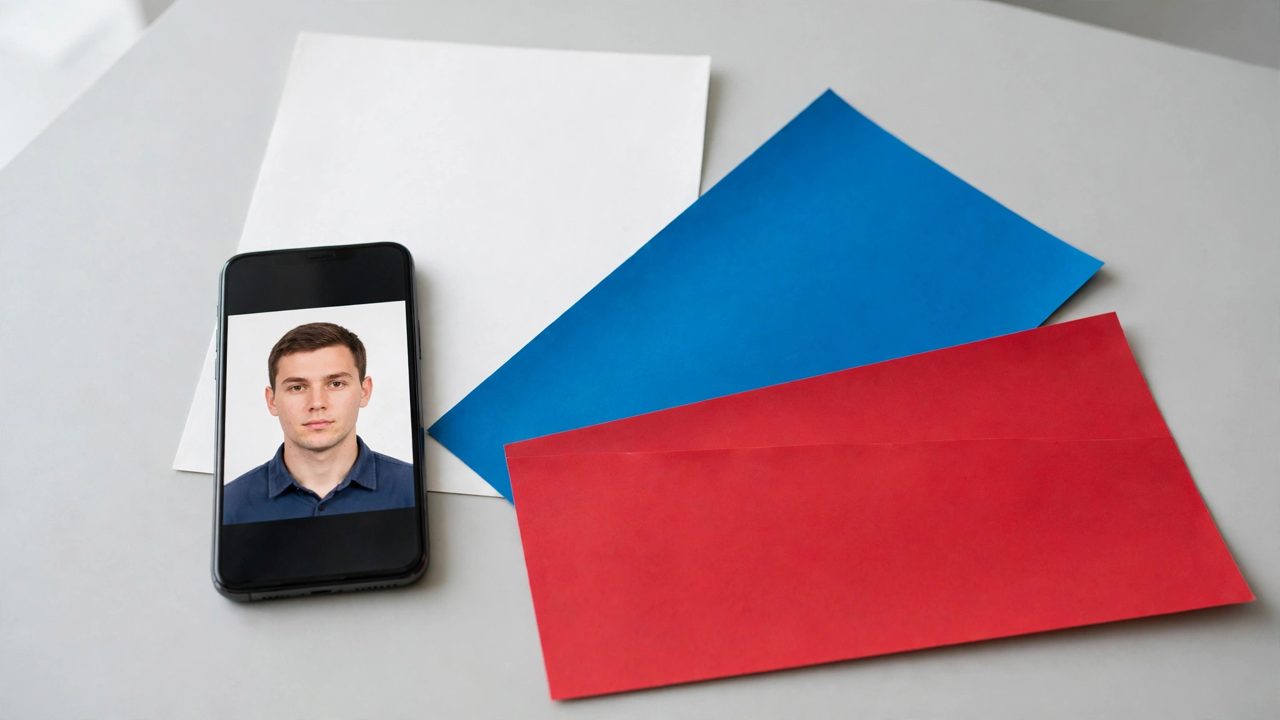
ID photo apps cannot be ranked on one list, because a quick snap for a transit card, a compliant photo for an exam registration and a polished portrait for a job application are three different jobs. Decide which of the three groups you are in first, or you will pay for retouching you do not need, or fail a size check you did not expect.
Three groups, three yardsticks
If you are in a hurry and just need a usable photo, speed and free basics matter most; Meitu ID Photo and similar mini apps are built for that. If you are registering for an exam or an official ID, you need exact pixel dimensions, file-size limits and a face that has not been reshaped; here the specification sheet matters more than filters. If you want a tidy portrait for applications or profiles, you care about gentle retouching and background swaps that still look like you.
Four options compared
| Option | Strengths | Weaknesses | Best for |
|---|---|---|---|
| Meitu ID Photo | Fast, many exam presets, automatic cropping | Retouching and exports often paid, verify each exam's rules | Hurried users, common registrations |
| Canva | Rich templates, easy background changes, good on desktop | Official exam presets not always exact | Profile and application photos |
| Fotor (online) | No install, runs in the browser, simple | Fewer local exam presets, export limits on free tier | Occasional PC users |
| Photoshop plus manual retouch | Full control of size, colour and detail | Slow, needs skill or a paid service | Strict requirements, important occasions |
Who should skip these apps
If your registration explicitly bans edited photos, a heavy skin-smoothing app is the wrong tool: a rejected photo costs more time than a studio visit. If you need one simple photo a year, you do not need an auto-renewing yearly subscription. And if you produce team photos for work, an app alone will not save you, because lighting and posture matter more than any post-processing.
Check three things before paying
First, the exact rules of whoever accepts the photo: pixels, file size, background colour, and whether ears and eyebrows must be visible. Second, the pricing structure: some apps show the result for free and charge only for a watermark-free export. Third, do a test export and check sharpness and colours on a second device before you submit.