Doubao Work announced on October 9, 2026 that its task mode now includes a canvas feature, alongside the launch of the Doubao 2.1 Lite model and access to the Seedream 5.0 Flash image model. Based on the official description, the point of this update is not a single capability but a workspace change: materials, drafts and results for complex tasks move out of scrolling chat threads and onto one shared surface. How Doubao Work differs from the regular Doubao app has been covered before in how Doubao Work and Doubao differ; the canvas is aimed squarely at the complex-task side of that split.
The canvas targets scattered results
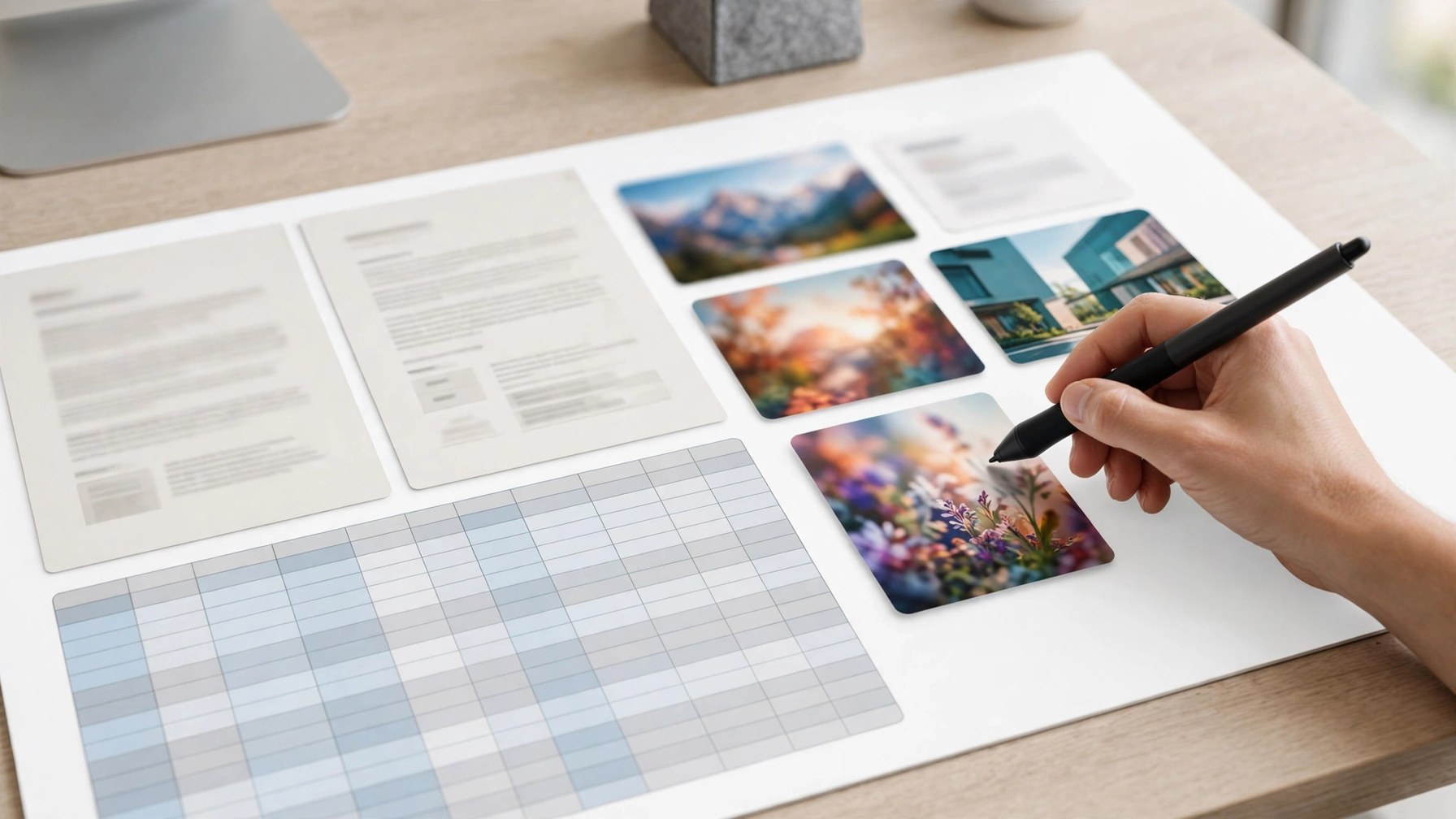
The official description has three layers. First, an infinite canvas: lay out materials, plans and outputs together, then view, compare and organize them, branching from one idea into more directions. Second, stepwise editing: after generation, users can keep adjusting text, colors and layout, from overall style down to local details, without rerunning an entire conversation to change one spot. Third, image generation lives inside the canvas too, so creating and revising happen in one place. For people who build proposals and decks regularly, the biggest pain in chat-based workflows is version scatter and awkward comparison — exactly what the canvas is meant to fix.
A lighter engine for high-frequency work
Doubao 2.1 Lite, launched the same day, is positioned as a tier that costs fewer credits and delivers faster, with multimodal ability aimed at frequent tasks such as document writing, spreadsheet handling and slide production. The logic of the pairing is clear: most steps in a complex task do not need the most expensive model tier, and a lighter model keeps credit consumption under control when volume rises. How stable it is on long documents and complex spreadsheets is something users will have to test with their own materials; vendor positioning is no substitute for that check.
A Flash tier for images, and who benefits first
The Seedream 5.0 Flash image model also arrives in Doubao Work, adding a speed-oriented option for image creation inside the canvas. If generating, selecting and editing all stay on one surface, mixed text-and-image layouts need far fewer round trips. The first beneficiaries are people who regularly produce reports, proposal visuals and formatted content; users who only chat and write simple text with Doubao will notice little and do not need to change their habits for this update. Availability and credit rules follow what the product itself displays.