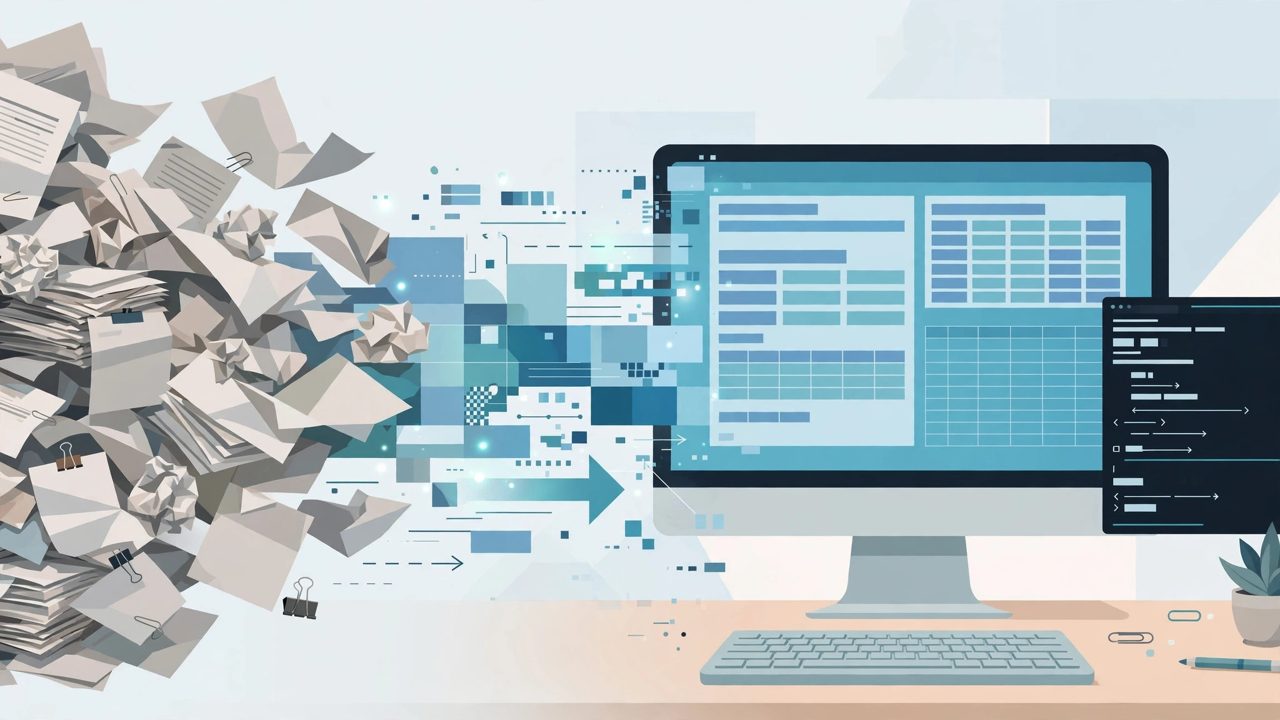
Docling tackles the most underestimated hurdle before feeding PDFs to a large model: layout. Ordinary extractors dump a PDF in character order, so two-column pages read across the gutter, tables collapse into rubble and headings merge with body text; however smart the model downstream, it can only guess from scrambled text. Docling first understands page structure, then exports clean Markdown or JSON. It has gathered over 60,000 stars on GitHub and is one of the most watched open-source projects in document parsing.
Official repository information
The platform is GitHub, the organization is docling-project and the project is docling. It began with a team at IBM Research in Zurich and now lives under the LF AI & Data Foundation, under the MIT license. It is a Python library requiring Python 3.10 or newer, installs with a single pip command, and ships a command-line interface plus ready integrations for common document question-answering frameworks.
Where it is strong, and why it spread
First, layout understanding: dedicated layout models determine reading order, heading levels, paragraphs, lists, code blocks and formulas, while a table-structure model rebuilds rows and columns instead of gluing cells together by coordinates. Second, breadth of formats: PDF, DOCX, PPTX, XLSX, HTML, images and even audio all convert into one internal document structure, then export uniformly as Markdown, HTML or JSON, so downstream code faces exactly one format. Third, scans have a path: built-in OCR handles scanned PDFs, the category most common in enterprise archives and most likely to break plain parsers. Together, these sit exactly at the entrance of a retrieval-augmented generation pipeline: documents become structured data before chunking, and retrieval and answer quality benefit downstream.
Deployment costs, in three accounts
Installing is cheap; running is where the bill arrives, because layout and table models have to load. The first run downloads model weights. A normal laptop handles small batches fine, but do not expect plain-text extraction speed: complex PDFs with tables and figures are paid for by the page. Batch production usually calls for a GPU machine or a dedicated parsing service; forcing large volumes of scans through a CPU builds a very visible queue. The third account is integration: the output is a structured document, not a finished question-answering product. From DoclingDocument to chunking, embedding and indexing there is still engineering to wire up, shortened by its connectors to mainstream frameworks.
The real traps, which the landing page skips
Complex tables still fail: cross-page tables, finance sheets full of merged cells and borderless tables can all come out wrong, so key business documents need sampled human checking. Poor scans push OCR errors all the way downstream, with stamps, handwritten notes and low-resolution pages the worst offenders. Fast release cycles cut both ways: interfaces and default models keep changing, so version pinning and regression tests are not optional discipline. And a warning against overkill: for simple documents it is a sledgehammer. Plain Markdown and tidy born-digital PDFs are served faster and cheaper by lighter tools.
Who it suits, and who it does not
It suits teams building enterprise knowledge bases, document Q&A or bulk literature pipelines who have been hurt by tables and two-column layouts, and compliance-sensitive settings where documents must be parsed locally and never leave the network. It does not suit anyone converting one or two simple files occasionally; an online tool is less trouble. It does not suit anyone expecting a question-answering system out of the box; it runs only the first leg of the pipeline. The direct test: run your ten worst-layout files through it, and only promote it into the real pipeline if tables and reading order pass.