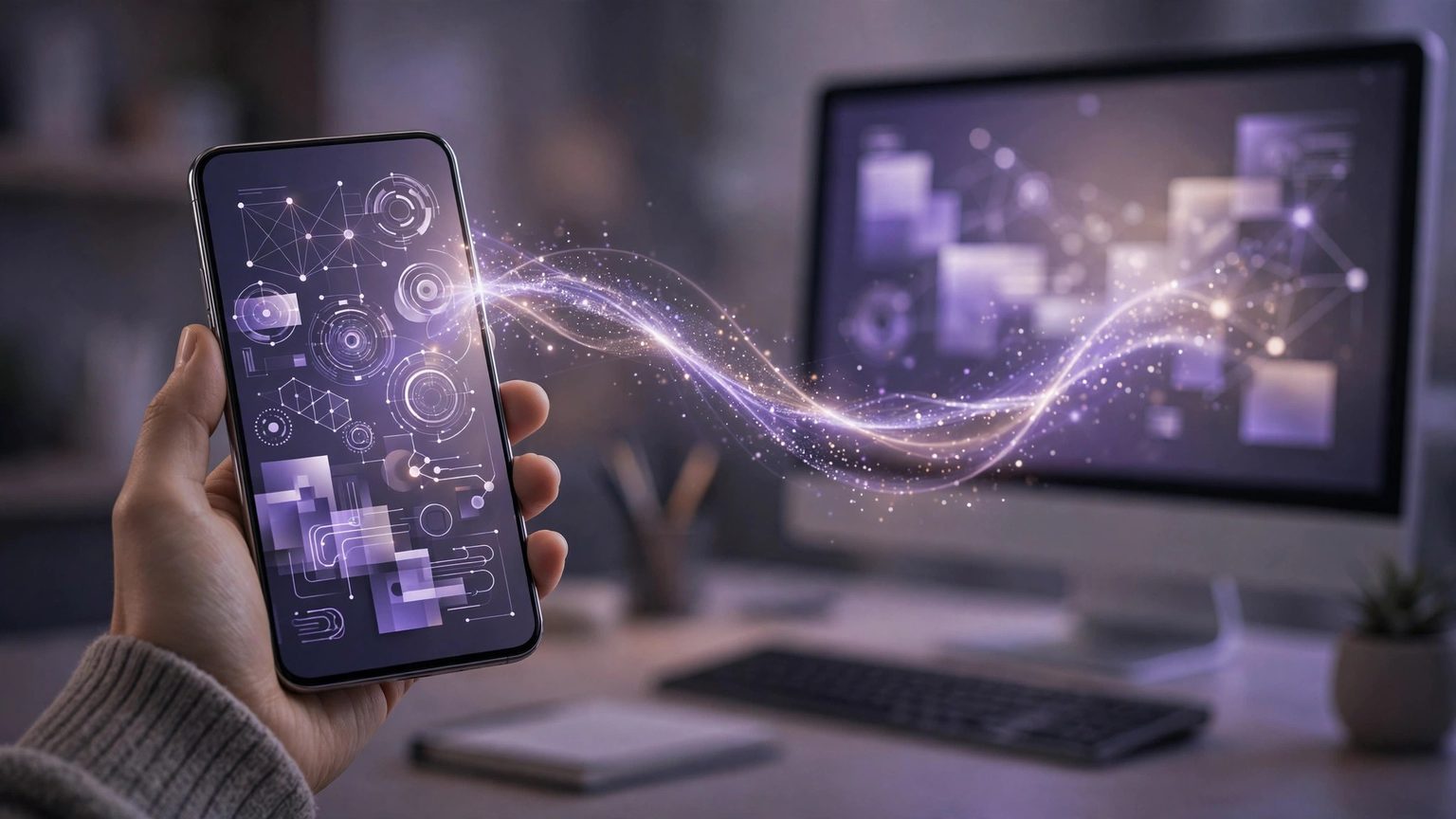
Cursor added remote control for local agents in its official changelog on October 6, 2026: developers who install the Cursor iOS app can see how far the coding agents running on their own computer have got, and reply to them directly. The agents have not moved house — they still run on the local machine. The phone is simply a remote control.
Pairing takes three steps, with three conditions
Remote control is on by default for everyone except Enterprise organizations. The path is short: download the Cursor iOS app and sign in, and the computers on your account appear in the app automatically; tap your computer in the app, then approve the pairing request in the desktop app; once paired, your local agents show up as a list — open any one of them to see what it is doing or send it a message.
The conditions are all spelled out in the changelog, and each follows from the local-running design. First, the computer must stay on and online: the agent runs on the computer, so if the machine sleeps, the remote goes dark. Second, Cursor added a keep-this-computer-awake option in the desktop settings for remote control, which requires the machine to be plugged in with the lid open. Third, Enterprise organizations have it off by default; an admin has to enable Remote control under Security and identity in the org settings.
How this differs from cloud agents
The mainstream move in coding tools over the past two years has been to move agents into the cloud: tasks run in the provider's virtual machines, and users can pick them up from any device. Cursor has chosen the opposite direction this time, and the reason sits in one line of the changelog: remote control does not require cloud agents to work.
The trade-off between the two routes is practical. Cloud execution means the machine can be switched off, but code leaves the local environment and runs on someone else's hardware. Local execution keeps code and environment untouched — the right fit for teams whose repositories may only be accessed on an internal network or a specific machine — at the cost of that computer having to stay awake. For people already used to agents working locally for long stretches, what was missing was never compute; it was a way to glance at progress and send a reply after leaving the desk. That is exactly the gap this release fills.
For now, the phone side only views and replies; it is not full task management. Creating complex tasks and changing configuration still happen in the desktop app. What it solves is the old problem of long-running agent tasks chaining a person to their desk — not putting the whole IDE into a phone. As single coding-agent tasks keep getting longer, remote-control companions like this are likely to become standard across coding tools. The only difference will be whether the task moves to the cloud, or the interface comes to the phone.