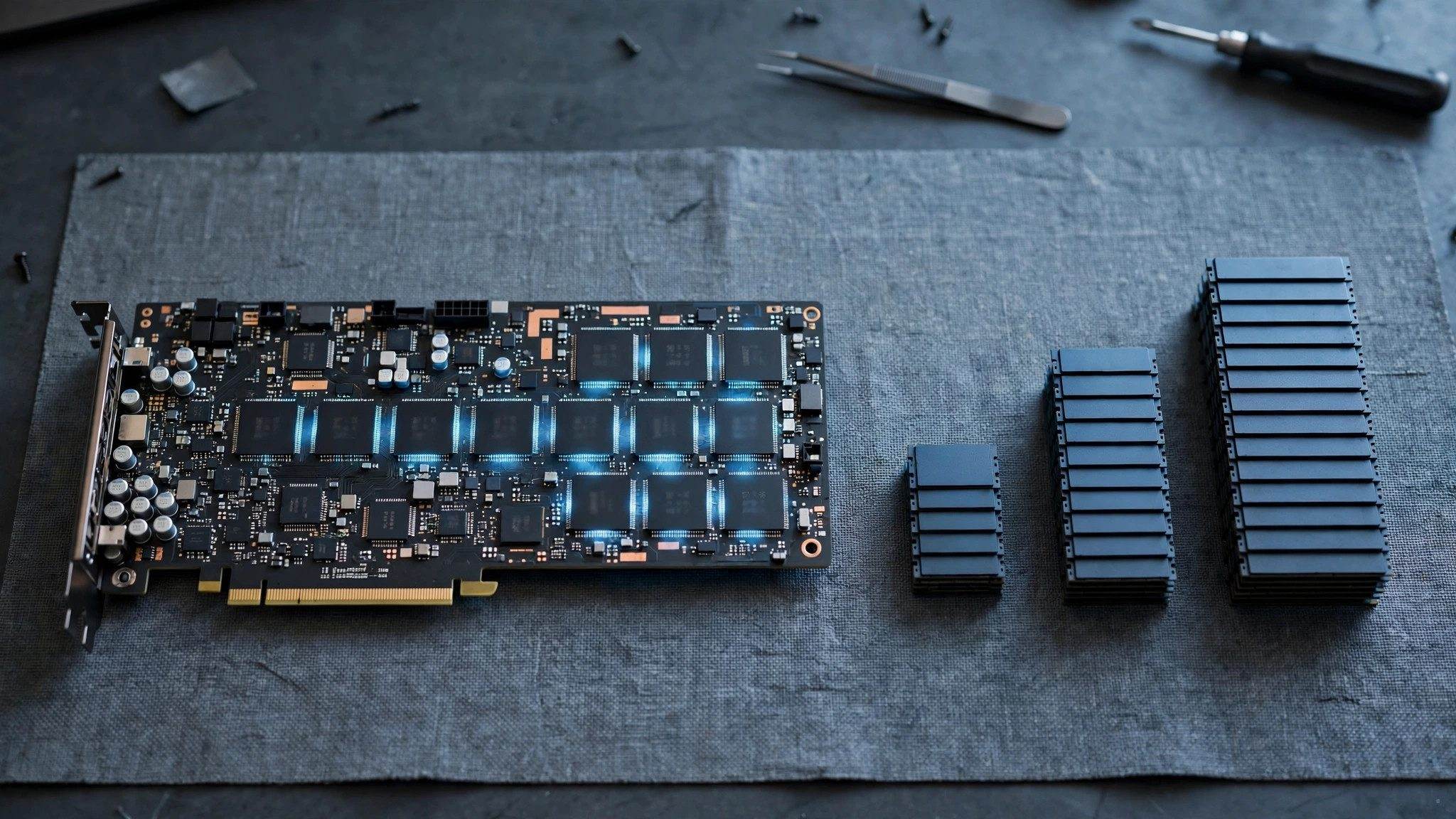
When running large models locally, whether your graphics card has enough VRAM often sets the ceiling for your experience before you even finish downloading the model. Many people look at compute power first, only to find the model will not fit, or fits only with a very short context. VRAM is a hard limit: buy too little and you cannot add more later, you have to replace the whole card.
Start with the tiers: what each amount of VRAM can run
| VRAM | Models it runs comfortably | Who it suits |
|---|---|---|
| 8GB | Q4-quantized 7B/8B models, short context | People just trying it out, occasional offline chat |
| 16GB | 14B comfortably, 32B barely with restrained context | Most people who seriously want local deployment |
| 24GB | 32B with room left for context | People who need longer context and steadier performance |
| 32GB | Plenty of room for 32B, still not enough for 70B | People with a generous budget who want headroom |
| 48GB or more | 70B-class models | People who tinker with large models, willing to use dual cards or change platforms |
This table is about running comfortably, not barely squeezing a model in. With Q4 quantization as a rough guide, 7B/8B weights take about 4.5 to 5.5GB, 14B about 9GB, 32B about 19 to 20GB, and 70B more than 40GB. On top of the weights you need room for context, the KV cache and system use, so too little headroom means out-of-memory errors or frequent slowdowns.
Why VRAM bottlenecks you before compute does
Weights are not the only thing using VRAM at runtime. The longer the conversation and the larger the context, the more the KV cache grows. You may see this pattern: the model file clearly fits, yet after a few turns it errors, or you have to shrink the context so much that it starts forgetting earlier content. That is not a lack of compute, it is VRAM filled by weights and cache together.
So do not size a card by matching weight size exactly to VRAM. For a 14B model, 9GB of weights feel right with 16GB of VRAM; for a 32B model, 19 to 20GB of weights call for 24GB of VRAM, while 16GB is only abarely attempt. Cards like the RTX 5080 are often criticized for having strong compute but only 16GB of VRAM for exactly this reason: speed is not the problem, capacity tops out first.
For common models, the RTX 5060 Ti has a 16GB version, the RTX 5070 has 12GB, the RTX 5070 Ti and RTX 5080 have 16GB, the RTX 5090 has 32GB, and the RTX 4090 and RTX 3090 both have 24GB. A used RTX 3090 is often seen as a value sweet spot precisely because of its 24GB, though prices move with the market, so check condition and power draw.
How three kinds of buyers should choose
Just trying it out
If your current card has 8GB or 12GB, do not rush to replace it. A Q4-quantized 7B/8B model is enough to experience local chat and write short texts. For an easy start, see LM Studio: putting a large model into a desktop app, simple to download and chat, with three costs in memory, quantization and model choice, get the workflow running first, then decide whether a larger model is worth paying for.
Seriously deploying locally
Aim for 14B to 32B: 16GB is the current sweet spot, 24GB is steadier. For everyday coding, document work and keeping data on your own machine, 14B already covers most needs, with no reason to jump straight to the largest model. If your workflow often loads long documents and long context, go directly to 24GB and skip repeated parameter tuning.
Tinkering with large models
Running 70B means accepting clearly higher costs: a single consumer card does not have enough VRAM, so consider dual cards or a platform with more unified memory. Consumer 40-series and 50-series cards have no NVLink, and multi-card scaling and software support are limited, so do not assume two cards simply double your capacity; check your inference framework's multi-card support first.
Where it is not worth it, and the alternatives
Buying an RTX 5090 just for chat is a classic waste. You will not use its 32GB of VRAM or its compute, while cooling and power supply costs still follow. Conversely, forcing yourself into a new 8GB card and hoping to run large models later is also poor value, because a VRAM shortfall cannot be fixed by settings.
There are two alternative routes. One is Apple Mac unified memory: 64GB and 128GB machines can hold larger models and suit people already in the Mac ecosystem, but speed, quantization formats and tooling differ from NVIDIA cards, so graphics card experience does not transfer directly. The other is cloud APIs, which for occasional use with a focus on quality are often cheaper than buying a large-VRAM card. The value of local deployment is privacy, offline use and controllable cost at high volume; if none of those apply to you, do not rush to buy a card.