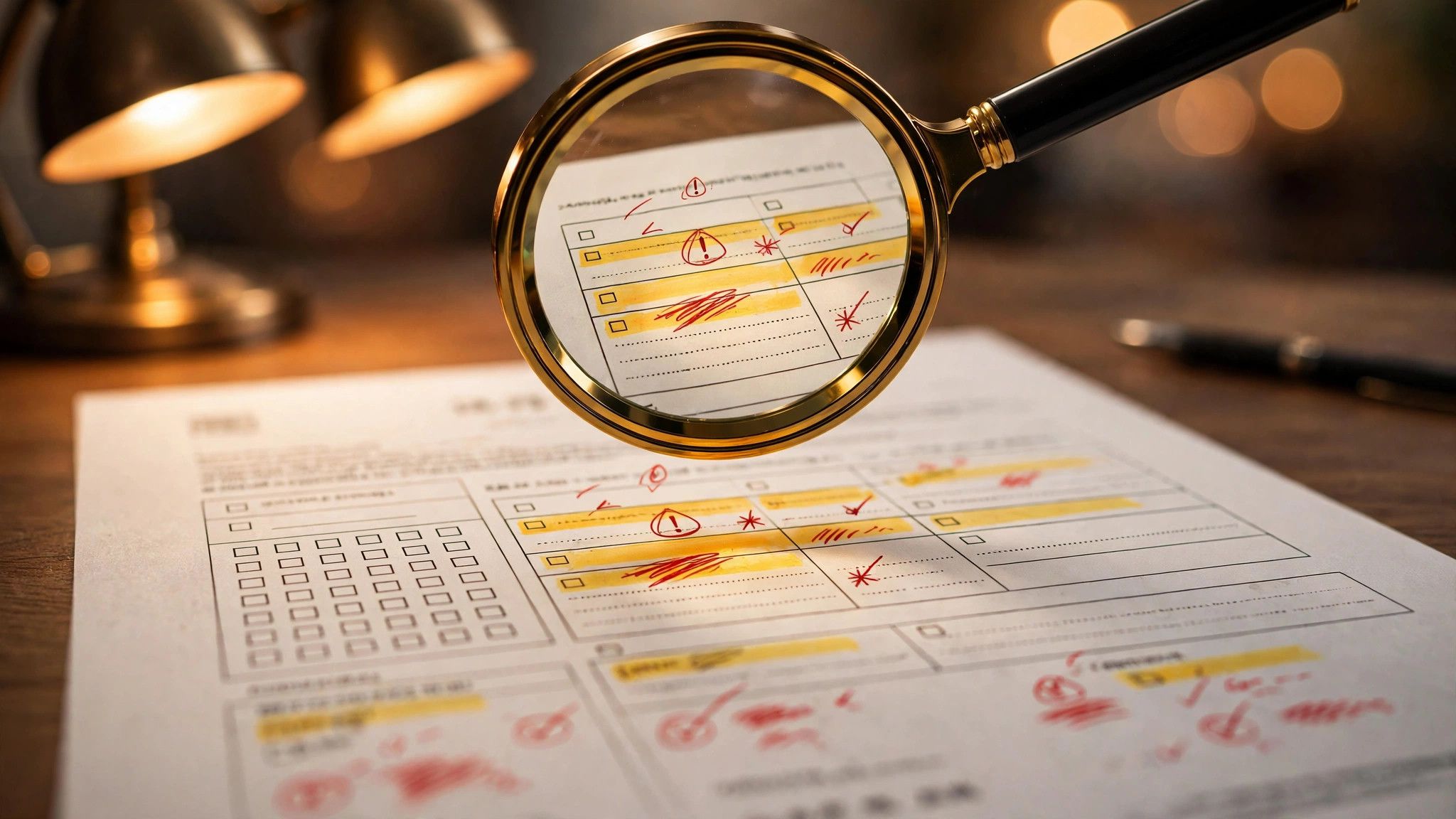
A contract review prompt is a concrete way to hand "reading a contract clause by clause" over to AI — it takes time and it's easy to miss things. You paste the contract text in, and AI marks the risk level of each clause, lists the clauses that work against you, the key clauses that are missing, and the wording that's ambiguous. The prompt below works with copy-paste.
What this prompt is for
Rental agreements, employment contracts, partnership agreements, procurement contracts — contracts with long, convoluted wording where you can easily overlook liability exemptions, breach-of-contract terms, and dispute resolution clauses. It's good for a first-pass screening when you receive a contract: look at the high-risk points AI flags first, then decide whether to read every clause yourself or go straight to a lawyer.
The prompt (copy and paste to use)
You are a lawyer with 10 years of experience reviewing commercial contracts. Review the contract below and produce a review report in English.

Contract text:
[CONTRACT_TEXT]

Review requirements:
1. Go through the contract clause by clause, marking each one: no risk / low risk / high risk.
2. Identify clauses unfavorable to [MY_ROLE], explain why, and suggest revisions.
3. Point out clauses that should exist but are missing (e.g. dispute resolution, confidentiality obligations, force majeure, early termination conditions).
4. Find vague or ambiguous wording, list each one, and explain the ambiguity.
5. End with a summary table of high-risk clauses with columns: clause number | risk | suggested revision.

Base your judgment only on the contract text itself; do not invent legal authority. Mark anything uncertain with "consult a lawyer".
Replaceable variables (3 total)
| Variable | What to fill in | Example |
|---|---|---|
| [CONTRACT_TEXT] | The full contract text, pasted in | A residential lease agreement |
| [MY_ROLE] | Your role in the contract | Lessee / Party B / Buyer |
| [FOCUS] | The clause areas you want to watch closely | Penalties / intellectual property / data use |
Example: set [MY_ROLE] to "lessee" and [FOCUS] to "deposit refunds and early termination", and the report will focus on your role and concerns instead of giving a generic read of the whole document.
3 ways to get a more accurate review
- Paste long contracts in sections. Paste 3–5 clauses at a time and continue with the next section after each review, so a long document doesn't get cut off after the first half.
- Ask for clause numbers. Have the AI cite the clause number for every risk, so you can find each one in the original text instantly.
- Get the list first, then follow up. After you have the report, keep asking about specific clauses — "what wording would make this clause safer" — to turn one review into several rounds of refinement.
Two ground rules to keep
Redact confidential information before pasting, or only use an AI tool your company allows. AI review is a screening step, not a substitute for a lawyer — anything the report marks as "consult a lawyer" really should be confirmed by one before you sign.
Next time you receive a contract, spend five minutes running this prompt first, then decide whether to read it clause by clause. Spend the time you save on the parts where human judgment actually matters.