Dify is worth a serious look, and it fits two groups best: teams that want to ship working AI apps (internal support, knowledge Q&A, approval assistants) without building a backend from scratch, and companies with data-sovereignty needs that want AI running on their own servers. It is an open-source AI app platform with about 150,000 stars on GitHub, packing visual workflows, a knowledge base, agents, and model management into one workspace. But if you are just experimenting as an individual, have no server, or plan to repackage it as a multi-tenant SaaS to sell, read the pitfalls below before you decide.
Official repository info
Platform: GitHub; organization: langgenius; project: Dify. The license is the Dify Open Source License — Apache-2.0 with two extra conditions: you may not use this code to run a multi-tenant SaaS directly (one tenant equals one workspace), and you may not remove the frontend LOGO or copyright notices. Deploying it and using it yourself — even commercially — is explicitly allowed.
What Dify actually does
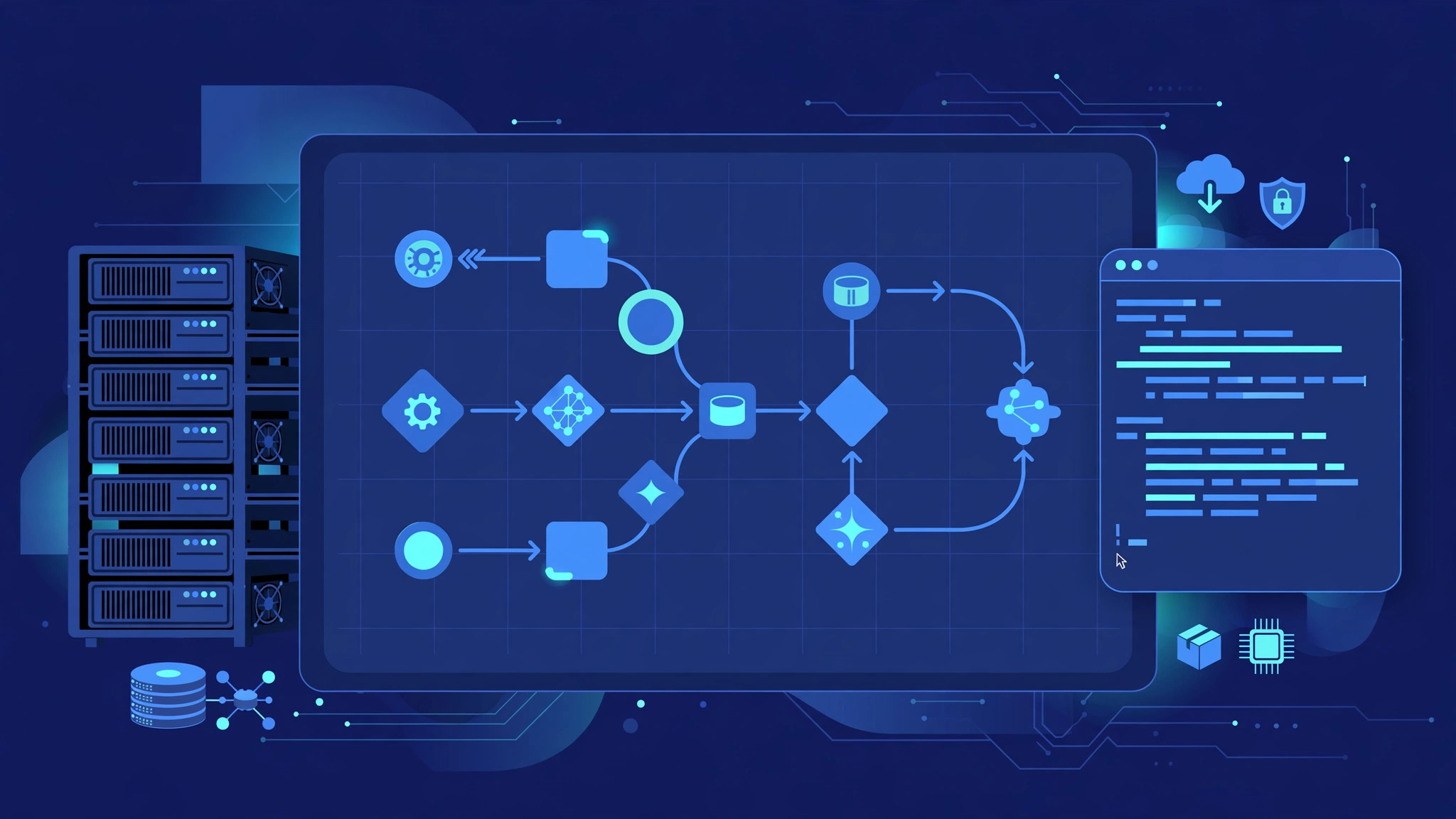
Think of it as an "operating system for AI apps": drag and drop multi-step workflows on a visual canvas (prompt chains, conditionals, tool calls, retrieval steps), build a searchable knowledge base (RAG) from PDFs, PPTs, and documents, and add agent capabilities (function calling and ReAct, with 50+ built-in tools). Every app you build ships with its own API, so it can plug into your product as a backend, plus an LLMOps dashboard for monitoring production traffic and iterating on prompts.
Why it blew up
The reasons are practical: the bar is low — you can drag together a working AI app without writing code; your data stays yours, since sensitive documents never have to go to someone else's cloud; you move from prototype to production without switching stacks; the team behind it has a Chinese background and the core docs come in Chinese. It also connects to 100+ model providers, so switching models does not mean rewriting your app.
Who it fits — and who it doesn't
A good fit for: teams with servers that want to deliver internal AI apps fast; companies that want knowledge-base Q&A and AI support running in their own data center; solo developers short on backend help who can use Dify as an API backend. Not a good fit for: individuals who just want to chat with AI (the official cloud version is easier); companies that want to sell a multi-tenant AI app platform (the license forbids it — a commercial license is required); teams with zero ops capacity who do not want to touch Docker. Our n8n self-hosting guide takes the same self-hosting route but leans toward general automation — a useful contrast in positioning.
Four things to check before self-hosting
First, the "getting it running" bill: the official Docker Compose setup goes from code to a live UI in a few commands, and a 4-core, 8GB cloud server is enough for a demo environment — cheap for validating ideas. Second, the "production" bill: Dify is a full-stack bundle that spins up PostgreSQL, Redis, a vector database, and more containers at once; plan for 8 cores and 16GB for real production, and budget GPU and VRAM separately if you also want to run open-source models locally — see our Ollama local deployment cost breakdown. Third, the "upgrades and maintenance" bill: cross-version upgrades occasionally involve data migrations, so back up your database before upgrading production; some users have hit stuck migrations when jumping versions. Fourth, the "license compliance" bill: the Dify Open Source License is not plain Apache-2.0 — self-hosted commercial use is fine, but multi-tenant SaaS and logo removal are off-limits, so have legal review it before kicking off the project.
Four real pitfalls
One: the plugin ecosystem is still early; the official plugin marketplace started later than the main project, so niche needs will likely mean writing your own plugin or calling the API directly. Two: advanced material skews English — core docs exist in Chinese, but troubleshooting and deep tuning mostly live in the English GitHub Discussions. Three: as your knowledge base grows, vectorization and embedding costs climb noticeably; plan vector-database resources separately for large document volumes. Four: the community and enterprise editions differ — SSO, RBAC, and other enterprise features require the commercial edition, so small teams on the community edition should confirm the feature list is enough.
One last reminder before you deploy
If what you want is a "self-controlled AI app platform", Dify is currently the most complete open-source option: first run a real scenario on a cloud server with Docker Compose, confirm the workflows and knowledge base meet your needs, then commit production resources. If you are just experimenting, use the official cloud version and skip self-hosting.