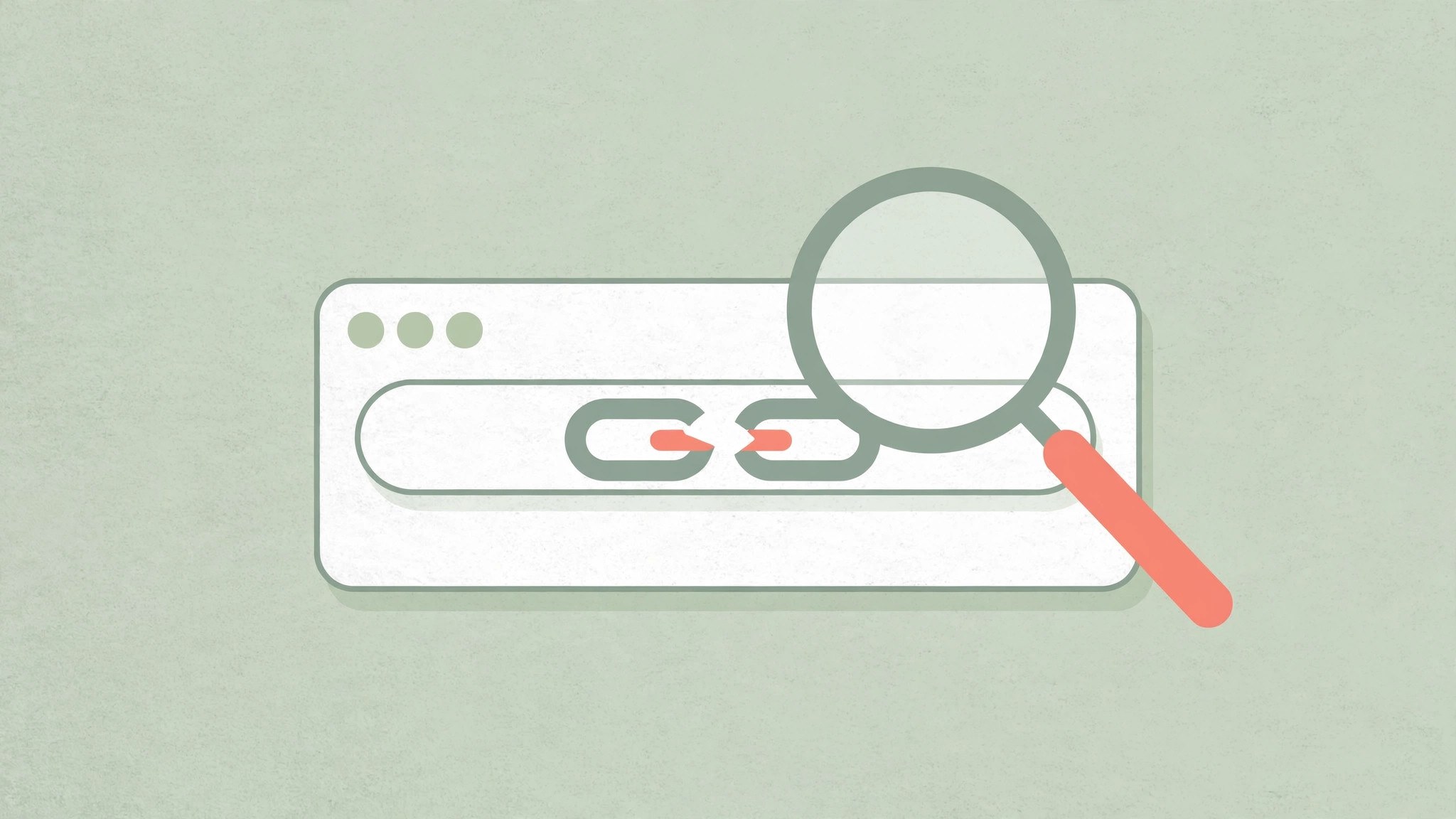
When a link from an AI won't open, it's usually fabricated: a pure chat model has no real URL database — its links are generated to look plausible, and the page may never have existed. Less often, the page is genuinely dead, blocked by a login or paywall, or the AI search engine attached the wrong citation. Before clicking around in circles, spend 30 seconds figuring out which case you're in, then decide whether to look for an alternative source.
Four reasons an AI link won't open
1. The model made it up (hallucinated URL)
A chat model is essentially predicting the next word. It has seen URL formats countless times — what domains look like, how paths are built — but it doesn't reliably remember which article lives at which address. So it invents a perfectly formatted, confidently worded link — title, author, publisher all included — that simply doesn't open. Tell-tale sign: searching the exact title turns up nothing anywhere, and the domain looks unfamiliar.
2. The page was real but is gone (link rot)
Pages get deleted, redesigned, moved, or whole sites shut down. The distinction matters: a link that's dead the moment a fresh answer arrives was likely fabricated; a dead link in an old saved answer is probably just natural rot. Tell-tale sign: searching the title finds a newer page on the same topic, or an archived snapshot of the old one.
3. The page exists, but you can't get in
Common with academic papers, paid news, and members-only forums: the link is real, but opening it lands you on a login page, subscription wall, or a 403 — not a 404. That's not the AI's fault; anyone's link would hit the same wall. Tell-tale sign: login, payment, or region-restriction prompts instead of "page not found".
4. The AI search engine mismatched its citations
An AI with web search did fetch real pages, but attached the wrong source: the link opens, yet its content doesn't match what the AI claimed. Tell-tale sign: the link works, but the quoted sentence is nowhere on the page.
Three steps: verify a link in 30 seconds
Step 1: Copy the keywords and search them yourself
Don't click the AI's link directly. Pull out the title, author, and key terms and search them in a search engine. If the original turns up, the content is real — the AI just garbled the URL. Use the link you found instead.
Step 2: Check whether the domain looks trustworthy
Official sites, government, universities, publishers, and major media domains are generally reliable; an obscure domain you've never seen, paired with a suspiciously plausible-looking title, is very likely fabricated.
Step 3: Cross-check with an AI search that shows citations
Ask the same question to an AI with web search and visible sources, then check whether its citations open and match the claims. Only when both sides agree is the result trustworthy.
When you must search it yourself
Treat links from a pure chat model (no web access) as untrustworthy by default: the only thing behind them is a plausible-looking format, not an actual visit. Web-enabled AI with citations is relatively more reliable, but citation mismatches and stale caches still happen — always open and verify the original for anything important. Whenever the link will be used as evidence — papers, reimbursements, medical or legal matters, public quotes — don't take the AI's link at face value. Search it yourself, open it, confirm, and note the access date.
Next time an AI's link won't open, don't blame your network first: spend 30 seconds running through the checks above, and most of the time you'll find the problem isn't your connection — the link never existed. Make it a habit, and AI hallucinations can't trip you up.