Is Cherry Studio actually worth installing? Start with what it is: an open-source AI desktop client with around 52,000 stars on GitHub, billed as an "AI productivity studio" that packs multi-model chat, 300+ built-in assistants, and tool-calling autonomous agents into a single window. There's no server to deploy — download the installer, plug in your own model API keys or connect a local model, and you're off. Below: the current state of the project, who it's for, what it really costs, and three documented pitfalls pulled from its GitHub Issues.
One window for chat, assistants, and agents
Cherry Studio's core selling point is aggregation: OpenAI, Anthropic, DeepSeek, and various Chinese model providers each have their own websites and clients, and Cherry Studio pulls all those entry points into one desktop app — one chat interface can call multiple models at once and compare answers side by side; 300+ built-in assistants cover writing, translation, and coding scenarios, and you can also create custom assistants.
Since version 2.0, it has grown from a "chat shell" into a "workbench": the agent runtime is now built in, agents can read and write local files and maintain knowledge bases, and the new office-transform skill in 2.1.0 can extract content from spreadsheets, documents, PDFs, and slides into new files. It supports MCP (Model Context Protocol) so external tool capabilities can be plugged in, and 2.1.0 added built-in browser control for agents.
Why it took off
Three reasons. First, a real pain point: multi-model users genuinely exist, and managing dozens of model entry points in one client is a real need. Second, a fast release cadence — major versions dare to refactor. Third, a strong Chinese-language ecosystem: every release ships a China Edition (CN) installer alongside the global one, release notes are bilingual in Chinese and English, and Chinese users can find plenty of Chinese-language discussion when they run into problems.
Who it's for — and who should skip it
Three groups fit: people holding API keys from multiple model providers who want unified management; people who want to keep assistants, agents, and knowledge bases in one place for the long run; and people who want to connect local models (Ollama, LM Studio) to save on API bills, or tinkerers who enjoy MCP and want to hook external tools into their AI.
And the honest "not for you" list: if you just want a lightweight chat box, this is overkill; users on macOS below version 13 can't install it — v2.1.0 raised the minimum to macOS 13; and if you're unwilling to grant a desktop app file read/write permissions, skip it — its agent capabilities are built on local file access, no way around that.
Cost: the software is free, the models cost money
One key concept first: Cherry Studio is a desktop client, not a server project you have to deploy. Download the installer for your system (Windows, macOS, and Linux are all covered, plus portable builds that need no installation), double-click, and it runs — no servers, domains, or ops costs.
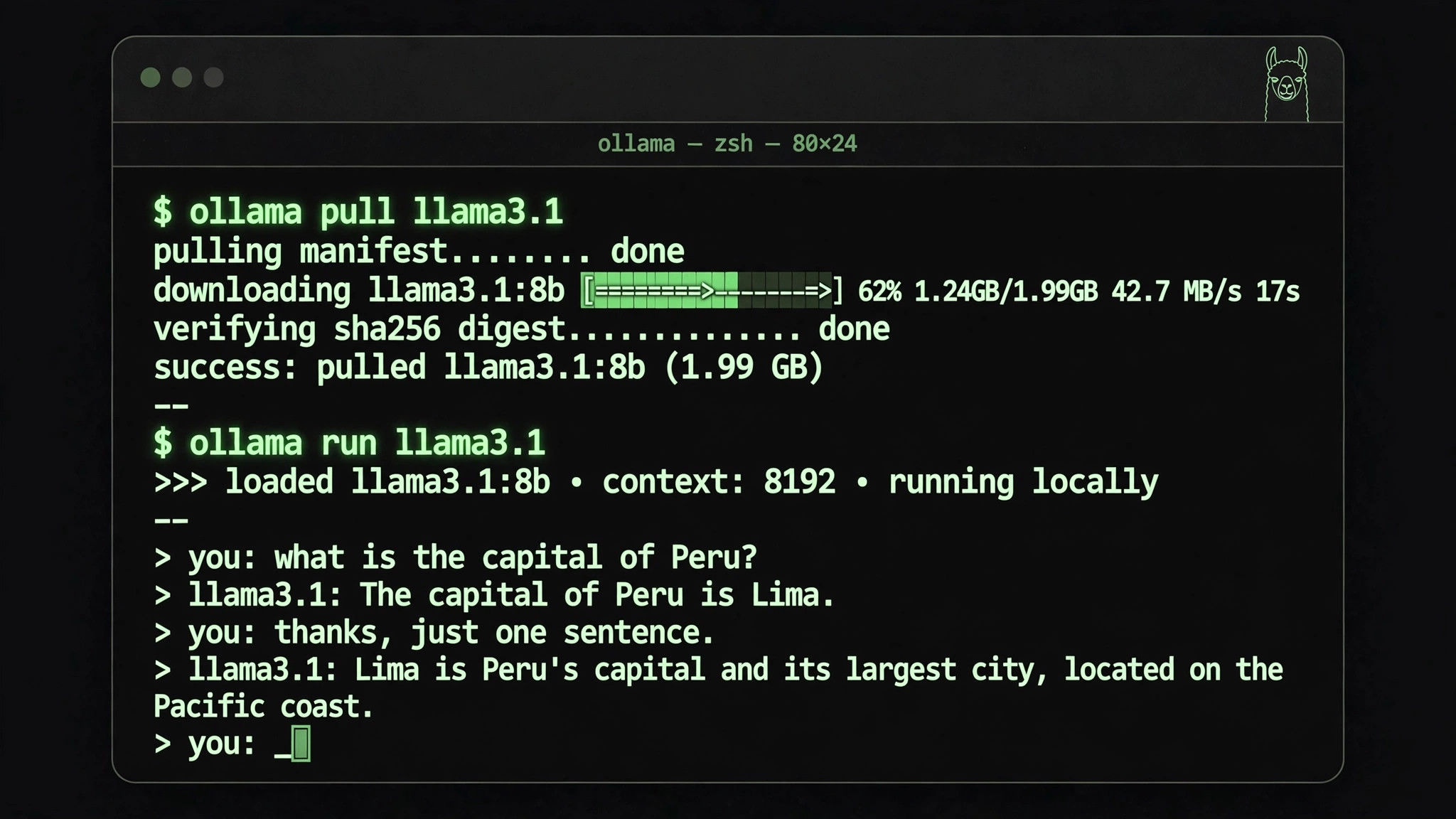
The real cost is the models. Use cloud APIs and you pay per use under each provider's pricing; use local models via Ollama or LM Studio and the cost becomes your machine's RAM and VRAM. One money-saving detail: since 2.0 it can reuse existing subscriptions like Claude and Codex.
Three real pitfalls, from GitHub Issues
Pitfall one: back up before upgrading. A user reported that after updating to v1.9.13, files in a folder on their D: drive appeared to have been deleted, suspected to be a bug in the update migration or cleanup logic (Issue #18074). A single case, but the lesson is universal: back up important directories before upgrading.
Pitfall two: long sessions got laggy after 2.0. A user reported that once a single topic accumulated around 20k tokens, scrolling and pagination in the chat UI started dropping frames noticeably, while the same scenario was smooth in v1 — a suspected rendering regression from the v2 rewrite (Issue #18356). If you like chatting tens of thousands of words in one topic, start new topics regularly.
Pitfall three: heavy MCP users should think twice before upgrading. A regression in 2.0: prompts exposed by MCP servers are visible on the settings page but can't be invoked from the chat input — the slash command that worked in 1.x disappeared in the 2.0 rewrite (Issue #17999). If your workflow depends heavily on MCP prompts, confirm whether it's fixed before upgrading.
Official repository info
- Platform: GitHub
- Organization: CherryHQ
- Project: cherry-studio
- Repository:
CherryHQ/cherry-studio(plain text)
Bottom line: Cherry Studio is a Swiss Army knife for power users — the more models you juggle and the messier your needs, the more it's worth it. If you only ask it the occasional question, its learning and setup costs will outweigh the benefits.