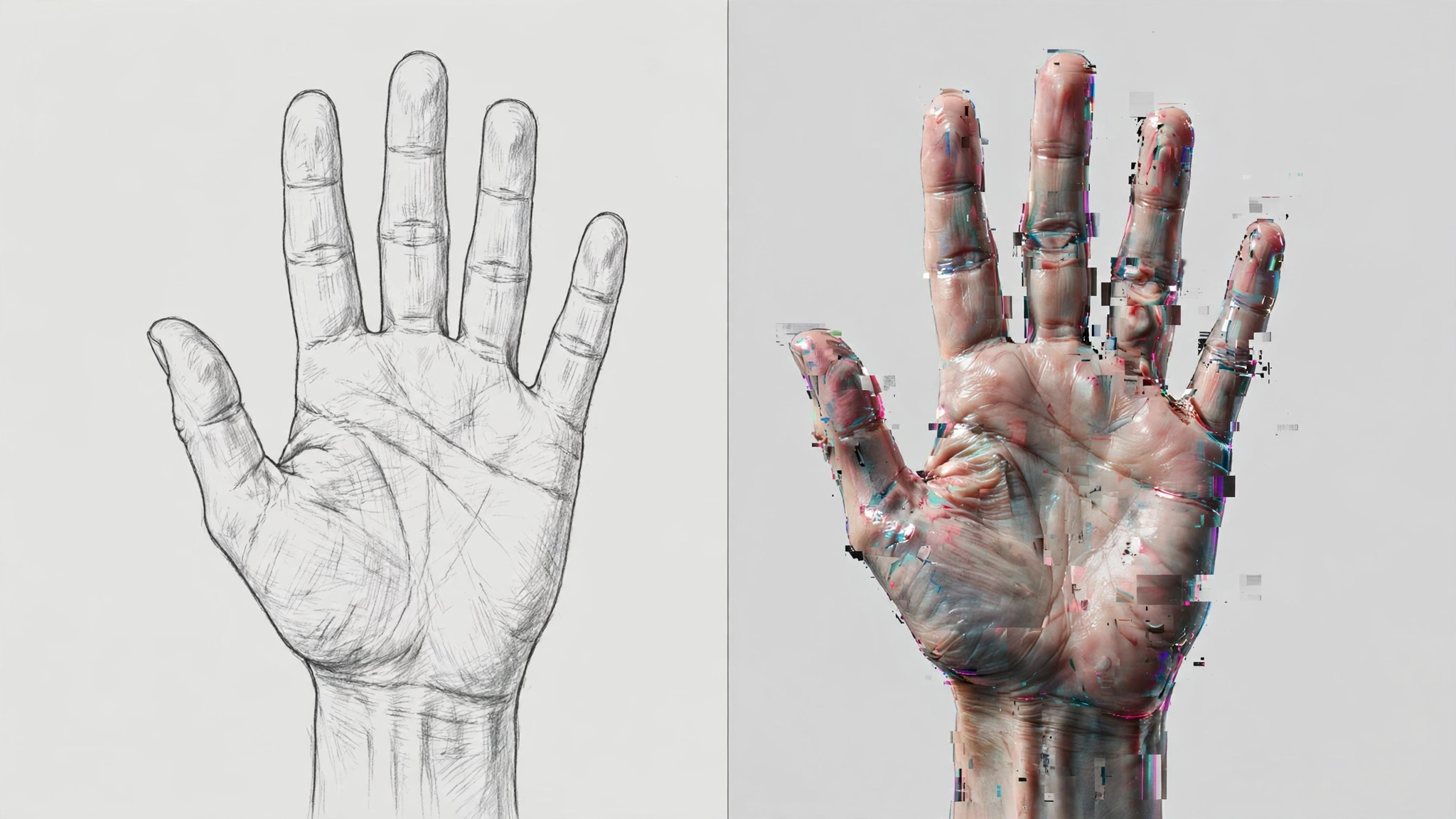
AI image generation messes up fingers mostly because diffusion models never learned hand structure well enough — prompts can only mitigate the problem, never fully fix it. When a model draws fingers, it doesn't actually "count" them; it guesses the number and placement from pixel statistics, and a wrong guess means an extra or missing finger. To fix it, first figure out which of the three causes you're dealing with, then treat each accordingly.
Three causes: find yours
1. Structural limits of the model — the main cause
Diffusion models saw far fewer clean close-ups of hands during training than faces or bodies, and hands vary enormously in pose, angle, and occlusion. To the model, fingers aren't a skeleton-with-flesh structure — they're just the guess "this patch of pixels probably looks like fingers," which is why six fingers, fused fingers, and noodle-like digits are so common. Newer models are better, but the underlying mechanism hasn't changed — no prompt can fix this part.
2. Prompt and parameter issues — the part you can change
- Your positive prompt never says what the hands are doing: you described the person and the scene, and left the hand motion to the model's imagination;
- No hand-related negative prompts: terms like bad hands, deformed fingers, extra fingers never made it into your negative prompt;
- Hands are too small in the frame: when hands occupy only a few dozen pixels, the model has no room to render the structure correctly, and no prompt can save that.
If your prompts always feel too thin, this guide on expanding AI drawing prompts shows how to turn a one-line idea into a generatable structure.
3. Local fixes work — don't reroll the whole image yet
A broken hand is usually a local problem. Inpainting just the hand is far cheaper than rerolling the entire image, and it preserves the parts you already like.
Fix it step by step, in this order
Step 1: Fix your negative prompt first, then reroll
Add to your negative prompt permanently: bad hands, deformed hands, malformed fingers, extra fingers, missing fingers, fused fingers. Describe the hand action in the positive prompt, e.g. hands resting on table, five fingers visible. Reroll a few times — this is the cheapest step.
Step 2: In Midjourney, use Vary (Region) to repaint the hand
Upscale the image first, then click Vary (Region), select the hand area with the rectangle or lasso tool, describe only what the hand should look like in the prompt, and submit. Midjourney recommends selecting 20% to 50% of the image for best results; if the hand is tiny in the original, upscale or crop first and the success rate goes up.
Step 3: In Stable Diffusion, use ADetailer to auto-fix hands
With the ADetailer extension installed, choose a hand detection model (such as hand_yolo) — it finds hands automatically and repaints them with inpainting. Don't max out the denoising strength; around 0.5 repaints the fingers while keeping the original composition. For extra stability, add ControlNet OpenPose to constrain the hand pose with a skeleton.
Step 4: If you draw people often, switch to a model with better hands
Older models (like SD 1.5) are inherently weak at hand structure; newer families like SDXL and FLUX learned hands far better. If portraits are your main work, switching models beats endlessly tuning prompts. See this AI image tool comparison for choosing.
When to stop tweaking and change approach
- The hand is a tiny element in a corner: just crop it out or shrink it — nobody will stare at it;
- The same hand still breaks after three or four repaints: the composition is hostile to hands — put the hands in pockets, behind the back, or switch to a composition that doesn't show hands, which saves more time than brute-forcing;
- Commercial work demanding 100% accurate fingers: don't rely on generation — use real photography or hire a retoucher. Current AI can't guarantee that.