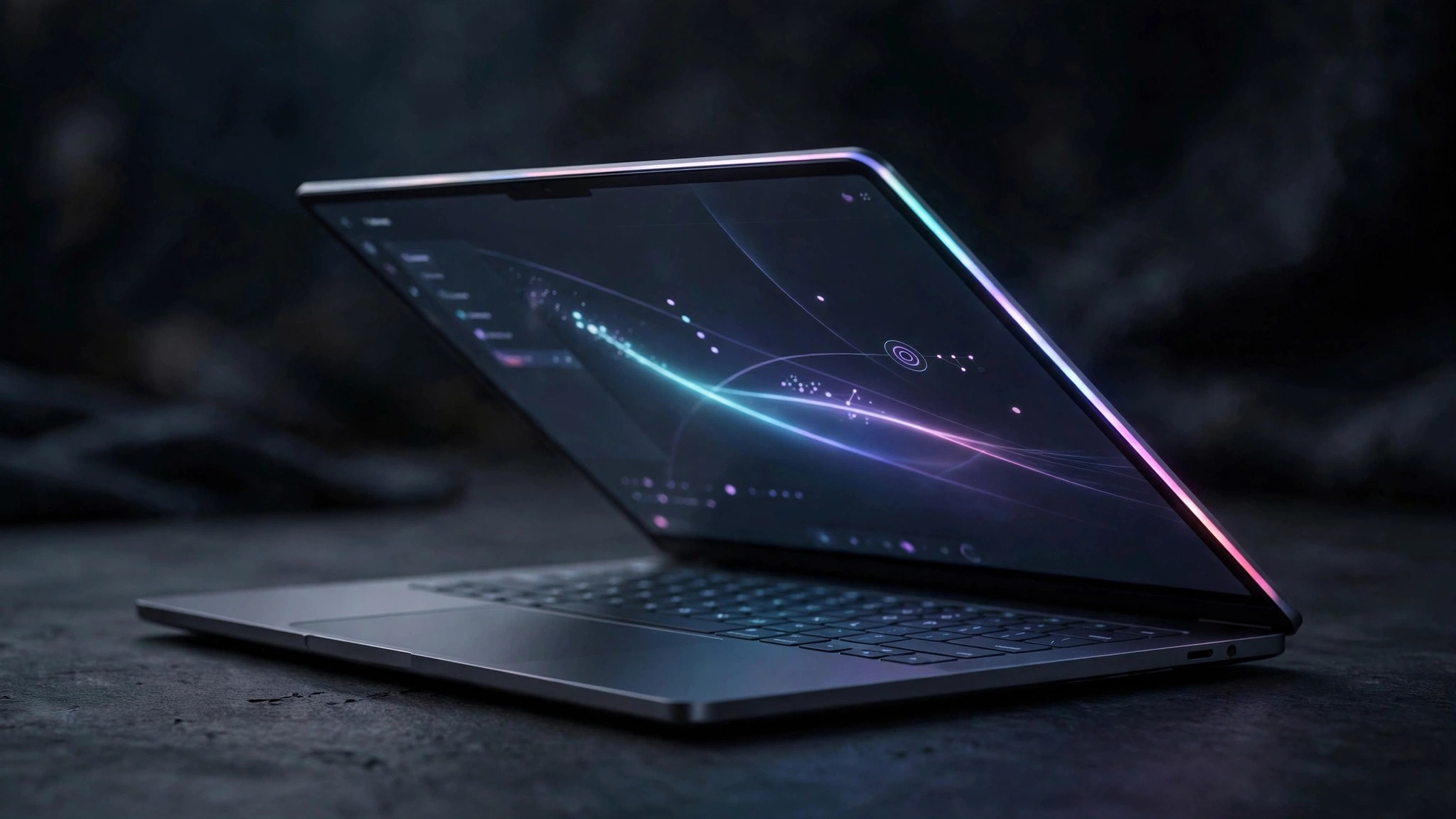
On May 12, 2026, Google unveiled a brand-new laptop category at The Android Show: Googlebook. Built around Gemini and running a new system that merges Android with ChromeOS, it sits above Chromebooks and targets the premium market. Importantly, it is not a Chromebook successor but a new category — Chromebooks will keep selling and keep getting updates.
On September 21, Acer announced the first shipping model, the Googlebook 14: a 14-inch convertible with a 3K OLED touchscreen, weighing 1.14 kg, supporting Continue On and Cast My Apps (requires a phone running Android 17 or later). Acer, ASUS, Dell, HP, and Lenovo will all release Googlebook models, on sale in fall 2026, with a glowing "glowbar" light strip on the lid.
The core change: AI takes over the cursor, dictation, and background tasks
Using AI on a PC used to mean a fragmented workflow: selecting text, copying and pasting across windows, manually moving context around; tidying up dictated notes yourself; hunting for custom tools to have AI watch background tasks. Googlebook aims to eliminate that layer of manual hauling.
Magic Pointer is the centerpiece: shake the cursor and Gemini appears, offering contextual suggestions based on whatever the cursor points at on screen. A date in an email becomes a suggestion to create a meeting; two images on screen become a suggestion to combine them into a visualization; tools like ask, compare, and combine are built in. Create My Widget generates desktop widgets from natural-language prompts and can hook into Gmail and Calendar for personalized panels. Quick Access lets you view, search, and insert phone files without transferring them; Android apps run natively, and phone apps can be cast to the laptop.
The catch: the deeper you are in Google's ecosystem, the better it gets
The full Googlebook experience is tied to Google's ecosystem. To get the most out of Quick Access phone-file integration and Cast My Apps, you need a phone running Android 17 or later — iPhone buyers give up roughly half the ecosystem selling points. Capabilities like Magic Pointer currently rely on cloud Gemini, which means you need connectivity, a Gemini account, and regional/language support is still to be announced. The merged Android-ChromeOS system is first-generation, so compatibility and stability need real-world reviews to verify.
Against Windows and Mac: where it wins
The closest parallel is Windows 11's Click to Do: select on-screen content and act on it in place. The difference is interaction order — with Click to Do you select first, then call up AI actions; with Magic Pointer you shake the cursor and Gemini looks at what you're pointing at before suggesting, one step more proactive. Copilot+ PCs also have NPUs for on-device inference, while Googlebook currently leans more on the cloud.
On the Mac side, Apple Intelligence offers system-level AI like writing tools, but Apple's privacy stance means there is no "AI proactively looks at your screen and suggests" layer. So Googlebook's differentiation isn't specs — it's system-level contextual awareness plus Google ecosystem integration: Gmail, calendar, phone files, and desktop widgets all wired together.
Who it's for — and who should skip it
Three groups fit: heavy Google-ecosystem users who live in Gmail, Calendar, and Docs; Android phone owners who can use the full cross-device capabilities; and early adopters comfortable with first-generation rough edges.
The skip list is equally clear: if your Chromebook still works, there's little reason to upgrade unless you specifically want deep Gemini integration; if your workflow depends on Windows-only software, the new system probably won't run it; and if you're price-sensitive — the price hasn't been announced yet.
The biggest variable: the price is unknown
Third-party reports claim the first five models will cost $899 to $1,299, with 16GB of memory, 512GB of storage, Intel Core Ultra Series 3 or Snapdragon X Elite chips, up to 18 hours of battery life, and US shipping on October 4. But that source is only moderately credible — treat it as a reference, not a fact. Until Google announces official pricing, any "worth buying" verdict is built on air.
My advice: wait for the official price and the first real reviews. If you're in no hurry to replace your machine, the second generation is a perfectly reasonable wait — first-gen compatibility, Magic Pointer's language support, and real battery life are all worth letting the dust settle on.
FAQ
Q:What's the relationship between Googlebook and Chromebook?
A:It's a new category, not a replacement. Googlebook sits above Chromebooks, targeting premium buyers with deep Gemini integration; Chromebooks will keep selling and receiving updates. If your Chromebook still works, there's no rush to switch for Googlebook's sake.
Q:Can I enjoy Googlebook without an Android phone?
A:You can use it, but you won't get the full experience. Quick Access phone-file integration and Cast My Apps require a phone running Android 17 or later. iPhone buyers give up about half the ecosystem selling points, so the value proposition takes a hit.
Q:How is Magic Pointer different from Windows 11's Click to Do?
A:The idea is similar — act directly on on-screen content. The difference is interaction: with Click to Do you select content first, then call up AI actions; with Magic Pointer you shake the cursor and Gemini looks at what you're pointing at before suggesting — more proactive. Magic Pointer also currently relies more on cloud Gemini, while Copilot+ PCs have NPUs for on-device inference, which matters when you're offline.