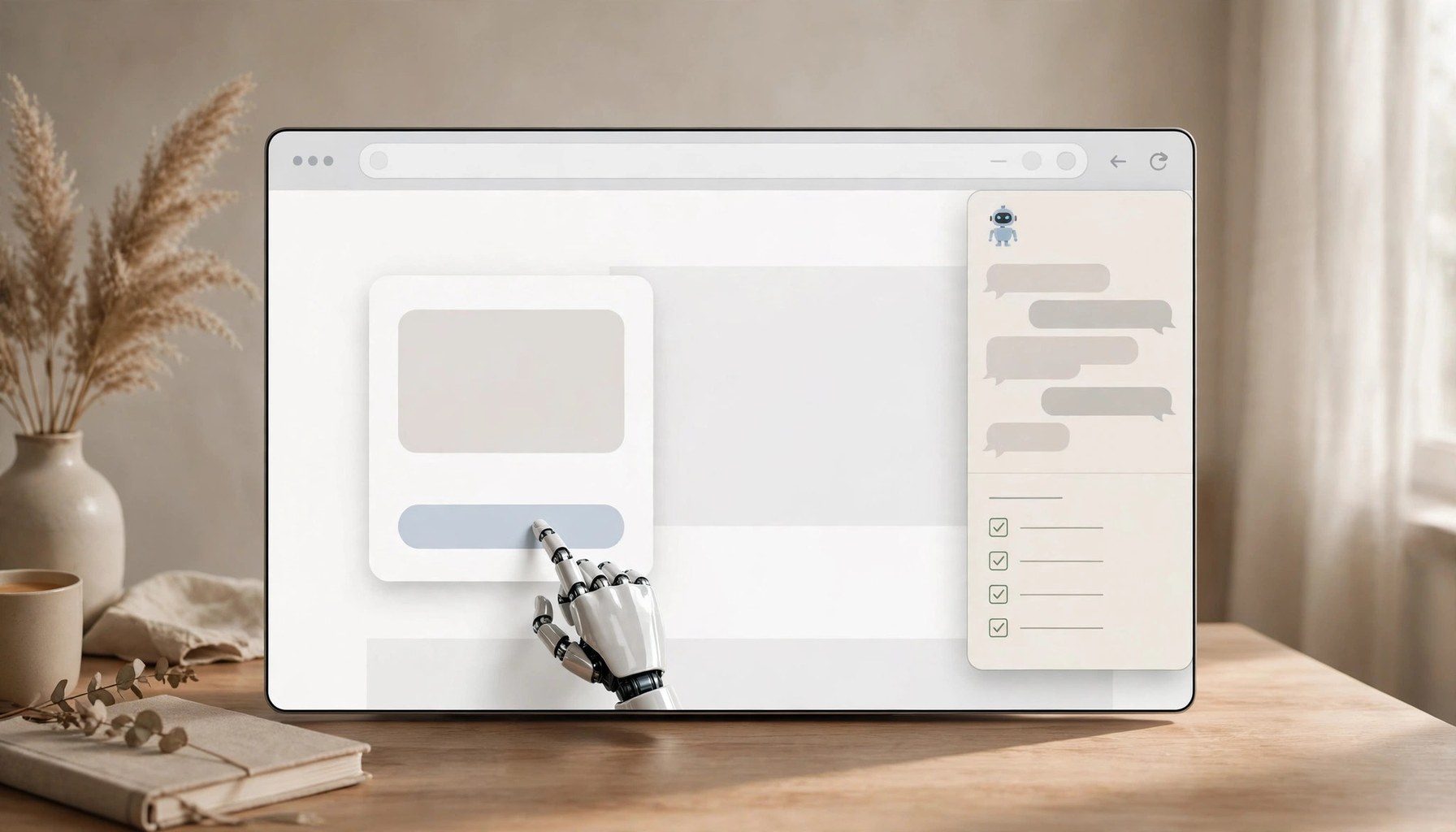
On September 22, 2026, Moonshot AI announced via its official account that Kimi WebBridge has been renamed the Kimi Browser Extension, with a new persistent sidebar entry point. This is more than a rebrand: the extension adds three capabilities — a sidebar entry, web-operation recording, and webpage-to-instruction decomposition — turning what was once a developer-only local bridging tool into a product ordinary users can pick up directly.
In short, the Kimi Browser Extension lets an AI agent use the browser like a human: opening pages, clicking buttons, filling forms, and extracting information. After clicking the extension icon in the toolbar and signing in to a Kimi account, users can direct Kimi to work on web pages right from the sidebar. For repetitive tasks, operation steps can be recorded and saved as a skill, so Kimi can take over next time.
How it works: local bridge + CDP, data stays on device
The extension works through two cooperating parts: a local bridging service and the browser extension. The agent sends instructions to the local service, and the extension then uses the Chrome DevTools Protocol to perform page navigation, clicks, screenshots, and content reads in the user's current Chrome or Edge browser, returning results to the agent.
The key detail: everything runs locally — login sessions and page content never leave the user's device. That matters for scenarios that require signed-in accounts (admin consoles, e-commerce seller centers): the agent can click on your behalf, but credentials never pass through the cloud.
Existing Kimi Work users are unaffected; the local agent invocation method is unchanged. Signing in to a Kimi account is only required for the new sidebar entry.
Our take: Kimi is completing the agent's "three entry points"
Notably, we previously covered the launch of Kimi Code Desktop 1.0 (Kimi Code Desktop 1.0 puts the terminal agent in a desktop window (/zh/article/2028-kimi-code-desktop-1-0-shang-xian-ba-zhong-duan-li-de-agent-zhuang-jin-zhuo-mian)). With today's browser extension, Moonshot AI's agent lineup now spans terminal, desktop, and browser — a "Kimi wherever there is work to do" strategy.
Compared with browser agents like ChatGPT Atlas and Operator, Kimi's differentiation comes down to two things: a local-execution architecture that is friendlier to signed-in scenarios, and a "record as skill" mechanism that turns one-off operations into reusable capabilities. The weak spots are clear too: Chrome and Edge only for now, and the sidebar experience is deeply tied to the Kimi account system.
For ordinary users, the most tangible value of this update is the lowered barrier: WebBridge used to require fiddling with local services and commands, whereas now opening the sidebar is enough to have the agent handle web chores like filling forms, comparing prices, or gathering materials. Anyone doing repetitive work in the browser can start by recording one skill.