Meta has just pushed Muse's capabilities further to the Mac desktop. Compared to phones and web platforms, what really makes the desktop scene worth attention is not having a chat window, but AI Agents beginning to interact with apps, files, and on-screen text on the computer. The boundary between personal agents and operating systems is rapidly narrowing.
Muse started using local computers
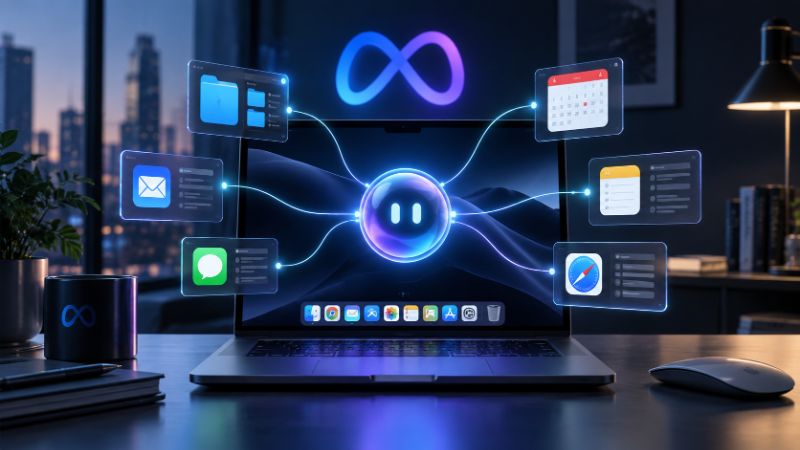
Meta has launched Meta AI for Mac Beta. According to the official introduction, users can hand over any window on the desktop to Meta AI for real-time context, or use voice input directly in other apps.
Muse itself is positioned as a personal AI agent capable of performing tasks. It can browse web pages, fill out forms, send emails, complete purchases, and connect to email, calendar, and other services. Meta emphasizes that when it comes to key operations like sending messages, purchasing, or sharing information, authorization must be obtained according to user settings.
Does this count as Computer Use?
From the perspective of capability boundaries, Muse is already very close to Computer Use. Meta has equipped Muse with a dedicated Muse Secure VM, where Agents can run browsers, invoke tools, perform multi-step tasks, and even continue working after the application closes.
Meta also revealed that Muse's browser sub-Agent reads the accessibility tree of web pages and drives the browser through the Chrome DevTools Protocol. This means it is not a traditional chatbot but an agent system with an actual execution environment.
But the capabilities currently publicly demonstrated on the Mac side are more specifically: reading window context and cross-app assistance. Whether it can already continuously control the mouse, keyboard, and GUI in any local application like a general Computer Use Agent remains to be fully disclosed by Meta.
Meta has placed the Agent entry point on the desktop
What makes Muse special is that it doesn't rely entirely on the user's Mac to perform tasks. A lot of automation actually runs on the Muse Secure VM—each user has an independent cloud virtual machine that includes the browser, storage, CPU, and Agent runtime environment.
This "cloud agent + desktop context" architecture may be more scalable than simply simulating mouse clicks. AI can call connectors, CLIs, and browsers while leveraging the context provided by the user's computer to keep long-term tasks running in the background.
Desktop AI began to compete for control
In the past, desktop AI competition mainly focused on quick wake-up, writing assistance, and screen understanding, but now the focus is shifting to "whether it can truly complete tasks for users."
Muse pushes this issue further: once an agent gains permissions for email, calendar, browser, and even the computer environment, model capabilities are just the foundation; permission control, credential security, and operational auditing become the key to long-term product operation.
If Meta continues to expand operational permissions between Muse and native Mac apps, the next phase of desktop AI may no longer be "Copilot resident on the desktop," but rather a personal agent authorized to continuously operate the digital world on behalf of users.