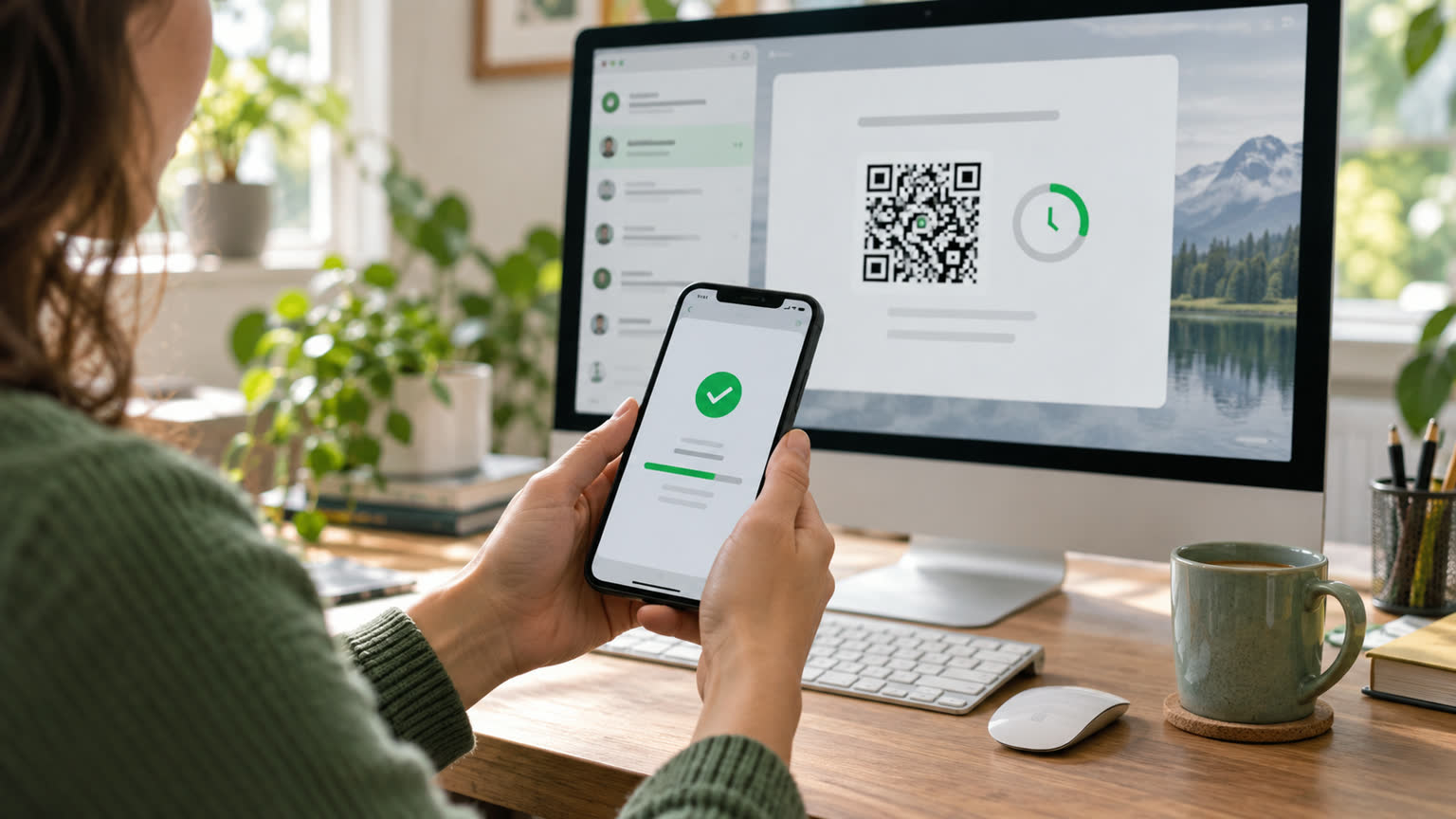
If WorkBuddy only gets the title, main screen, or missing body text when fetching web pages, the page content usually appears after scrolling, clicking buttons, expanding the fold area, or switching tags. At this point, don't just repeat "reading this URL"; you can install and enable Agent Browser, allowing WorkBuddy to open the page, scroll, click, take screenshots, and read the interacting content just like a user.
What phenomenon indicates the need for browser interaction?
| Phenomenon | Operation that can be requested |
|---|---|
| Only read up to the main screen | Scroll down screen by screen until the end of the page |
| The main text is hidden after "Read more." | Click Expand and extract the corresponding chapter |
| Data is in tabs or tabs | Switch sequentially and record the results on each page |
| You need to check the page layout | Screenshot key steps and generate checklists |
Agent Browser can be found in the skill marketplace and installed under the name agent-browser. After activation, you still need to specify your goal: provide the URL, the area you want to operate, the stop conditions, and the output format. It's easier to get a complete result than just saying, "Help me check out this site."
How to write prompts is easier to grasp completely
You can write: "Open the specified page, first record the page title; Scroll down to the bottom, expand all price-related folds, read each package one by one, output only the package name, price, and restrictions, and attach screenshots of key steps." "If the page has multiple levels of navigation, clearly specify which sections are allowed to be clicked, and also require not submitting forms, not purchasing, or sending information externally."
Or what order should you check if you can't catch them?
- First, check with a regular browser whether the page itself is accessible, ruling out invalid URLs or network issues.
- Check whether Agent Browser is installed and enabled, and whether the task explicitly requires it to be called.
- Break down the major task into five steps: "Open Page — Locate Area — Interact — Extract — Review" to find the stuck-up location.
- Login, verification codes, authorization, or payment actions must be confirmed by the individual; do not include passwords, verification codes, or tokens in the prompts.
The difficulty with dynamic pages is often not summarizing ability, but that the content has not yet appeared in readable state. First, have WorkBuddy complete necessary interactions, then request structured extraction; Finally, randomly check several fields to ensure they match the original page to avoid misinterpreting loading failures or hidden content as "the webpage lacks this information."