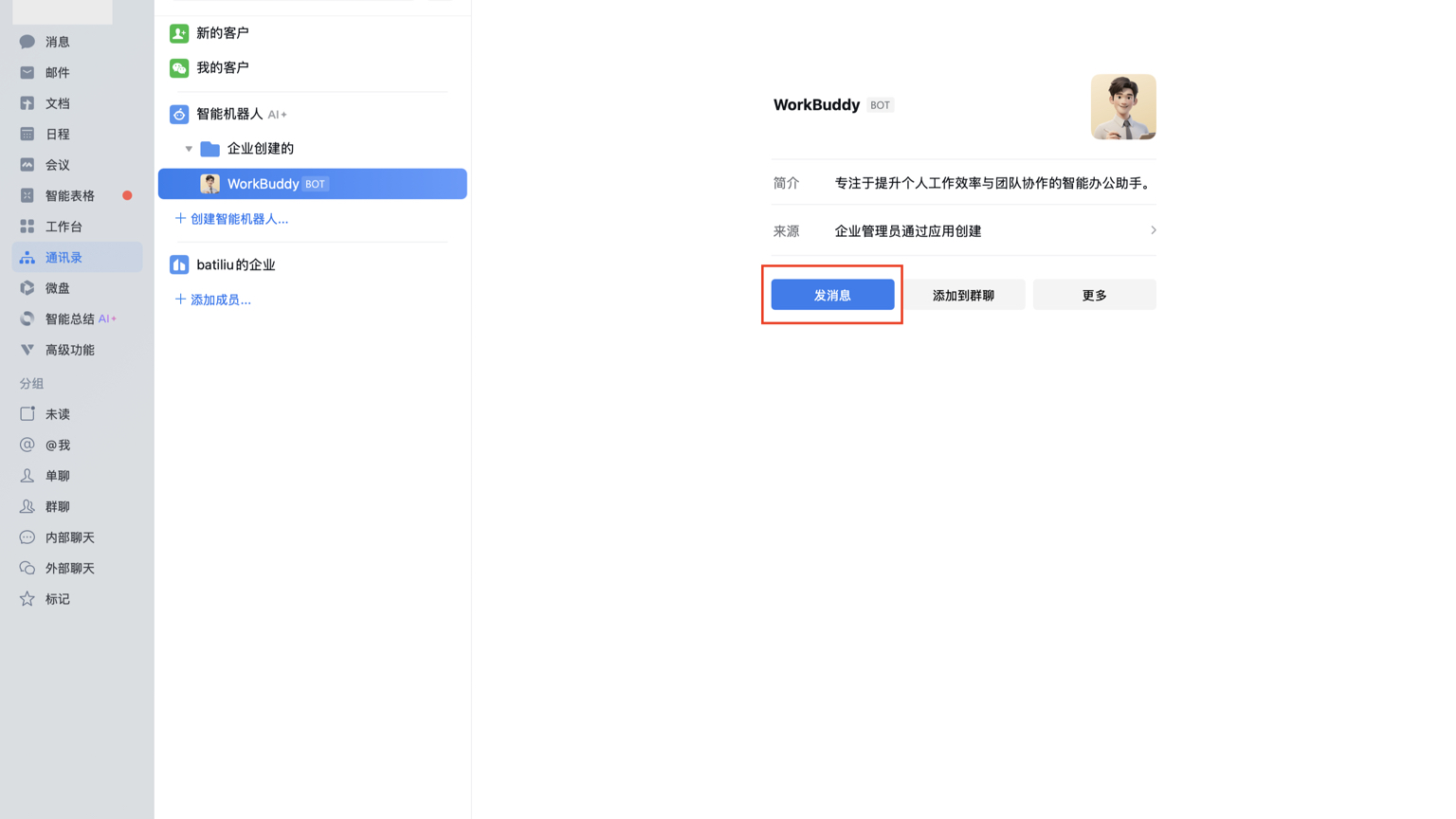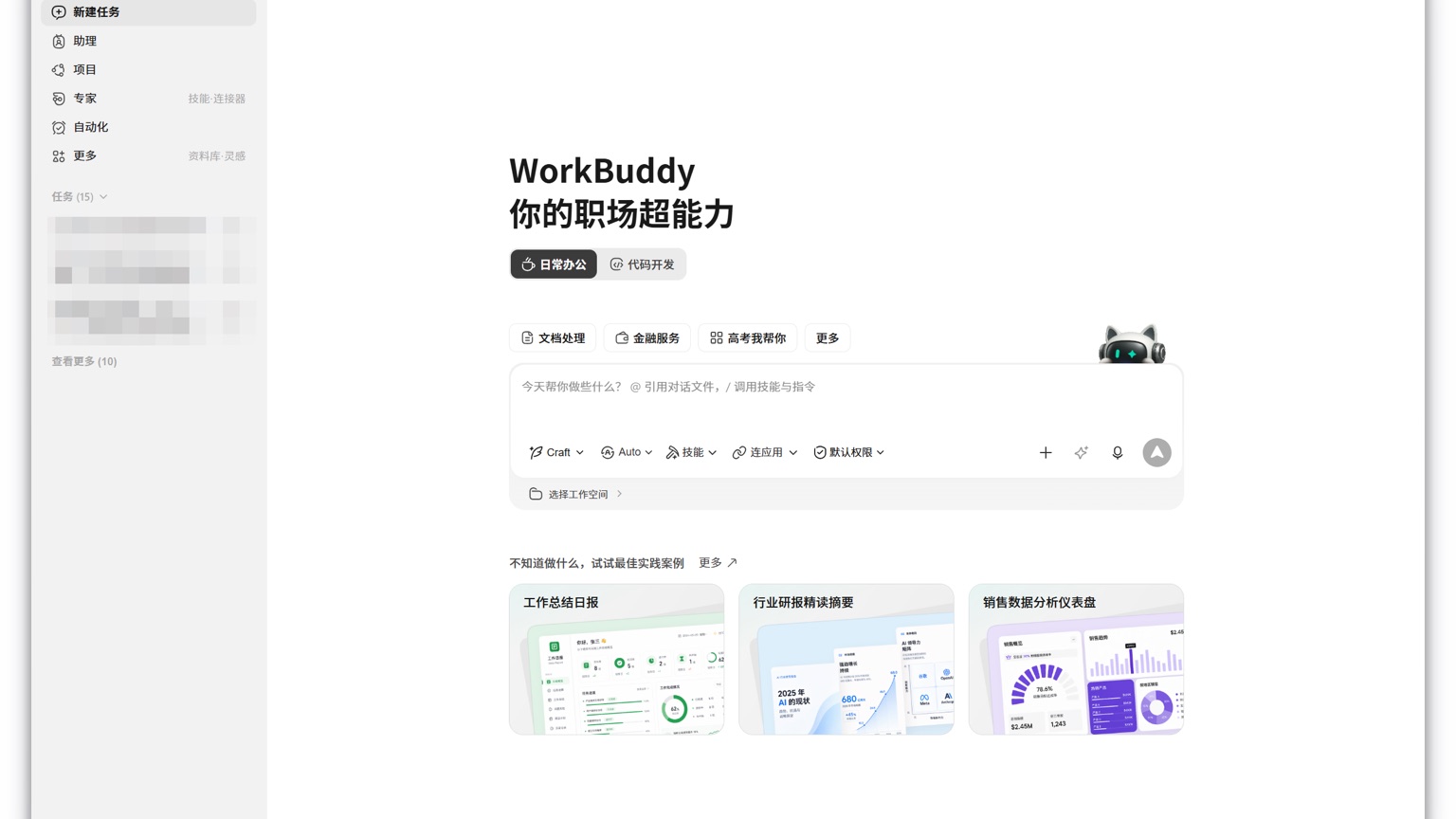
WorkBuddy and Tencent Yuanbao can answer questions and process data, but the choice isn't about which is smarter: if you just want to search, summarize, or write a piece of content, Tencent Yuanbao is usually lighter; If the task requires reading local files, breaking it down into multiple steps, calling tools, and delivering forms, documents, or project files, WorkBuddy is more suitable. You can use both together and don't need to replace each other.
Select by result type first, not by model name
| What you really want to do | A more suitable entry | The reason |
|---|---|---|
| Temporary Q&A, online search, and explanation of a single material | Tencent Yuanbao | The dialogue entry is direct, making it suitable for asking questions and changing as you go |
| Batch organize local files and generate output that can be edited further | WorkBuddy | Able to read and write documents within an authorized workspace and perform multi-step tasks |
| Phones need to be ready to start lightweight issues at any time | Tencent Yuanbao | Closer to a universal mobile assistant |
| Tasks should be assigned to skills, connectors, or multiple agents | WorkBuddy | The core is planning, invoking tools, and continuous execution |
The model name is not the deciding factor. WorkBuddy supports model switching, and Tencent Yuanbao will also integrate Tencent's self-developed and other models; What truly affects the experience is whether the product has file permissions, toolchains, and task execution environments.
The same weekly report uses two different products
If you only have a few meeting minutes and want to quickly extract key points, you can submit the materials to Tencent Yuanbao and let them draft summaries and copy. If files are scattered across multiple folders and you need to merge them into Excel, check dates, generate charts, and save them as official documents, then create a separate workspace in WorkBuddy, add only the required copies, and specify the output file name, statistics scope, and restricted range.
Don't just say "Help me make the weekly report." A more reliable approach is: read the weekly meeting minutes and sales sheets in the workspace, summarize transaction amounts by region, list abnormal data separately, generate an editable document and a summary table, and avoid overwriting the original files. This way, WorkBuddy can turn the results into acceptable deliverables.
Which situations should not be handed over directly to WorkBuddy
If it's just a one-time Q&A, starting a full task will actually increase waiting time and point consumption. When dealing with financial payments, mass customer messaging, production configurations, or unique files, don't immediately grant full access just because WorkBuddy can run it. First, use default permissions, specify the work directory, and request preview changes; After confirming the steps and target files are correct, approve necessary actions. The rule is simple: just answer and use the conversation assistant; If it needs to do and leave results, then use WorkBuddy.