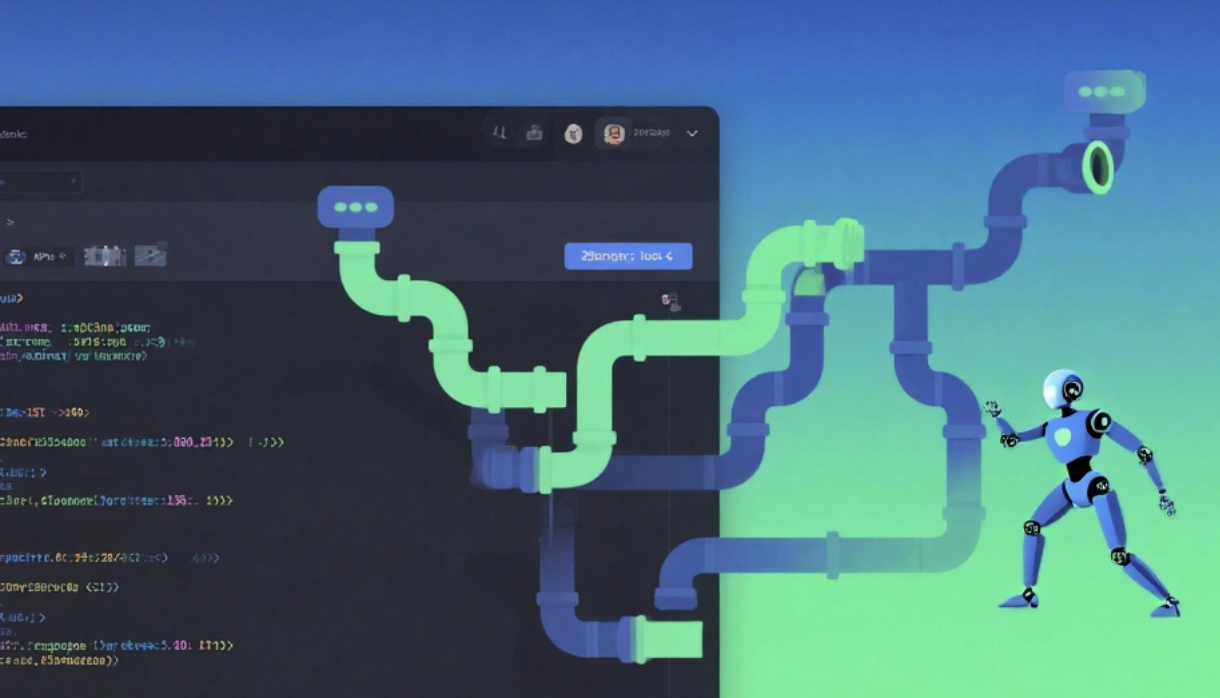
I. Basic Information
Warp, short for Warp Agentic Development Environment, is a suite of intelligent development environments and modern terminal tools for developers. The product integrates AI-powered coding agents, code context management, and collaboration capabilities with the terminal as its core entry point. Its goal is to complete the entire loop from prompts to deployable functionality within a single application. Warp is built on Rust, providing a high-performance input/output experience and supporting macOS, Windows, and Linux platforms, as well as mainstream shells such as zsh, bash, fish, and PowerShell.
II. Product Overview
Warp unifies IDE capabilities, terminal operations, and multi-agent collaboration into a single workflow. Users initiate requests using natural language or commands, and agents generate and submit modifications based on the project code and knowledge context. Users can review, redirect, and edit at any time. The product provides a synchronized knowledge and object storage called Warp Drive to save workflow notes, prompts, and environment variables, supporting individual and team spaces and maintaining real-time synchronization. Its block-based interaction model encapsulates each input and output into atomic units, facilitating copying, filtering, sharing, and traceability, while also reducing context switching costs in multi-user collaboration.
III. Core Functions
1. Main functions
Warp Code targets large codebases, providing context-aware code generation and rewriting, supporting discrepancy review and piecemeal improvement. Agents handle multi-tasking in parallel, allowing users to view and manage them centrally in a dashboard and intervene as needed. The Terminal module offers a modern editing experience with command completion, a command panel, multi-session and window management capabilities, and supports playback and re-execution through a block model. Warp Drive centralizes knowledge and objects, including executable workflows, structured notes, standardized prompts, and environment variables, all synchronized and shared in real time. Session Sharing supports real-time collaborative editing and execution, displaying collaborator cursors and avatars, suitable for remote troubleshooting and presentations. MCP integrates with external models, helping agents call tools or knowledge sources to extend the processing pipeline.
2. Technical characteristics
It utilizes Rust to achieve high-performance rendering and input pipelines, providing text editor-like features such as multiple cursors and keyboard shortcuts. The block model decouples commands and output, supports location filtering, retries, and sharing, and allows users to choose to start sharing sessions from specific blocks. Code context is implemented through indexing and embedding, catering to multi-repository and massive file scenarios. For security, it offers a zero-data retention option, enforceable in team and enterprise versions, and includes SOC 2 compliance and SAML single sign-on capabilities. Offline mode allows for automatic synchronization of team space permissions after work in personal spaces, supporting view-only editing and member-scoped control.
IV. Pricing and Versions
Free is suitable for individuals starting out with modern devices and basic AI capabilities, including limited free AI points, code index limits, and limited shared sessions. Build is an on-demand scaling plan, starting at approximately $20 per month, including higher monthly AI points, a built-in model key, higher code index quotas, unlimited Warp Drive objects and collaboration, and private email support and point add-on discounts. Business is for teams, starting at approximately $50 per person per month, adding SOC 2 compliance, team-level zero data retention enforcement, and SAML single sign-on on top of Build. Enterprise offers customized pricing, a dedicated account manager for onboarding guidance, and access to large proprietary models, suitable for large-scale and highly compliant organizations. Specific pricing and quotas may vary by region and time; please refer to the official website for the most up-to-date information.
V. Applicable Scenarios and Target Audience
It is suitable for full-stack and backend engineers to complete development, debugging, deployment, and operation and maintenance inspections within a single application. Platform engineering and development efficiency teams can use Warp Drive's standardized workflows and prompts, and conduct fault drills and shift collaboration through session sharing. Data and infrastructure engineers can leverage the block model to generate scripts for rapid rerunning and auditing. Enterprise R&D organizations with security and compliance requirements can implement centralized identity and data policies in team or enterprise versions.
VI. Frequently Asked Questions
Q: Is Warp just a terminal tool?
A: Warp uses the terminal as the entry point but is positioned as an intelligent development environment, combining proxy code context knowledge base and collaboration capabilities to cover the complete closed loop from requirements to deployment.
Q: Which systems and shells does Warp support?
A: Provides macOS, Windows, and Linux client support for mainstream shells such as zsh, bash, fish, and PowerShell. On the Windows side, it supports PowerShell, WSL, and Git Bash.
Q: How is Warp's data security guaranteed?
A: Offers a zero data retention option that can be enabled at the individual or team level. Team and enterprise versions support unified enforcement and provide SOC 2 and SAML capabilities to meet enterprise compliance requirements.
Q: What are the main differences between the free version and the Build version?
A: Build offers higher monthly AI points, higher code index quotas, built-in model keys, unlimited Warp Drive objects and collaboration, and includes private email support and points add-on discounts.
Q: Does session sharing include all content?
A: Supports real-time editing and execution by multiple users, but the agent interaction block is not within the sharing scope. When sharing, you can choose to start from the current block or a specific block and restrict access objects and editing permissions.