I. Basic Information
CapCut Pro is a versatile video editing software for creators and teams, offering multi-track timelines, keyframe animation, masking and color tools, and integrating AI capabilities such as automatic captioning, text-to-speech, background removal, video stabilization, and super slow motion. The product supports Windows and macOS desktop clients and provides online creative suites and a mobile ecosystem, covering the entire workflow from editing, dubbing, and effects to exporting, adapting to scenarios such as short videos, advertising, e-commerce, and education.
II. Product Overview
CapCut combines traditional non-linear editing workflows with AI tools. Users can complete footage trimming, transitions, and audio mixing on the timeline, while simultaneously using automatic captioning and voice-over tools to quickly generate subtitles and voice-overs, ensuring efficient content delivery. Regarding visual compositing, the software offers capabilities such as keying and background removal, subject stabilization, super-resolution, and color correction, supplemented by effects, filters, stickers, and text style libraries to reduce footage production costs. The online creative suite supports in-browser editing and cloud collaboration, with desktop and online versions working together to improve cross-device creation efficiency.
III. Core Functions
1. Main functions
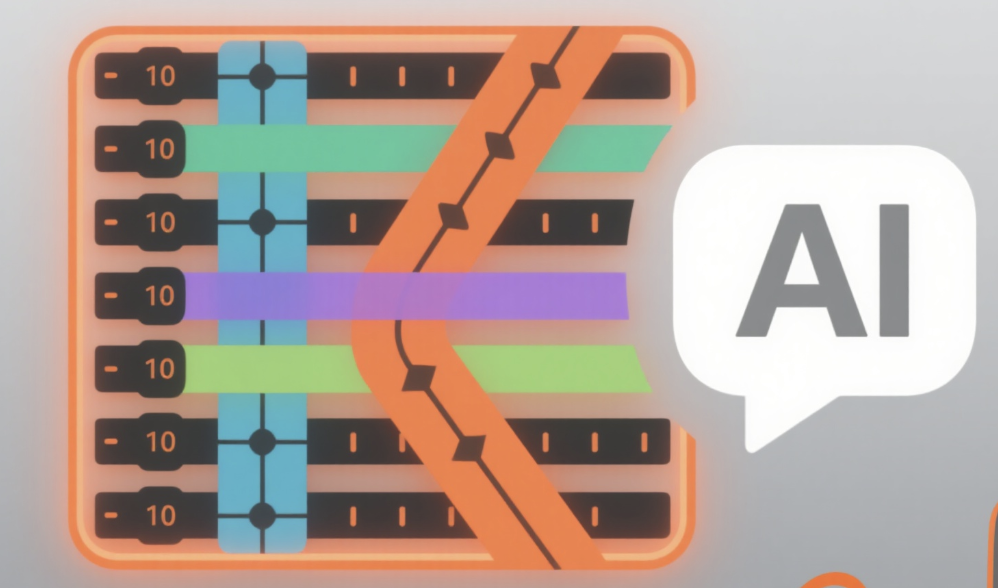
Multi-track editing and keyframes, supporting precise trimming, speed adjustment, and curve keyframe control.
Automatic subtitle and speech tool, automatic transcription, multilingual subtitles and text-to-speech.
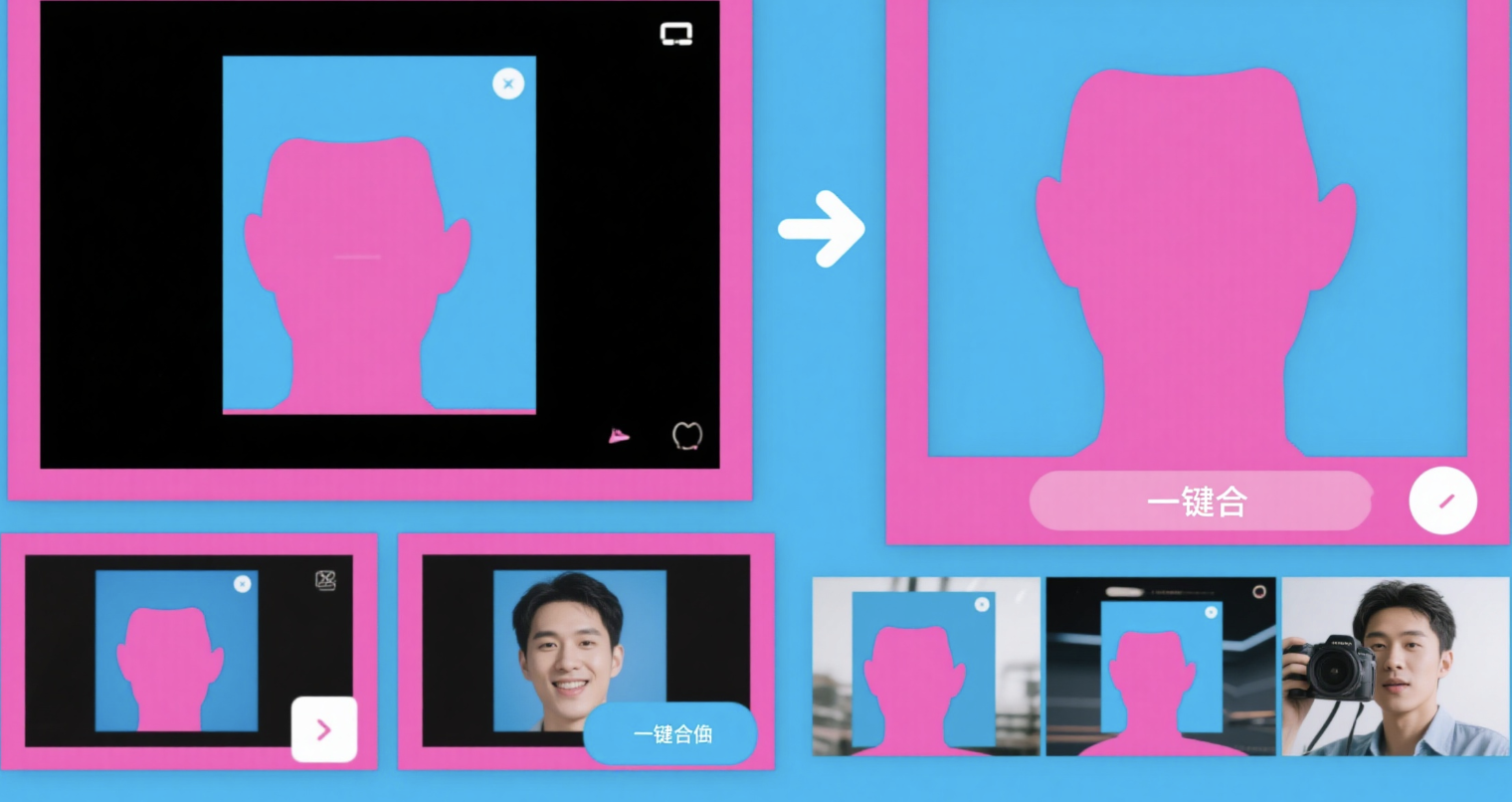
Keying and background removal, separation of people and objects, facilitating quick background replacement and compositing.
Stabilization and super slow motion reduce shakiness and generate smooth slow-motion footage.
Color and image quality optimization, color correction, filters and intelligent enhancement
The library includes materials and templates, with built-in music, stickers, fonts, and effects resources.
Desktop and online collaboration: Professional desktop editing combined with lightweight online creation and cloud capabilities.
2. Technical characteristics
AI transcription and alignment, subtitles synchronized with the timeline and batch styling available.
Speech synthesis with multiple languages and timbres, suitable for narration and tutorial scenarios.
Intelligent search and object location: search and locate materials by object, person, or dialogue.
Keyframes and graph curves support smooth animation and fine-grained rhythm control.
A cross-platform ecosystem, forming a unified creation loop across desktop, online, and mobile products.
IV. Pricing and Versions
CapCut offers both free use and subscription-based premium services. The free plan includes core editing functions and basic materials; subscription plans are typically Pro or Creative Suite services, unlocking richer effects and templates, resource licenses, cloud collaboration, and higher processing priority. Specific pricing, benefits, and licensing terms vary by region and platform; please refer to the official website for the most up-to-date information.
V. Applicable Scenarios and Target Audience
The short video and social media team utilizes templates and automatic subtitles to frequently produce videos with a unified style.
E-commerce and brand operations: mass production of product display, sales promotion, and event promotional materials.
Education and training: Quickly generate course segments and multilingual subtitles to improve information accessibility.
Content studios and freelancers combine keyframes, chroma keying, and color tools to create high-quality finished products.
Enterprises and cross-departmental collaboration leverage online creative suites for cloud-based collaboration and asset management.
VI. Frequently Asked Questions
Q: Can CapCut's automatic captioning and text-to-speech functions be used in multiple languages?
A: It supports automatic transcription and dubbing of multiple languages, with subtitles synchronized with the timeline. The display effect can be uniformly adjusted in the style panel, making it suitable for cross-regional publishing and silent viewing scenarios.
Q: How do desktop and online creative suites work together?
A: The desktop version is responsible for heavy editing and special effects compositing, while the online creative suite provides lightweight editing and a resource library within the browser. The two work together within the same ecosystem to improve cross-device creation and distribution efficiency.
Q: In which types of footage are keying and background removal applicable?
A: Suitable for scenarios such as people appearing on camera and product displays, it can quickly replace the environment or achieve composite effects; the keying effect for complex edges or transparent materials is affected by the quality of the source material.
Q: Does it support motion stabilization and slow motion?
A: It supports stabilization and super slow motion generation, which can improve handheld shooting shake and create smooth slow motion. The specific effect is related to the frame rate and exposure of the footage.
Q: Are subscription benefits and licensing terms fixed?
A: Not fixed. Subscription benefits, material licensing scope, cloud quotas, and prices may vary depending on the region and cycle; please refer to the official website for the most up-to-date information.