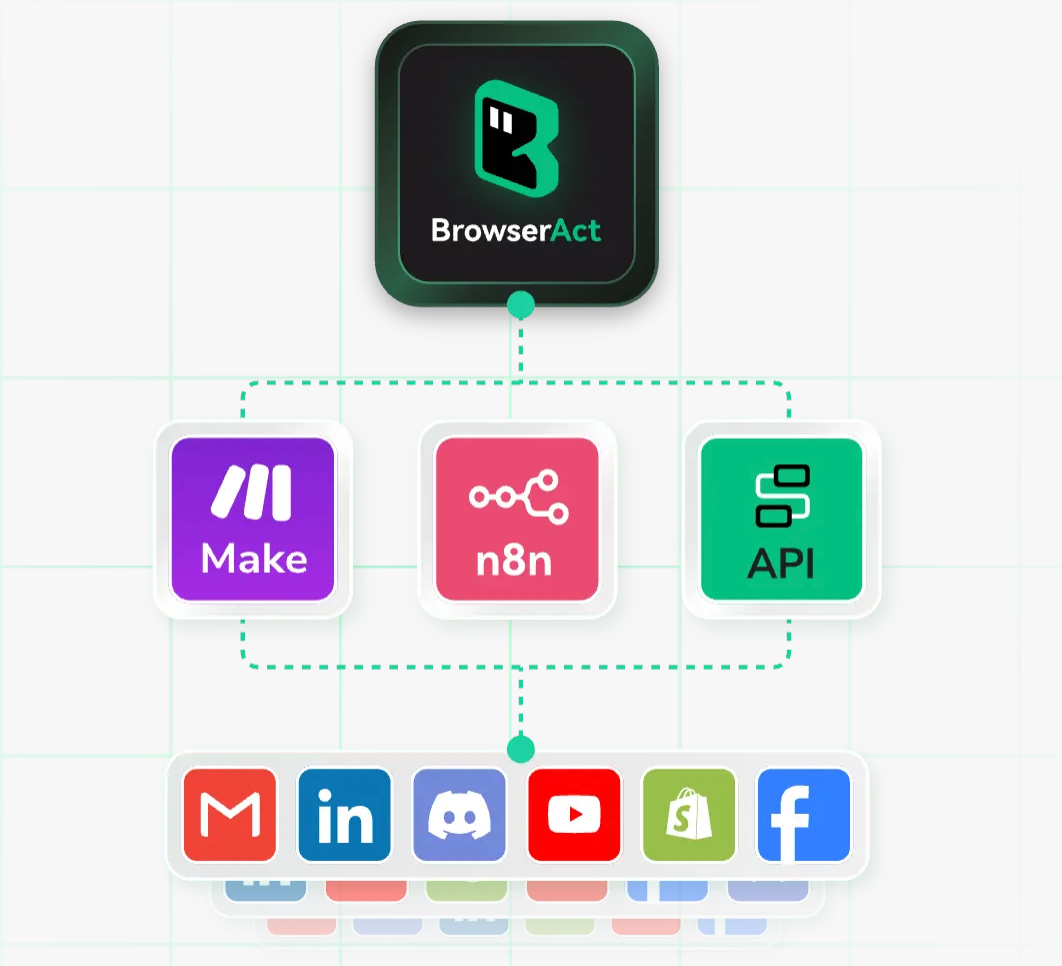
Is manually copying and formatting web pages every day to collect data not only time-consuming but also prone to errors? BrowserAct was created precisely for this purpose. It's an AI-powered automated web scraping tool. No code is required; simply describe your scraping needs in natural language. It handles operations like opening web pages, searching, clicking, flipping pages, and exporting data, all directly into Excel or CSV spreadsheets. Whether you're in operations, e-commerce, or research, BrowserAct can quickly obtain structured data, significantly improving efficiency.
I. Who is BrowserAct Suitable for?
1. Content and New Media Operations
- Scenario: Monitoring hot topics and collecting competitive product materials.
- Problem: Manual scraping is slow and fields are inconsistent.
- Solution: BrowserAct uses templates to quickly capture titles, links, and publication dates, and exports them uniformly.
2. E-commerce and cross-border sellers
- Pain points: Difficulty comparing prices, time-consuming review compilation.
- Limitations: Traditional crawlers are costly to maintain and easily blocked.
- Changes: BrowserAct uses browser-simulated clicks and features script self-healing, enabling stable collection of data such as prices and sales.
3. Researchers and data analysts
- Needs: Regularly crawl rankings, recruitment, and policy documents.
- Unique value: BrowserAct can set up scheduled tasks and map fields to automatically generate clean datasets, reducing manual cleaning.
II. What problems does BrowserAct solve?
1. Zero-code crawling
- Symptoms: Those who cannot write crawlers but need to collect web page information in bulk. Solution: Users simply enter "crawl list title/time/author" in BrowserAct, and the system will automatically identify and extract them. 2. Dynamic Websites and Anti-Crawling Mechanisms Reason: Modern web pages are mostly front-end rendered, and the DOM changes frequently. Mechanism: BrowserAct uses a real browser to perform scrolling and clicks, and the script has self-healing capabilities to cope with site redesigns. 3. Process Automation Comparison: Traditional tools can only collect data. Difference: BrowserAct can also automatically log in, search, fill out forms, and export them in batches, forming a complete automated process. III. Detailed Usage of BrowserAct 1. Basic Preparation How to Obtain: Register on the official website to try a free quota.
- System Requirements: Requires any modern browser, supports cloud-based operation, and requires no complex local configuration.
- Registration Process: Enter your email address → Verify → Create a task in the console.
2. Quick Start
- Step 1: Select a scraping template (e.g., "E-commerce Search Results").
- Step 2: Paste the target URL and set keywords, then select the required fields (title, price, time).
- Step 3: Set the number of page flips and scraping frequency, then run the task and preview the results.
- Step 4: After confirmation, export to Excel/CSV or save as a scheduled task.
3. Practical Tips
- Improve efficiency: Name fields in advance and provide examples for more accurate system recognition.
- Avoid problems: Set random wait times and delays to reduce the risk of being identified by the target site. Advanced Use: Leverage conditional extraction and deduplication features to reduce subsequent cleaning work; task templates can be shared with team members. IV. BrowserAct Practical Application Cases 1. Building a Short Video Topic Library Background: A new media team needs to collect dozens of hot content daily. Operation: Use BrowserAct to capture titles, popularity, and links from search results pages, and set it to run automatically every four hours. Results: Reduced lead collection time from two hours to 20 minutes. 2. E-commerce Category Price Comparison Chart Background: Cross-border e-commerce sellers need to track prices and sales of similar products in real time. Operation: Enter category keywords to extract product names, prices, ratings, and store information, then export to Excel for pivot analysis.
- Effect: Price comparison reports are automatically generated, reducing weekly report production time from half a day to half an hour.
3. Recruitment Trend Tracking
- Background: The data team needs to analyze the changing talent demand across different industries.
- Operation: BrowseAct regularly captures job titles, salaries, locations, and posting times, storing them in a database.
- Effect: Trend charts are automatically generated, providing a more intuitive talent profile.
V. BrowseAct FAQ
Q: Is BrowseAct user-friendly?
A: It supports Chinese descriptions and collection templates, allowing beginners to operate without writing code.
Q: Can BrowseAct handle websites that require login?
A: Login actions can be recorded and saved for automatic execution later.
Q: Is BrowserAct's collection stable?
A: It uses a real browser for execution and has script self-healing capabilities, so it can maintain a high success rate even when the page is revised.
Q: What format is the exported data in?
A: CSV and Excel are supported and can be used directly for analysis or reporting.
Q: Is using BrowserAct legal?
A: Please abide by the target website's usage rules, only collect public information, and use the data reasonably and legally.