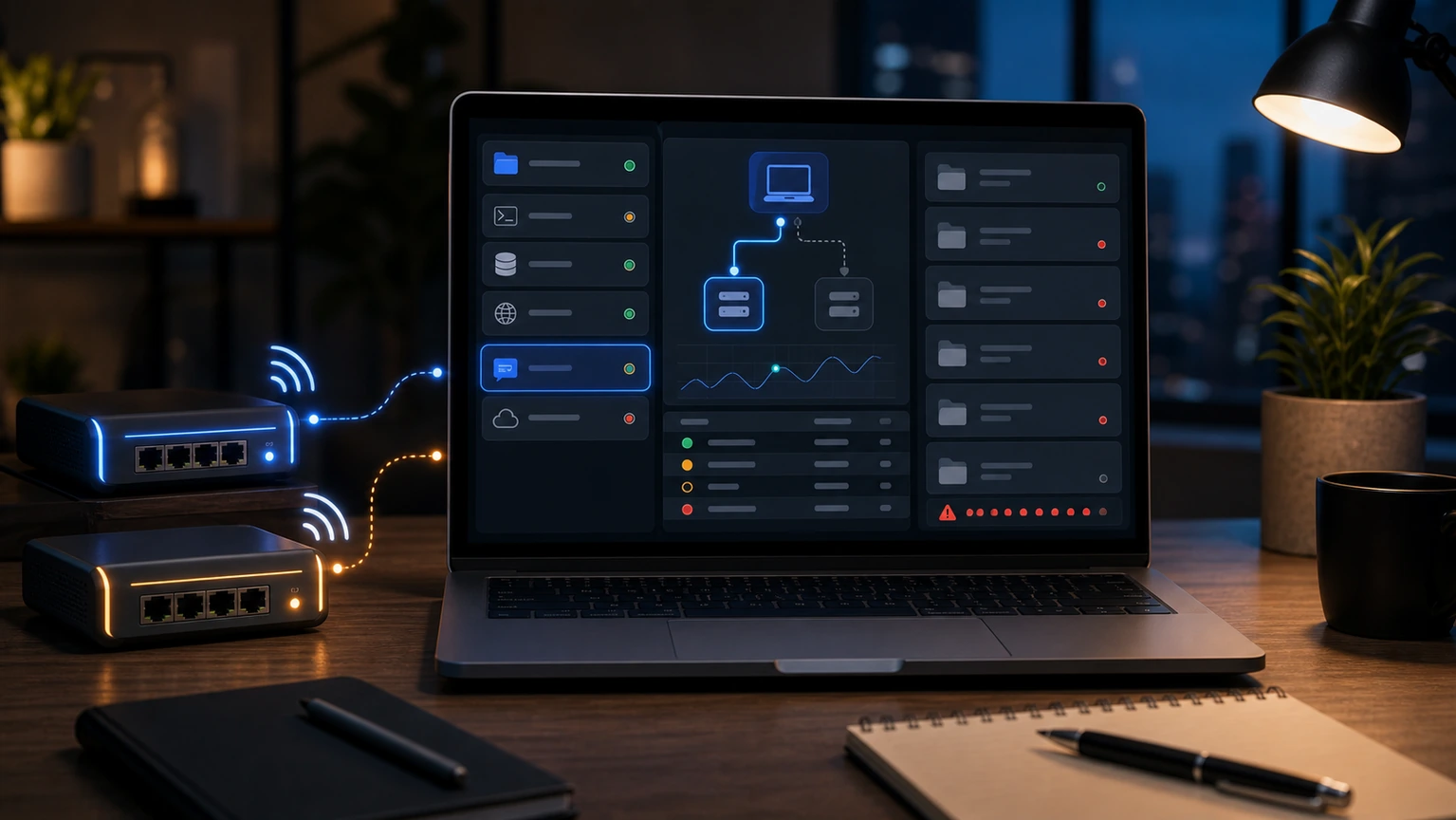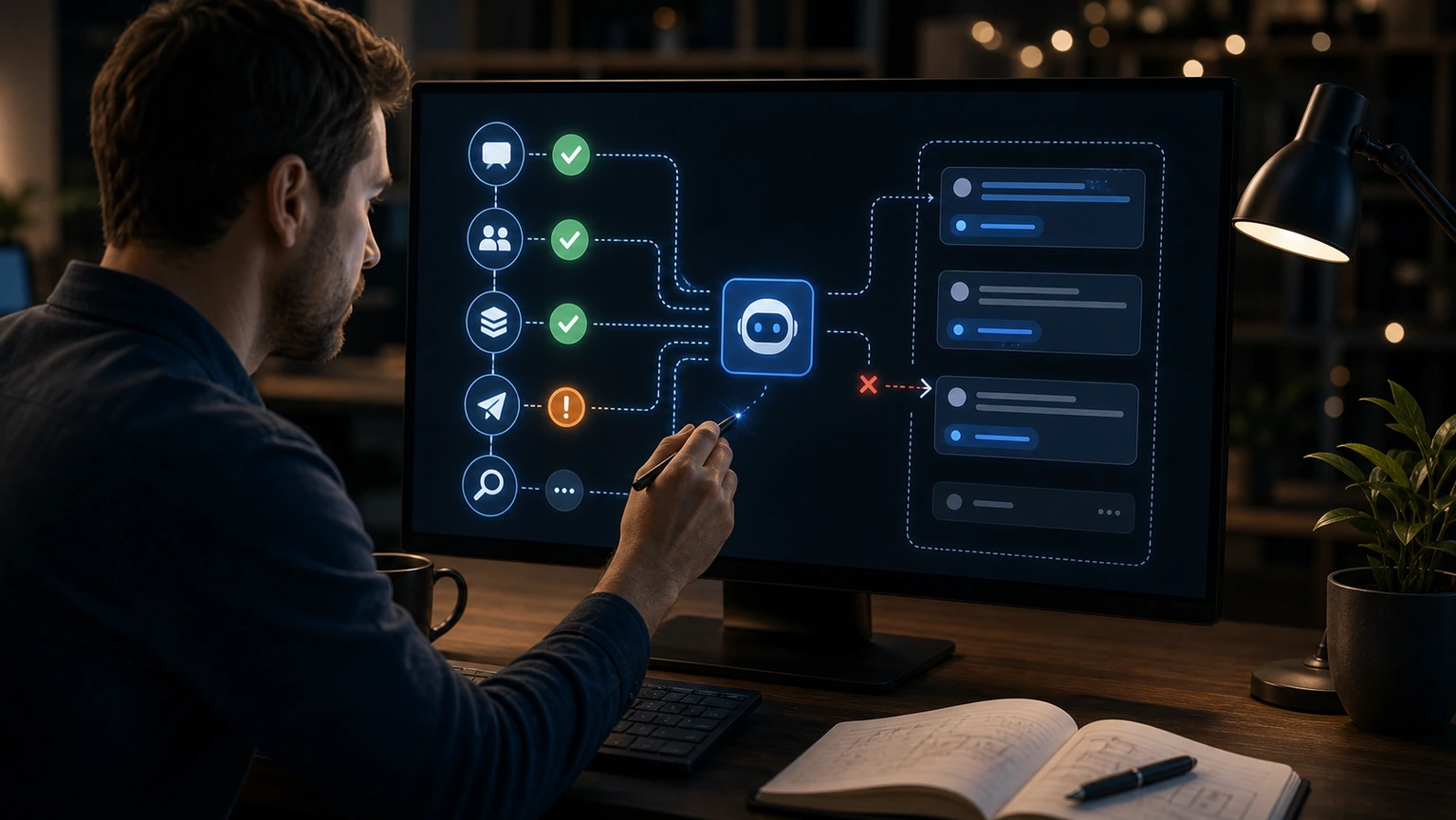
The OpenClaw channel shows connected, but messages neither come in nor go out, indicating that the "account connection" layer is most likely fine. The next step is to check routing, permissions, sessions, and sending links. Don't just focus on the connected status; it's not a complete proof of sending and receiving messages.
Layer 1: Whether the message has entered the gateway
First, check if the logs have received events for the corresponding channel. If the logs have no messages at all, the problem lies with platform accounts, webhooks, bot permissions, or group settings; If the log contains messages but does not enter the agent, the problem is mostly with routing rules, allowlists, or requirement.
Layer 2: Has the Agent taken over?
Confirm which account, agent, and sessionKey this channel is bound to. A common user misjudgment is that the group name has changed or the channel has been migrated, but the configuration still points to the old channel. When using a route, check the stable ID, not just the displayed name.
Third layer: Whether the reply was sent out
If the agent has generated a reply but the platform has not received it, check sending permissions, platform traffic limits, file attachment rules, and channel mute. Telegram, Discord, and Slack behave differently for private chats, group chats, and threads, so the same configuration cannot be directly applied.
Finally, do a minimal test: post a short question in private chat that doesn't require tools, then post a question with a mention in the group. If private chat works or group chat doesn't work, check group strategies; If neither worked, return to Gateway and the platform account. This inspection is much faster than repeatedly restarting.