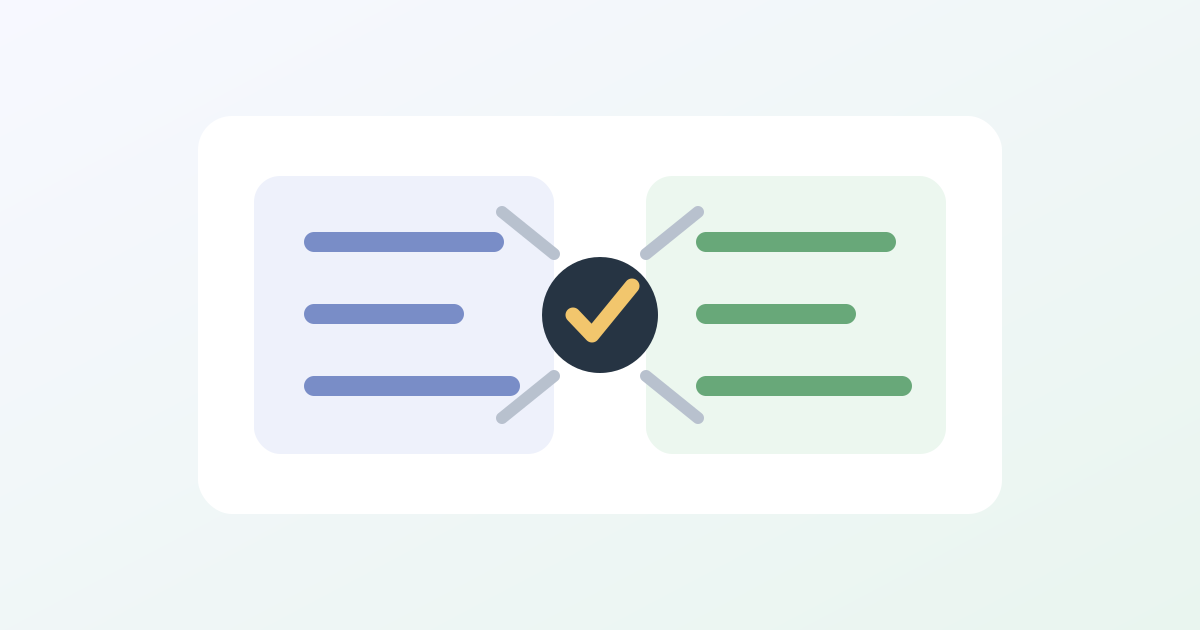
If the model list in Hermes Agent is inconsistent, upgrade and refresh the picker first. v0.15.1 Fixed inconsistency between in-session model selection and command-line model selection lists, allowing both entry points to see the same set of model data and adding disk cache to speed up startup.
A common phenomenon
You see a model on the command line, but it's not in the list after entering the session; Or the model was cut in the conversation, but looking outside it seemed like it wasn't synchronized. This isn't necessarily due to the API key error, nor necessarily because the provider doesn't support it; it could just be that the two entry points read the model source or cache state are inconsistent.
Handling steps
- First, upgrade to v0.15.1 and reopen the Hermes session.
- Check the model list for both the command-line entry and the session entry separately.
- Make sure the current profile, provider, and environment variables are the same set.
- If inconsistent, consider cleaning the model cache or re-logging into the provider.
Do not delete the entire Hermes configuration directory directly. Model list questions generally do not require clearing sessions, memories, or skills.
How to determine if it's a permission issue
If neither entry point shows a model and the provider console doesn't have permissions, then it's an account or package issue; If only one entry point is missing, prioritize checking version, cache, and profile. If you can select but call it causes errors, then check the credentials, model offline lines, and interface addresses separately.