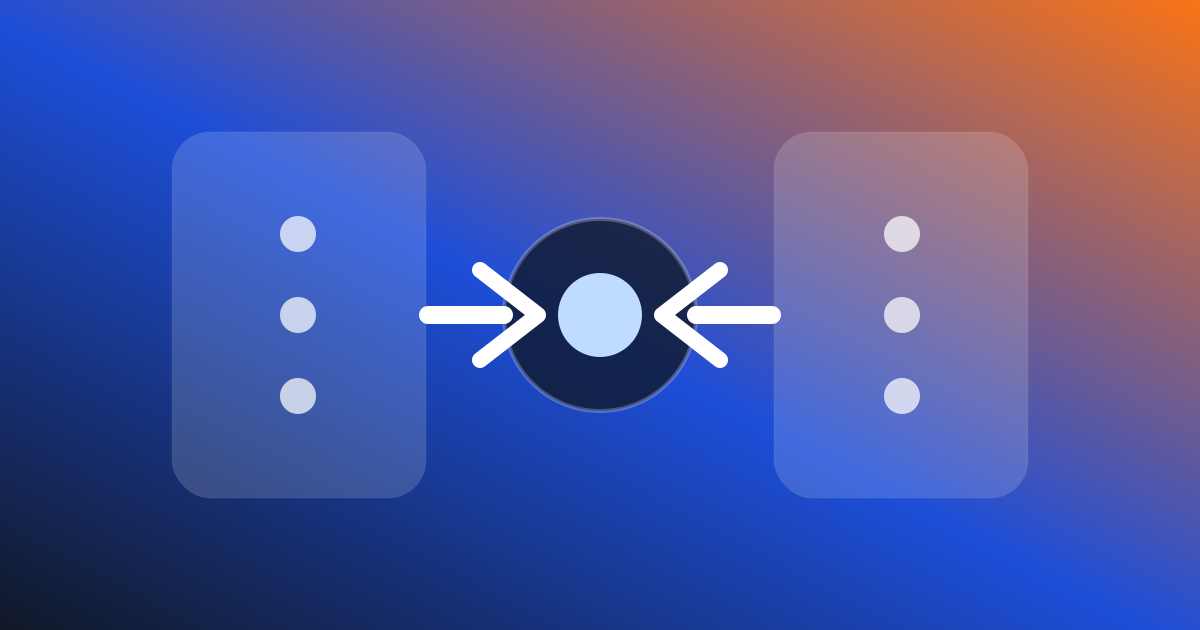
The role of hermes proxy is to wrap the OAuth provider that Hermes Agent has logged in with the OpenAI-compatible interface, and let Codex CLI, Aider, Cline, Continue, or self-written scripts call it as if it were calling the OpenAI API. The most important point for novices is: first only listen to the local machine, do not directly expose to the public network.
What problem does it solve?
Many AI programming tools only recognize OpenAI-compatible endpoints, but your model capabilities may come from Claude Pro, ChatGPT Pro, SuperGrok, or other providers that log in through Hermes. After adding the local proxy in v0.14, the Hermes Agent is equivalent to a layer of bridging in the middle: the upstream still uses the account and model you have configured in Hermes, and the downstream gives other tools a familiar API address.
This isn't about allowing you to bypass billing or sharing accounts, but rather to reduce duplicate configurations. You don't have to re-find the provider, fill in the token, and adjust the model route in each tool, and let Hermes manage the model and authenticate uniformly.
Recommended order of use
- First, make sure that the provider is able to talk normally in Hermes, such as asking a simple question in
hermes. - Run the
hermes proxyto confirm the local port and API base address. - In Codex, Aider, Cline, Continue, point the base URL to this local address.
- Start with a low-risk request test, such as explaining a small piece of code.
- Once you've confirmed stability, consider adding it to your daily workflow.
How to arrange common problems
If the client cannot connect, first check whether the port is listening, whether the base URL has the correct path, and whether the client is enforcing the API key. If the model returns an authentication error, the problem is most likely in the upstream provider login state of Hermes, not the client. If the request is slow, look at the selected model, context length, and provider throttling.
There are three things to keep in mind for security: use it locally by default, and don't tie the port to 0.0.0.0; Do not share the proxy address with team members; If you must access remotely, use an SSH tunnel or VPN and keep the least privileges. hermes proxy is convenient, but it connects to your model account, and the security perimeter is more cautious than that of ordinary local services.