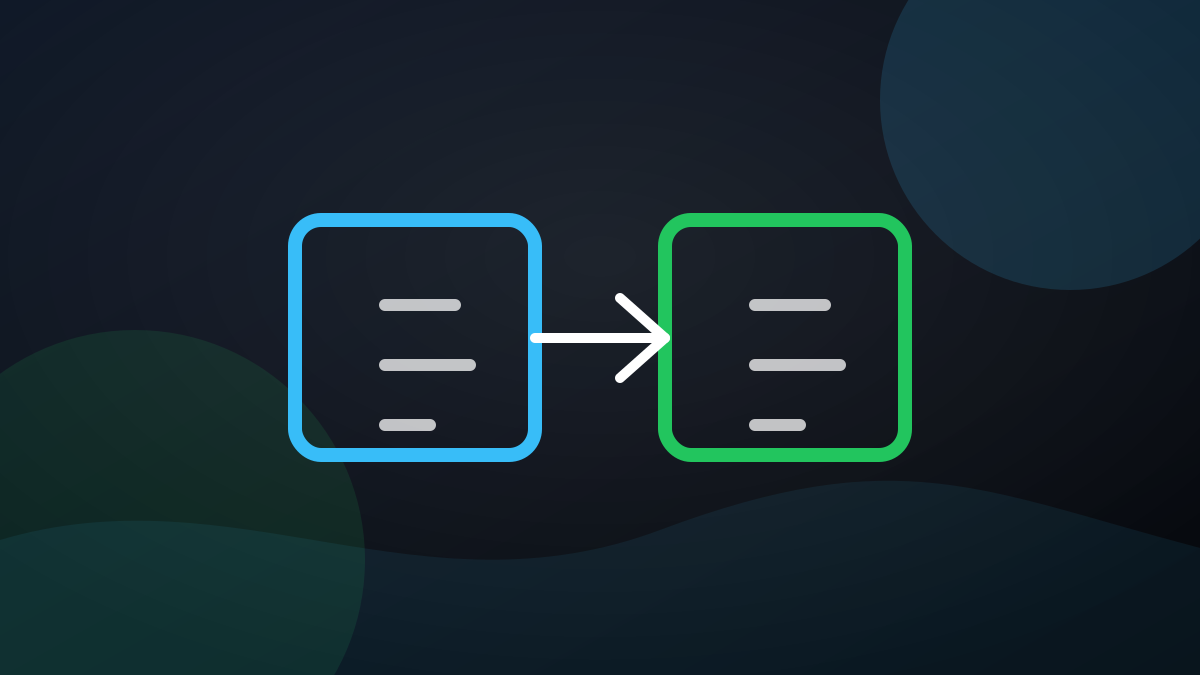
When Hermes Agent prompts "memory full", the most time-saving process is not to delete one by force, but to merge similar entries and then add new ones. The official Memory documentation clearly states the process: after the memory is exceeded, you should first look at the current entry, then use replace for compression and integration, remove if necessary, and finally add new facts.
Why don't you just delete it
Because many memories are actually fragments of the same theme. It is usually more stable to combine the three "project dependencies, test commands, and deployment considerations" into a high-density project description than to delete one of them.
Shortest practice
- See the current entries returned in the error.
- Find content that can be merged.
- Use
replaceto press multiple strips into a shorter description. - Make up for new memories.
In a word: Don't cut it first when the memory is full, compress it first; Hermes Agent originally encouraged "less but fine" memory writing.
Official open source address: https://github.com/NousResearch/hermes-agent; Official document entry: https://hermes-agent.nousresearch.com/.