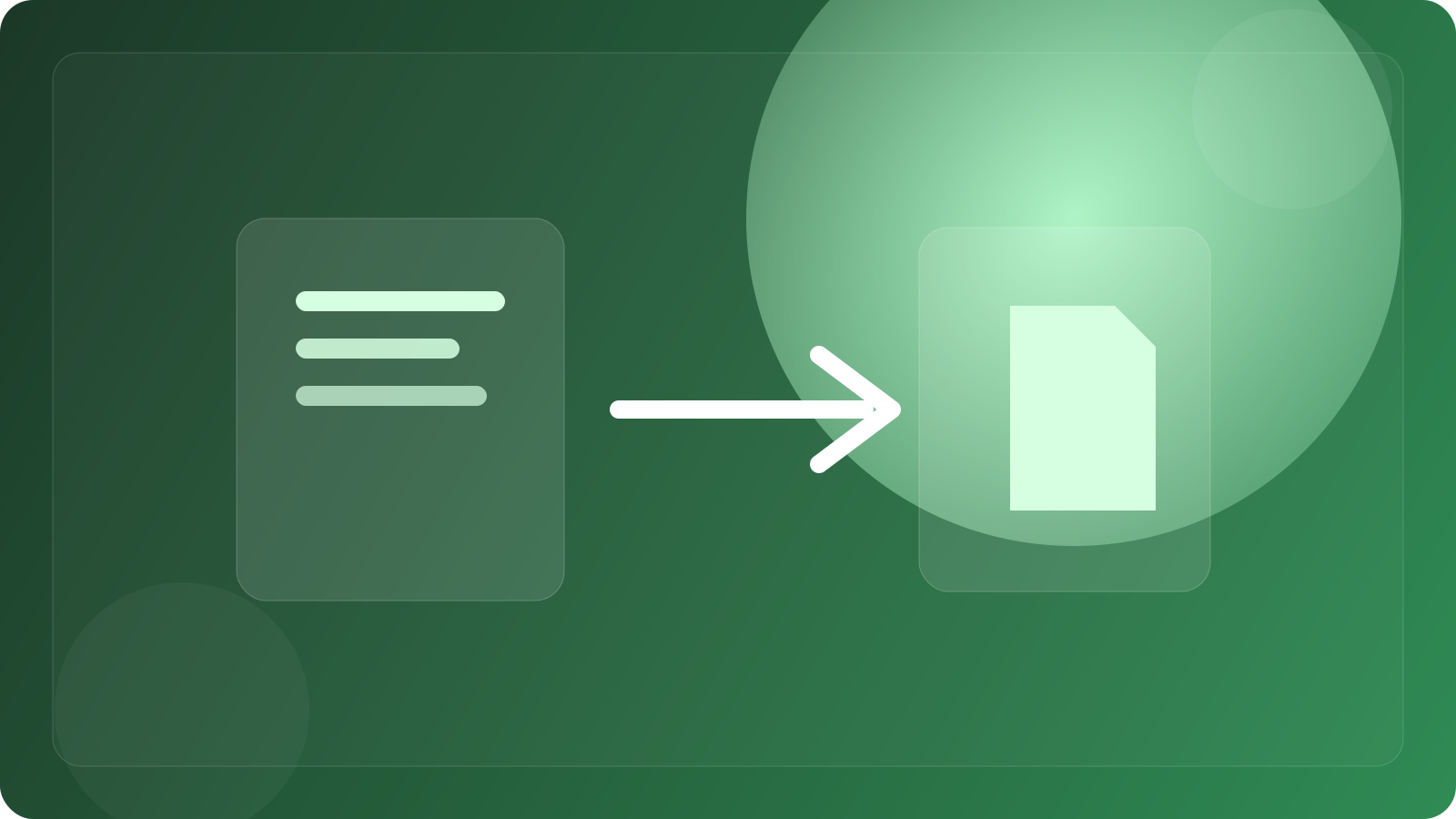
If you import notes from NotebookLM to Google Docs and find that the changes on both sides are out of sync, this is usually not a broken synchronization, but your expectations for this export function are too high. Google's current help statement is quite straightforward: your notes will be populated in a new Google Doc tab. The focus is on the "new Google Doc file", not that the original notes continue to be mapped in real-time.
In other words, exporting from NotebookLM to Google Docs is essentially more like "generating a copy" rather than turning NotebookLM's internal notes into an online document that can be linked in both directions. If you change it in Docs, it will not be automatically written back to NotebookLM; If you continue to add or delete notes in NotebookLM, the exported docs will not be automatically refreshed.
So when encountering this phenomenon, there is no need to prioritize account synchronization. The real first thing to judge is whether you want to "export it as a document that can continue to be edited" or "keep it permanently linked with NotebookLM". The former is now available, while the latter is not supported in its current product form.
The more stable workflows are:
1. If you are still organizing materials, use notes in NotebookLM to make working papers.
2. Only export to Google Docs when you're ready to share, typeset, or edit further manually.
3. After exporting, maintain Docs as a separate document and don't expect NotebookLM to write back.
This misunderstanding is common because NotebookLM and Google Docs are both in the same Google ecosystem, and users naturally think of them as "should be automatically synced". However, in terms of product design, one is an AI note-taking and data workbench, and the other is a formal document editor, and the boundaries are not completely opened.
So the answer is actually very simple: the Google Docs transferred out of NotebookLM is a new copy, not a two-way synchronized document. Treat it as an export, not a linkage, and you will no longer be trapped by the question of "how did you change it?"