- Abstract
Kimi Code is an open-source coding agent launched by Moonshot AI, using the Apache 2.0 license, emphasizing transparency, security, and scalability. The project is implemented with Python as the core, natively supports multimodal input, and can seamlessly integrate with multiple mainstream development environments, and is ready to use out of the box for real software engineering scenario design.
- Core features
- Agentic Coding: Have the ability to plan, execute, and repair independently, rather than just generating code snippets.
- Completely open source and transparent: The core logic and tool call process can be audited, which is convenient for secondary development and security assessment.
- Multi-IDE integration: Support for mainstream editors such as VS Code, Cursor, JetBrains series, and Zed.
- Multimodal capability: It can receive inputs such as images and videos for tasks such as UI reproduction and visual verification.
- Self-healing mechanism: verify the results through screenshots and other methods, and automatically adjust the code after finding errors.
- Installation
- Visit the GitHub clone repository and create a Python runtime environment according to the documentation.
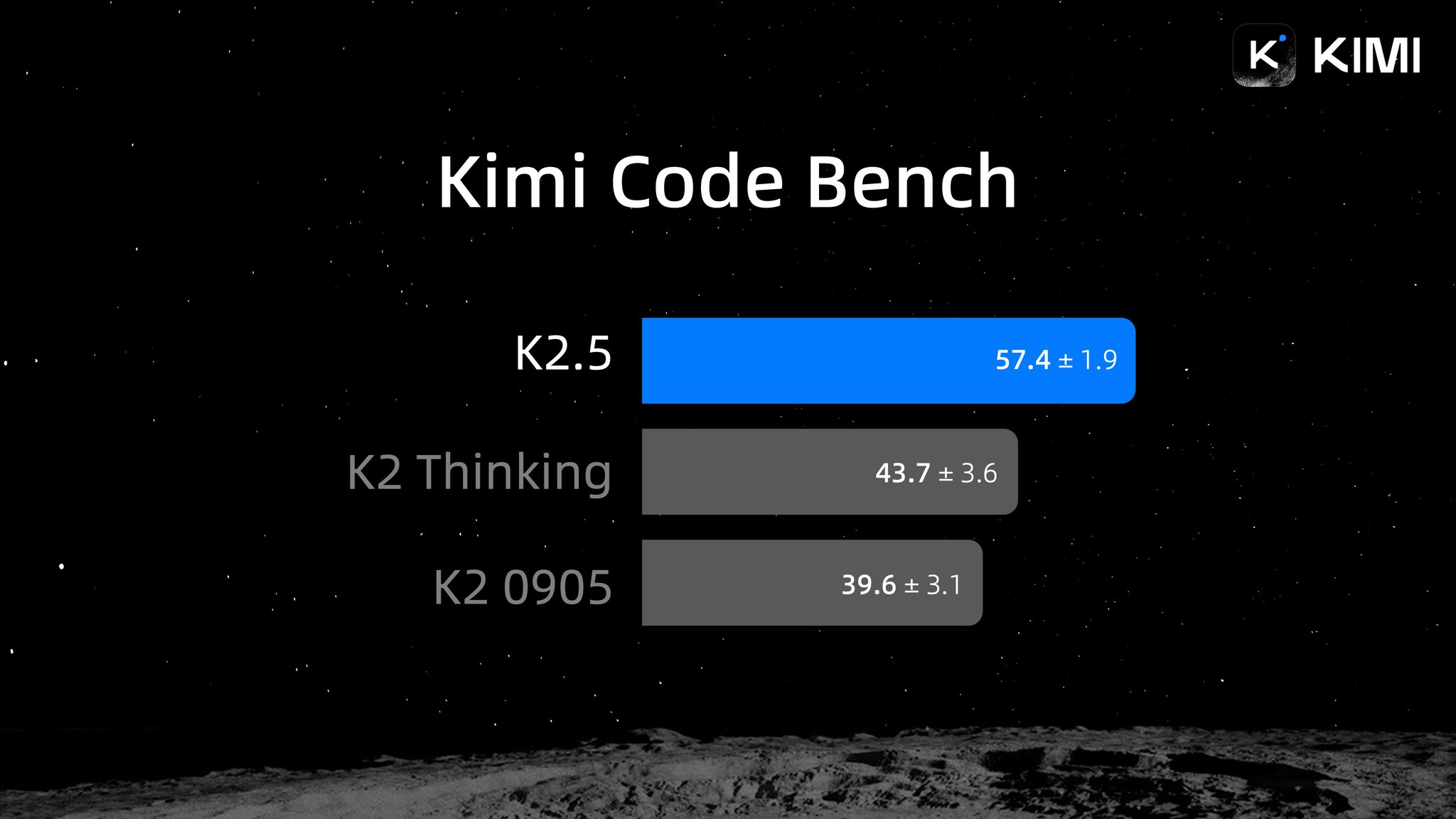
- Install the dependencies and configure the required model or API key (such as Kimi K2.5).
- Install or enable the Kimi Code plugin in the corresponding IDE to get started.
- Typical use cases
- Front-end page generation: Automatically generate and correct page layouts based on design drawings or reference drawings.
- Document-driven development: Automatically retrieve API documents and complete interface call implementation.
- Cross-modal programming: Combine videos or screenshots to understand the existing system and modify it.
- Automatic debugging: Actively locate and fix problems after running or rendering errors occur.
- Rapid prototyping: Build from idea to workable example in minutes.
- Ecology and competing products
- Ecology: Kimi Code takes Python and plug-in systems as the core, making it easy to access existing toolchains.
- Comparison of competitors: Compared with traditional code completion tools, Kimi Code emphasizes "task completion" and autonomy. Compared with some closed-source agent products, its advantage is control and scalability.
- Limitations and precautions
- Complex projects still need to be manually reviewed to generate results to avoid hidden logical errors.
- Multi-modal and screenshot verification have certain requirements for computing power and operating environment.
- The depth of integration of different IDEs may be different, so you need to pay attention to plugin updates.
- Agent behavior is affected by model capabilities, and the effect changes with the model used.
- Project address
https://kimi.com/code
- Frequently asked questions
Q: Is Kimi Code free to use?
A: The project itself is open source and free, and the model or computing power resources may depend on specific usage.
Q: Is it supported for offline or private deployment?
A: Private deployment is supported at the code level, and model capabilities need to be combined with specific authorization and resource conditions.
Q: What can multimodal inputs do?
A: It can be used for scenarios such as UI replication, visual validation, and feature modification based on screenshots or videos.