1. Basic information
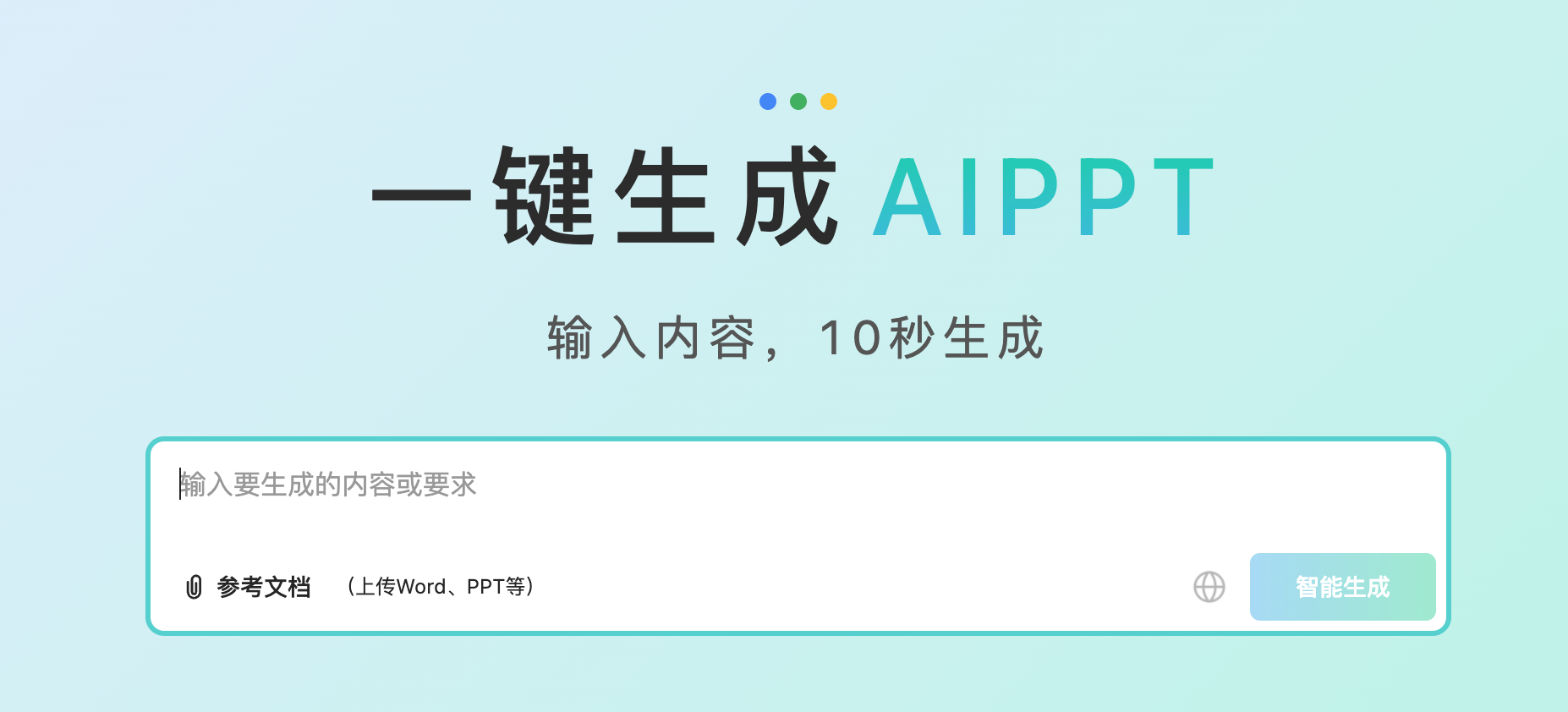
PPT is an online tool with AI-generated presentations as the core, mainly by entering a topic or importing documents, and providing template selection and online editing capabilities. Its core keywords focus on AI-generated PPT, AIPPT, Word-to-PPT, and multi-format document-to-PPT scenarios, targeting users who need to quickly complete reports, teaching courseware, project proposals, and roadshow materials.
2. Product overview
Split the PPT production process into several links: theme input and demand constraints, outline generation, template matching, page generation and online editing. Users can first obtain a visual outline structure, and then add, delete and modify the outline content to generate a draft, thereby reducing the problem of uncontrollable and difficult modification at one time. In addition to topic generation, the product also covers document import generation, emphasizing the automatic organization of long text content into a structure that is more suitable for presentation, and continues to support editing and style adjustment after generation.
3. Core functions
1. Content generation and outline are controllable
Instant PPT supports input topic generation outlines and allows users to adjust the outline before and after generation. Some flows allow you to specify the number of pages, keywords, and content focus to make the generated content more relevant to your intended purpose.
2. Document import and multi-format conversion to PPT
Instant PPT supports generating PPT by importing documents, covering common office and writing formats. After importing, the system can automatically split and structure the original text, and display the splitting results to users for further modification, thereby improving the usability and controllability of document to PPT.
3. Template library and diversified template types
Instant PPT provides a template library, covering multiple industries and multi-scenario styles. In addition to regular static templates, it also includes template types that are more inclined to display and dynamic effects, such as giant screen templates for large-screen displays, and animation or video templates that emphasize animation effects. Some template resources also cover more expressive template categories to meet the needs of presentations with higher visual rhythm requirements, such as events, annual meetings, and knowledge sharing.
4. Online editing and multi-mode editing experience
PPT provides online editing capabilities, supports automatic adaptation of layout after modifying content, and reduces the cost of repeated manual typesetting. The editing mode can be switched between different granularities according to needs, including text-based editing mode, text-slide linkage editing mode, and more design and layout adjustment editing mode, adapting to different scenarios from quick revision to fine polishing.
4. Pricing and versions
Instant PPT provides a membership system, and there are differences in permissions such as AI-generated quotas for different membership levels, and may provide expansion methods such as additional packages. The quota related to AI generation is usually calculated based on the number of pages generated, and document conversion and online generation may consume the corresponding number of pages. The specific price, free trial credit, download permissions, and template unlock scope may change with the event or policy adjustment, and the actual purchase page and product description shall prevail.
5. Applicable scenarios and populations
- Workplace users: weekly and monthly reports, debriefing reports, project reviews, product plans and customer proposals
- Educational groups: course courseware, teaching displays, student homework reports and club lectures
- Operation and marketing: event publicity, investment promotion, brand introduction, data interpretation and review materials
- Consulting and research: structured report presentation, industry combing, research conclusion output and roadshow support
6. Frequently asked questions
Q: Can the AI-generated PPT process of instant PPT be changed before generating?
A: Support teachers to make outlines and make adjustments, and then generate a complete PPT based on the modified outline, so as to improve the controllability of structure and content.
Q: What types of files does the document to PPT support for PPT in seconds?
A: Support multi-format document import to PPT, covering common office and writing formats, and the splitting and structuring results can be modified after import to better adapt to presentation.
Q: How to calculate the membership quota of instant PPT consumption for AI generation?
A: AI generation consumption is usually calculated based on the number of pages generated, document conversion and online generation may also produce corresponding page consumption, download and export may also be counted by the number of times, subject to the records and descriptions in the product.
Q: Does Miaochu PPT provide different levels of membership?
A: Different levels of membership are provided, and there are differences in AI-generated quotas and other permissions for different levels, and may support upgrades and expansions, subject to the actual page display.