
How do you connect the Hermes Agent production tool? Let's start with read-only permissions
When Hermes Agent needs to connect to production databases, cloud accounts, ticketing systems, or co
Kahma.io is an AI portrait and professional headshot generator that can turn ordinary photos into 8K-quality portraits, professional headshots, and magazine-style portraits. It is suitable for personal branding, LinkedIn headshots, social profiles, portfolios, and creative portraits for multiple image versions without scheduling a studio shoot. When using it, you should upload your own or authorized photos, confirm portrait rights, generate image licenses and platform rules before commercial use, and avoid generating content with unauthorized portraits. It's more suitable for users with clear goals, input materials, and boundaries, and small-scale testing can help you determine whether the results are worth going into the formal process faster. Before use, you should also use your own data sources, team processes, and review criteria to avoid direct automatic results into official release, submission, or business decisions.
undefined
Suitable for job seekers, entrepreneurs, content creators, and those in need of a professional avatar. When you need a real commercial photo ID photo, you still need to confirm the requirements of the platform or institution.
Portrait generation involves portrait rights and authenticity. Only use your own or authorized photos, and avoid misleading viewers when posting publicly.
It is recommended to test the Kahma.io with a real small task: whether the input material is easy to prepare, whether the output results require a lot of modification, whether the quota or price is in line with the frequency of use, and whether the team can accept the cost of subsequent review. When it comes to personal data, health information, job search materials, customer communications, copyrighted materials, or account automation, you must also confirm authorization, privacy, platform rules, and manual review responsibilities.
In actual use, the original materials, generated results, and manual modification records can also be retained, making it easy to trace the source, interpret decisions, and control risks. This allows AI output to be put into a controlled process, rather than directly using unconfirmed content for formal scenarios.
In more complex team processes, it is also recommended to set acceptance criteria, such as whether the results cover core requirements, whether they can be reviewed by colleagues, whether they keep records of provenance, whether they meet privacy and authorization requirements, and whether there is a manual way to cover them if they fail. This step may seem trivial, but it can significantly reduce subsequent rework, misuse, and unclear accountability.
If the tool will access customer information, job information, health data, business materials, or account permissions, it is recommended to use a test account and non-sensitive samples to run through the process before deciding whether to access official data. For content for external users, additional checks for tone, facts, copyright, and commitment boundaries.
Kahma.io Is it suitable for LinkedIn profile pictures?
It is suitable for generating professional avatars, but the final choice should align with personal image and platform requirements.
Can I upload someone else's photo? **
Not recommended unless expressly authorized. Portrait generation carries portrait rights risks.
Can AI headshots replace professional photography? **
It can meet many online data needs, but high-end brand shooting still has the advantage of real photography.

X-Me AI is an AI avatar video and multilingual digital human generator tool aimed at short video creators, marketing teams, and educational content producers for generating realistic AI avatar videos and multilingual explainer content. It's suitable for people who already have clear tasks, materials, or business processes to centralize AI avatars, text to video, and multilingual videos into easier workflows. When using it, it is necessary to focus on portrait authorization, identity authenticity, and script review, especially when it involves customer information, learning content, audio and video materials, business data, or public release, authorization and manual review should be confirmed first. Overall, X-Me AI is suitable as an auxiliary tool for generating realistic AI avatar videos and multilingual explanatory content, rather than a substitute for the final judgment of professionals.
Twinning AI is an AI workflow tool for teams that need to create, organize, convert, or review task-specific material before final use. It should be used with clear source material, a defined output goal, and human review for accuracy, rights, privacy, and publishing quality.

Tavus is a practical AI tool for teams and individual users who need a clearer way to handle focused digital tasks. It can support content work, document handling, automation, learning, communication, media production, research, or customer workflows depending on the product scope. Users should start with a small low-risk task, compare the output with their own standards, and keep human review for facts, permissions, privacy, brand voice, and final delivery.

TalkPersona is a practical AI tool for teams and individual users who need a clearer way to handle focused digital tasks. It can support content work, document handling, automation, learning, communication, media production, research, or customer workflows depending on the product scope. Users should start with a small low-risk task, compare the output with their own standards, and keep human review for facts, permissions, privacy, brand voice, and final delivery.

TalkingAvatar is a practical AI tool for teams and individual users who need a clearer way to handle focused digital tasks. It can support content work, document handling, automation, learning, communication, media production, research, or customer workflows depending on the product scope. Users should start with a small low-risk task, compare the output with their own standards, and keep human review for facts, permissions, privacy, brand voice, and final delivery.

Swapfaces AI helps users turn clear source material into editable results for content, media, data, learning, or operational workflows. It is best used when the goal, input, output format, and review standard are clear. Users should test it with a low-risk task first and keep human review for customer data, student work, financial information, portraits, production code, or public content.

Swapface helps users turn clear source material into editable results for content, media, data, learning, or operational workflows. It is best used when the goal, input, output format, and review standard are clear. Users should test it with a low-risk task first and keep human review for customer data, student work, financial information, portraits, production code, or public content.

Real Fake Photos is an AI workflow tool for teams that need to create, organize, convert, or review task-specific material before final use. It should be used with clear source material, a defined output goal, and human review for accuracy, rights, privacy, and publishing quality.

Rapport is an AI workflow tool for teams that need to create, organize, convert, or review task-specific material before final use. It should be used with clear source material, a defined output goal, and human review for accuracy, rights, privacy, and publishing quality.

When Hermes Agent needs to connect to production databases, cloud accounts, ticketing systems, or co
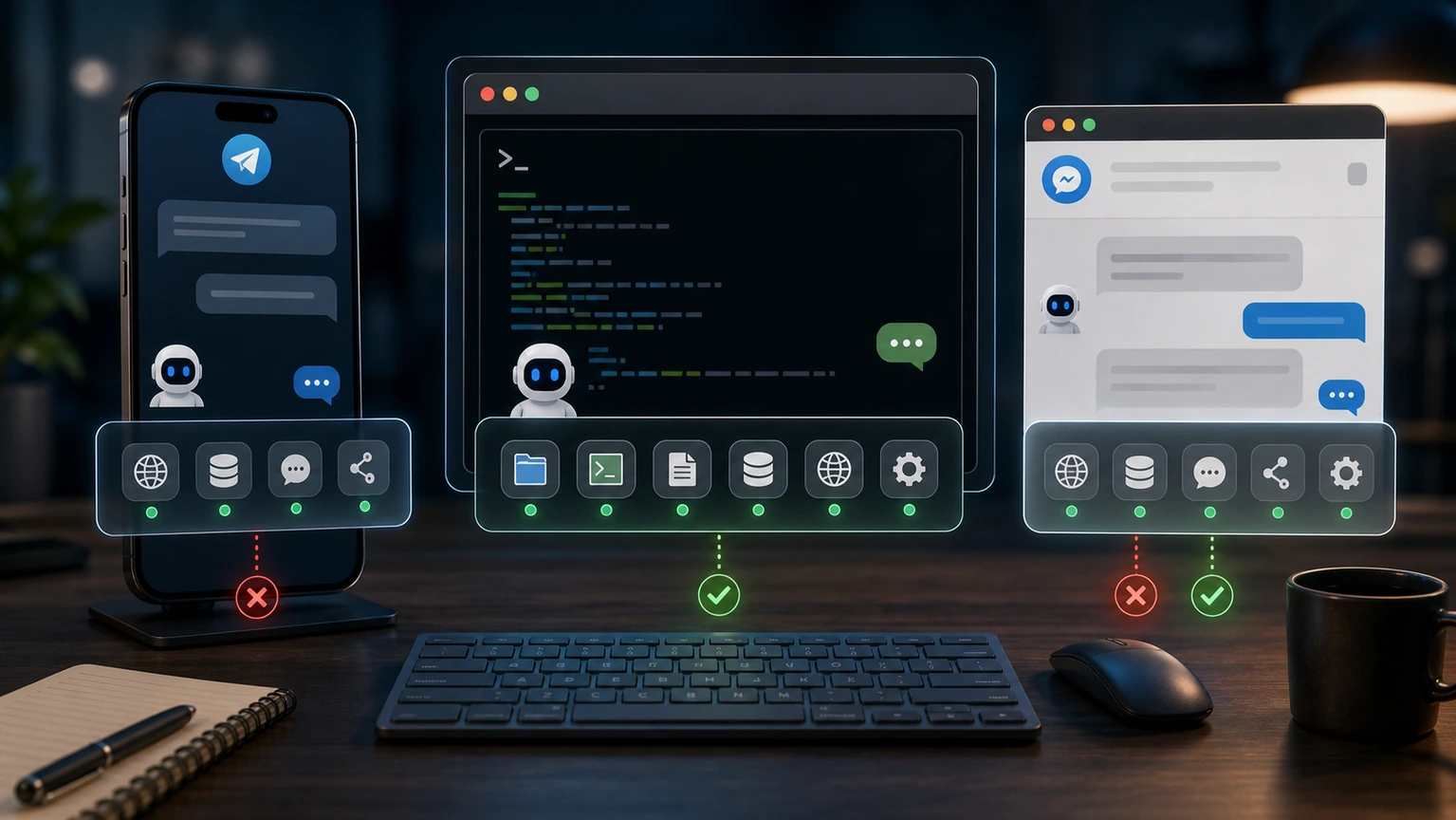
Hermes Agent can use terminal tools in the CLI, but not in Telegram. First, check the platform's too

Hermes Agent's MCP server has changed the tool list, but no new tools can be seen in the conversatio

Hermes Agent just changed memory, but the current conversation still follows old habits. Usually, it
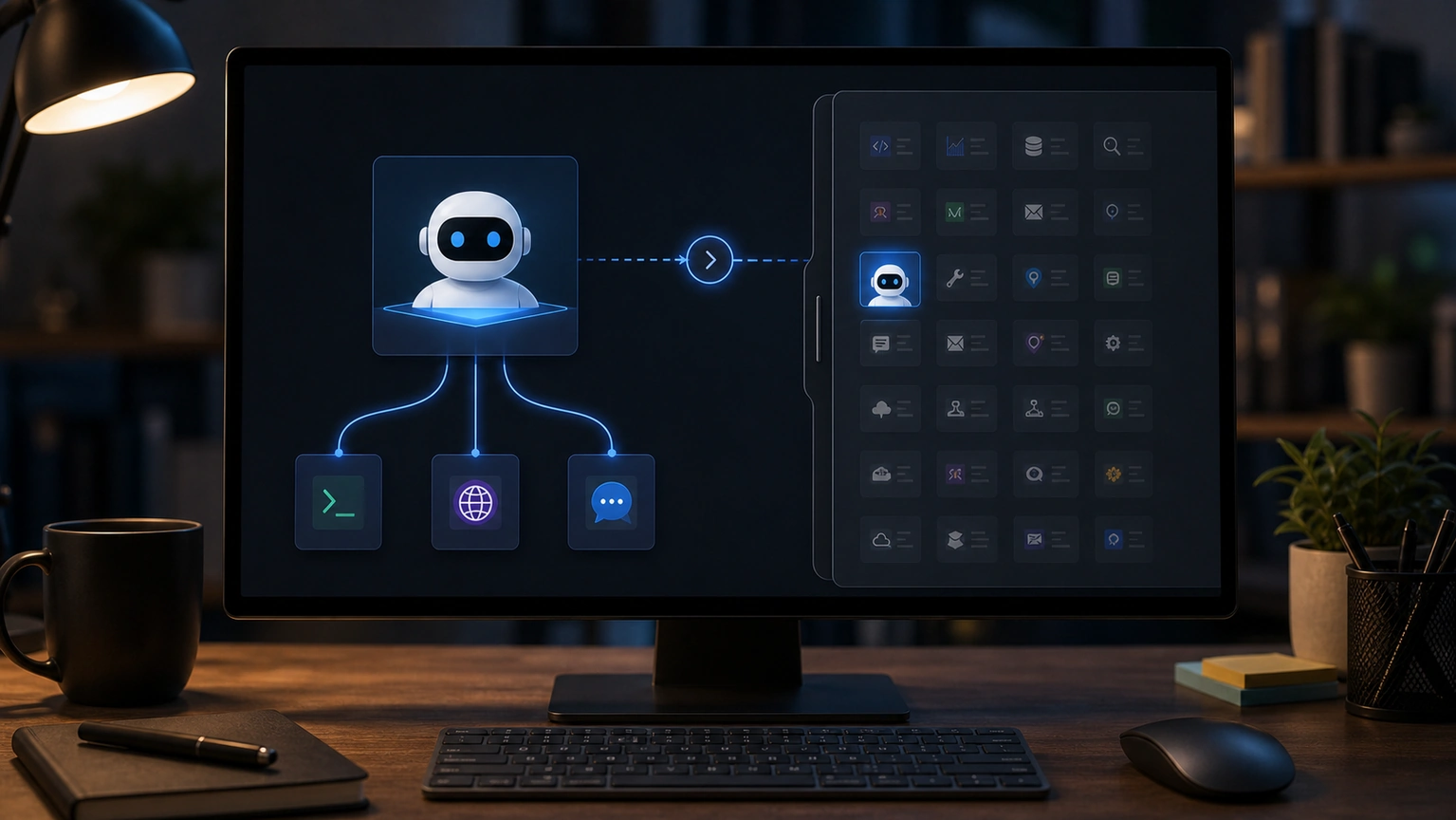
After opening Tool Search with Hermes Agent, you can't find a tool. First, distinguish whether it's

OpenClaw browser keeps getting stuck on old pages, screenshots, or tabs. Restart the browser to cont

You can have normal conversations in OpenClaw group chats, but if you don't want group members to tr

The OpenClaw channel shows connected, but messages neither come in nor go out, indicating that the "

If both OpenClaw Gateways appear at the same time, don't rush to change the channel configuration. Y