1. Product positioning
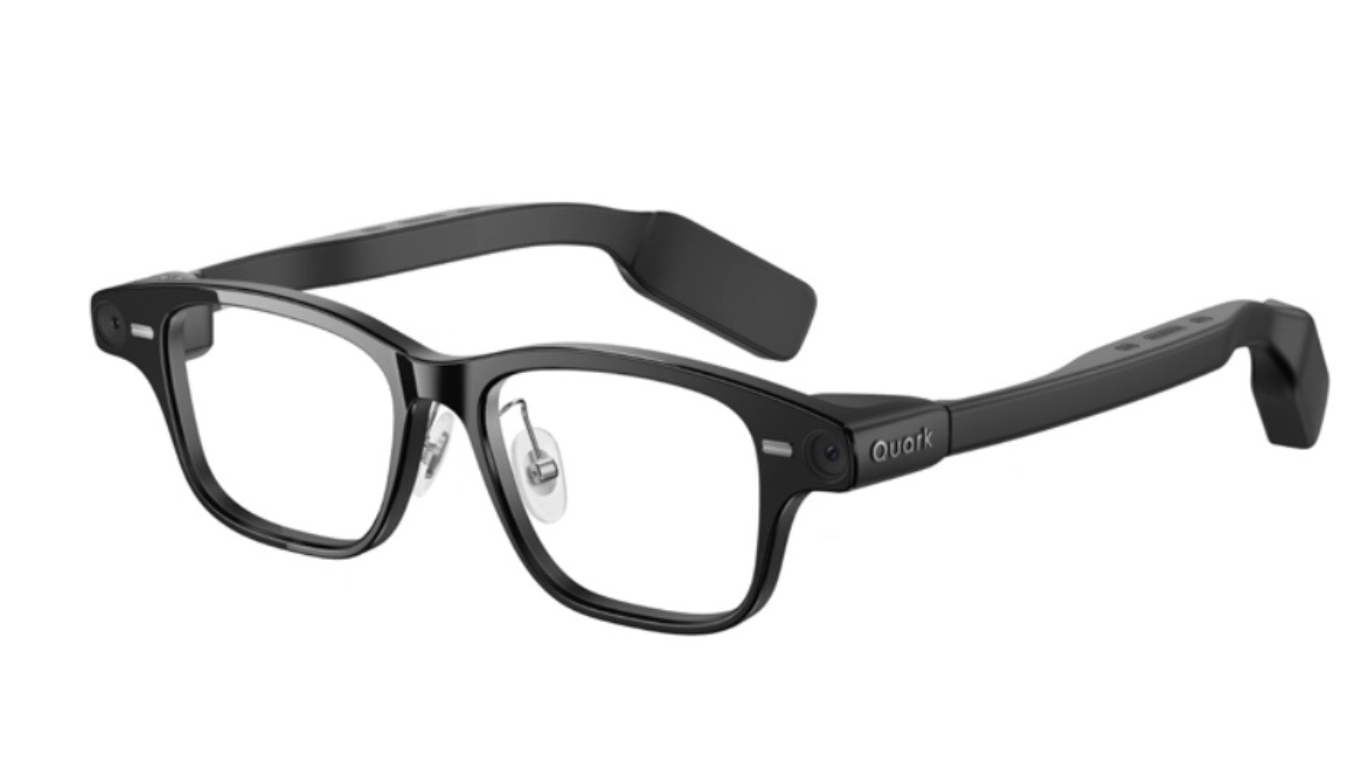
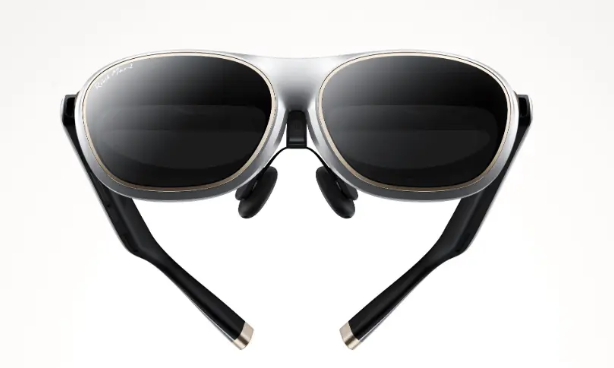
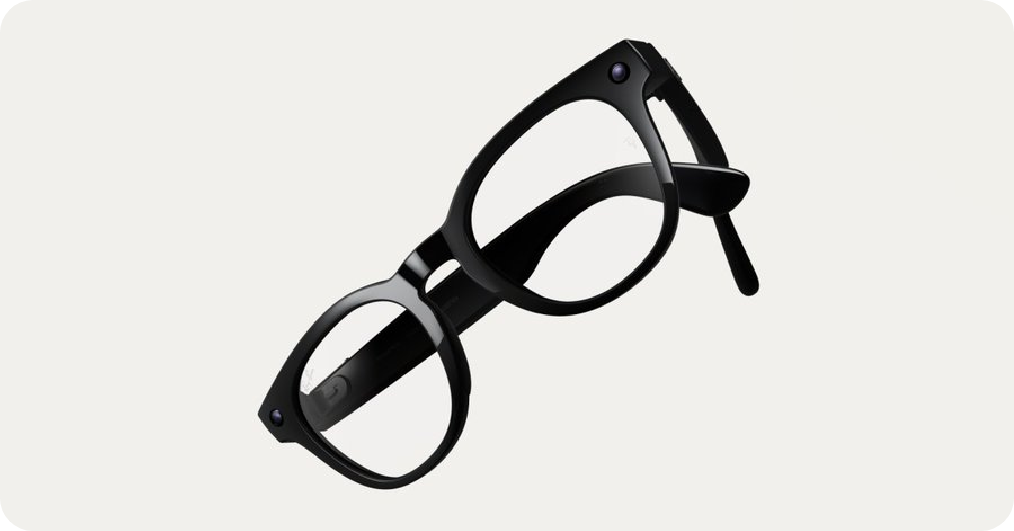
Xreal Air 2 Ultra is an AR glasses with complete spatial tracking capabilities, compared with ordinary display glasses, it adds dual cameras on both sides of the frame to do six-degree-of-freedom tracking of the head and environment, which is closer to the "spatial computing terminal". The official price is about $699, and the target audience is heavy gamers and developers who want a portable large screen and are interested in AR development and space applications.
2. Core hardware and display experience
The Air 2 Ultra uses a Sony micro-OLED screen with a resolution of 1920×1080 per eye, a maximum refresh rate of 120Hz, a peak brightness of about 500nit, and a field of view of 52°. The direct meaning for users is: the picture is delicate and smooth, and there will be no obvious graininess when used to watch movies and play games. It supports three-speed electrochromatic dimming, which can be switched between transparency, semi-blackout and almost total black, and you can find the right brightness in the subway, airplane, and bedroom. The body is about 80g, and the frame is made of titanium alloy, which takes into account both strength and lightweight, and the pressure is relatively less when worn for a long time.
3. Spatial perception and connection methods
The dual camera and internal sensors can complete head 6DoF tracking, room space modeling, and reserve capabilities for gesture tracking. This means that not only can you "look at a large floating screen", but you can also fix the window at a certain position in the space, and the picture will remain still when you walk around, which is closer to a real AR experience. The connection still relies on external devices, and the output screen is via USB-C or a companion host/mobile phone, which can be used as an external portable screen on a daily basis, or it can be used as a dedicated space application on supported devices.
4. Applicable people and usage scenarios
For ordinary users, it is first of all a pair of "portable large-screen glasses" for watching movies and games, which is suitable for business trips, commuting, and long-distance travel; For developers and geeks, it provides a relatively low-threshold spatial computing experimental platform on which gesture interaction, spatial UI and other explorations can be done. If you just want to watch movies, the more cost-effective Air 2 / Air 2 Pro is enough; The value of the Air 2 Ultra is only used when you do toss around with AR applications.
Q&A
Q1: What is the biggest difference between Air 2 Ultra and Air 2 / Air 2 Pro?
A: The display specifications of the three are similar, and the picture quality experience is similar; Ultra mainly has dual cameras and 6DoF spatial tracking capabilities, has a titanium alloy silver frame, is more expensive, and is more inclined to development and AR gameplay rather than a simple "head-mounted portable display".
Q2: Can it be used as an external monitor for a computer or game console?
A: Yes, you can map the picture to your glasses through a USB-C device or adapter box that supports video output, which is equivalent to having a private screen anywhere, suitable for mobile office, watching dramas and console games.
Q3: Can myopia users use it?
A: Lenses support myopia clips or customized lenses, and there are solutions for both official and third-party parties. In terms of actual experience, myopic users are best matched with original clips or fitted lenses, otherwise they are prone to defocus and long-term viewing fatigue.
Q4: Will I faint if I wear it for a long time?
A: Compared with VR headsets, Air 2 Ultra is lighter, less oppressive, and generally less prone to severe vertigo due to the real environment and virtual pictures. However, it is recommended to start with a short period of time for the first use, gradually extend the duration, and pay attention to proper eye rest.