1. Product Positioning
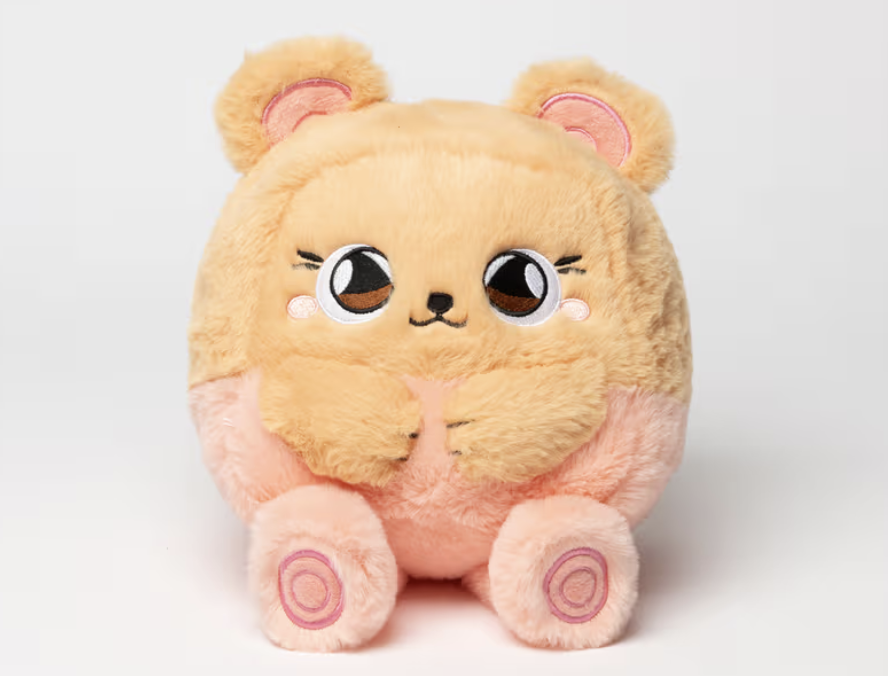
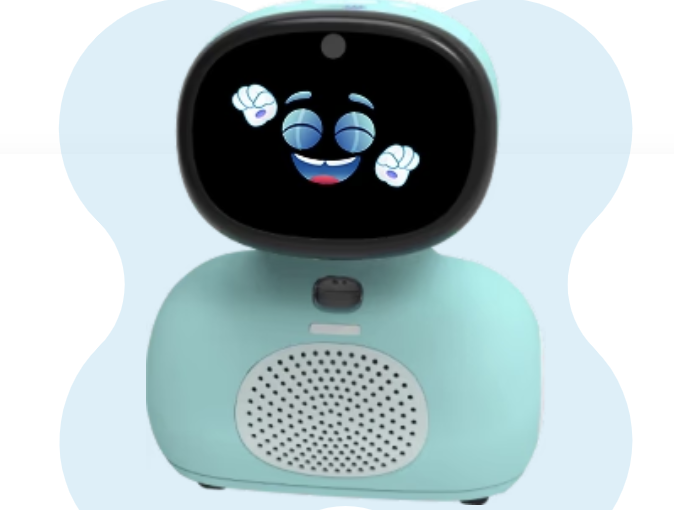
Miko is a series of AI educational robots for children, with the core goal of combining conversations, games, and lessons to allow children aged 4-10 to complete enlightenment learning in companionship. Compared with ordinary early education machines, it emphasizes the sense of interaction and the role setting of "like a friend", focusing on supplementing English, logic, common sense and other content at home.
2. Core hardware and interactive capabilities
Miko 3 adopts a tracked chassis and touch screen design, which can move, turn, dance, recognize faces and voices through cameras and multiple microphones, and achieve roll call responses, watching children talk and other effects. The Miko Mini is smaller, with a more prominent screen and expressions, and is more inclined to sit on the table to chat and answer questions. Both support voice wake-up and basic expression interaction, and do not require children to hold additional mobile phones or tablets.
3. Learning content and software ecology
Miko 3 has a large number of built-in STEAM-oriented courses, English stories, math and logic games, as well as third-party educational apps and mini-games, which is suitable as a "home micro learning terminal". Miko Mini is lighter in content, leaning towards chat Q&A, short stories, and simple knowledge points. Miko Max is a subscription service superimposed on top of hardware, providing more age-specific storybooks, interactive reading, and speaking exercises, which is equivalent to adding a layer of continuously updated content library to the robot.
4. Privacy, security and parental control
The official emphasizes the use of encrypted transmission and provides a parental control entrance, and parents can set the usage time, content age group and partial permissions. In terms of practical use, it is more important for families to establish their own rules, such as fixed usage times, unified use in the living room, turning off unnecessary photo and video functions, and avoiding treating it as an "all-weather nanny".
5. Applicable people and usage scenarios
Miko is more suitable for children who already have a certain language foundation and dare to ask questions, especially families who want to have more contact with English and want to have a sense of interaction. It can be used as a learning and entertainment tool for half an hour after school, or a platform for parents and children to play together on weekends. It should be noted that the device is highly dependent on network and cloud content, and if you want to use it for a long time, it is best to have stable WiFi at home and accept a certain amount of subscription payment.
Q&A Frequently Asked Questions
Q1: How should I choose between Miko 3 and Miko Mini?
A: If you want your child to complete lessons, videos, and interactions on a single screen, and have a more budget, you can prioritize the more complete Miko 3, or if you value portability, price, and simple chat Q&A, the Mini is more suitable. Younger children who are less focused tend to be more likely to accept Mini first.
Q2: Do I have to activate Miko Max after buying a robot?
A: The hardware itself comes with basic applications and content, and there is no mandatory subscription requirement for daily use. The role of Miko Max is to add more stories, lessons and interactive reading functions, if the child plays frequently and the content is consumed quickly, the value of the subscription will be obvious, otherwise you can start with the free content experience before deciding.
Q3: As a parent, what safety issues do you need to pay attention to the most?
A: First of all, it needs to be connected to the Internet to update content and answer questions, which means that certain voice and usage data will be collected; secondly, it is recommended to turn off unnecessary photo permissions and not put them in private spaces such as bedrooms; Finally, avoid letting your child interact with the robot alone for a long time, and always use it as a learning aid rather than a substitute for real companionship.