I. Basic Information
Microsoft Edge is a cross-platform modern browser from Microsoft, offering desktop and mobile versions and supporting multiple languages and operating systems. The product focuses on AI capabilities and security features, integrating Copilot mode, privacy and tracking protection, enterprise-level policies, and compatibility support. Based on the Chromium engine, Edge is compatible with mainstream websites and its extended ecosystem, providing a unified browsing and management experience for individual, educational, and enterprise users.
II. Product Overview
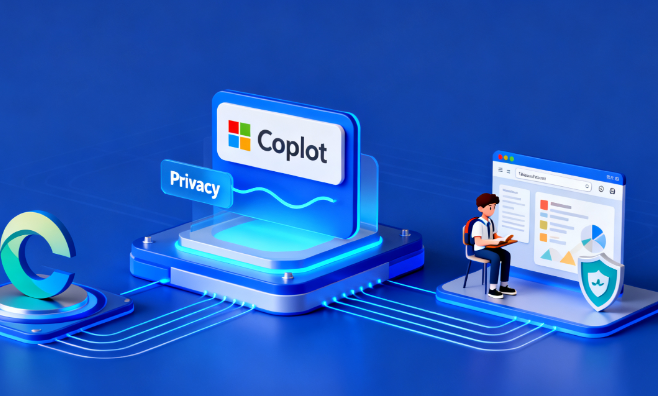
Edge prioritizes "intelligence, efficiency, and security." Copilot mode provides dialogue and task assistance within the browser, enabling information comparison, summary generation, and multi-tab collaboration. With permission, it leverages browsing context to perform more complex searches and operations. On the privacy side, it features built-in tracking protection and site access control, restricting potentially harmful trackers by default. For enterprise use, it offers Edge for Business, supporting differentiated logins, data protection, and centralized policy management. It also allows enabling IE mode for compatibility with sites relying on older engines, allowing simultaneous access to both modern and traditional applications within a single browser.
III. Core Functions
1. Main functions
Copilot mode and sidebar dialog support searching, comparing, and summarizing.
Tracking protection and online security: limiting potentially harmful trackers such as fingerprint and cryptocurrency trackers.
Cross-device synchronization ensures that favorites, passwords, and settings remain consistent after login.
PDFs and reading tools, text-to-speech and immersive reading: Enhancing reading and learning efficiency.
IE mode is compatible with legacy websites, unifying access between new and old systems within the enterprise.
Edge for Business's strategies and data protection, combined with organizational identity management.
2. Technical characteristics
Chromium architecture and multi-platform support, compatible with mainstream web pages and extensions.
Enterprises can manage version and update frequency through strategies and channels.
Tracking protection and enhanced security modes improve privacy without significantly impacting compatibility.
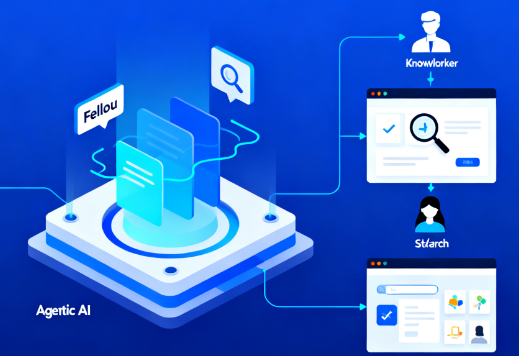
Copilot mode grants access to tabs and history based on permissions, leaving information in the browser sidebar for continuous task tracking.
IV. Pricing and Versions
Microsoft Edge is offered free of charge to individuals and organizations. Edge for Business, a dedicated work experience, is enabled through an organization account and integrated with enterprise policies. Updates are provided through different release channels, such as Stable and Extended Stable; features and availability may vary depending on region and version, please refer to official documentation for details.
V. Applicable Scenarios and Target Audience
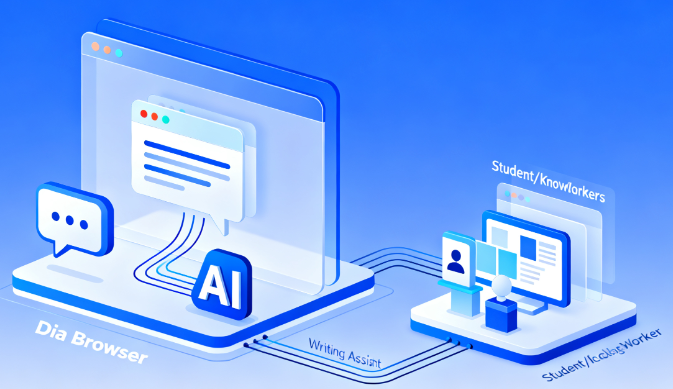
Suitable for students and knowledge workers who need to quickly summarize and compare information in their studies and research; individual users who want to improve their search and writing efficiency in content creation and daily office work; enterprises and public departments that need a unified browser, policy compliance and compatibility with legacy systems within their organizations; and IT management teams that need to access old business sites in a single browser during the application migration phase.
VI. Frequently Asked Questions
Q: What can Microsoft Edge's Copilot mode do?
A: Conversations, summaries, and comparisons can be conducted in the sidebar, and multi-page collaboration can be completed using context such as tabs after the user's consent. Voice and text input are supported, making it easy to advance tasks without switching pages.
Q: How does Edge protect privacy and security?
A: By limiting common trackers through tracking protection and combining it with online security capabilities, the impact of risky sites can be reduced; users can select the protection level in the settings and set exceptions for trusted sites.
Q: Why do businesses choose Edge for Business?
A: It provides a dedicated work browsing experience linked to organizational identity, supports data protection, policies and auditing, and can be integrated with existing management and security systems.
Q: How to access legacy websites in Edge?
A: With IE mode, Edge browses new sites with a modern engine and renders old sites with the IE engine in the same window, making it easier to maintain business continuity during migration.
Q: How are Edge updates and support scheduled?
A: We offer multiple release channels and cross-platform updates; enterprises can choose the appropriate channel for unified deployment. Specific support periods and platform information are subject to the official documentation.