I. Basic Information
Windsurf is an AI-native integrated development environment (IDE) for developers and teams, with a core focus on an "agent-based" coding experience. It utilizes built-in intelligent agents to collaboratively complete the entire process from requirements definition, code generation, refactoring to preview and deployment. The product provides a desktop editor supporting macOS, Windows, and Linux, and integrates multi-model inference, context indexing, and in-browser preview capabilities, aiming to maintain developers in a continuous and efficient "flow" state within the same workspace.
II. Product Overview
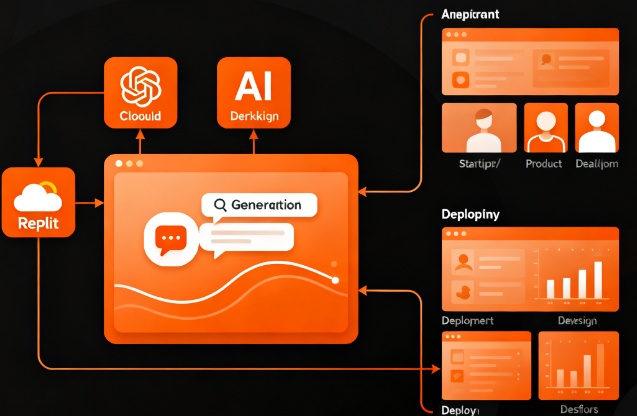
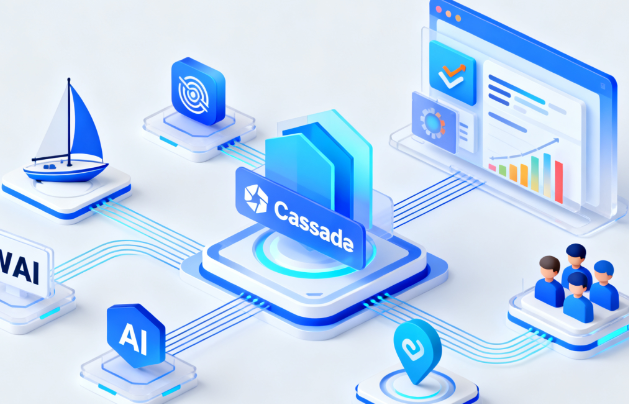
Windsurf, centered around Cascade, combines deep codebase understanding, tool invocation, and real-time awareness of developer actions to form a collaborative approach of continuous dialogue and task-driven execution. The editor's built-in Tab functionality enables high-speed code completion, and combined with Supercomplete and "Tab to Jump" navigation and action prediction, it improves the responsiveness from intent to code. The preview panel displays the real-time state of a webpage or application within the IDE; developers can directly select elements and have agents generate corresponding modifications. Once the changes meet expectations, deployment can be triggered on the same interface, reducing the overhead of switching between tool contexts. Windsurf also provides Fast Context and Local Indexing, enabling large and production-grade repositories to receive stable and relevant responses and editing suggestions.
III. Core Functions
1. Main functions
Conversational agent programming: Submit intents, constraints, and references to files or directories via Cascade to generate or edit multi-file changes.
Intelligent completion and action prediction: Tab completion and Supercomplete generate code at the inline and cross-fragment levels and navigate and locate based on the next action.
Built-in preview and one-click deployment: Preview the application status in real time in the IDE, make changes immediately, and deploy directly after completion to generate an accessible address.
Command and terminal enhancements: Inline commands and terminal natural language instructions, supporting generation, refactoring, and script execution.
Knowledge and Structure Understanding: Capabilities such as DeepWiki and Codemaps help to organize code relationships, terminology, and component maps, assisting in quickly becoming familiar with large repositories.
Versioning and Collaboration: AI Commit Messages automatically generate commit messages, and team capabilities such as Windsurf Reviews are used for cross-person collaboration and review.
2. Technical characteristics
Context and Memory: Fast Context improves retrieval and citation speed, while Memories and Rules support preference and specification shaping of proxies.
Workflows and Tool Extensions: Workflows are used to automate common development processes; they support MCP (Model Context Protocol) and can connect to custom tools and services.
Security and Governance: Offers a zero data retention option, team-level centralized billing and auditing, and the Enterprise Edition supports RBAC, SSO, and richer access control.
Multiple models and performance: It can switch between mainstream models and provides a self-developed fast proxy model to reduce response latency and cost fluctuations.
Compatibility and migration: Supports importing configurations from VS Code or Cursor, and provides a list of recommended extensions and incompatible features to ensure stability.
IV. Pricing and Versions
Windsurf offers four tiers: Free, Pro, Teams, and Enterprise. The Free tier includes a trial, basic credit limit, and core editing features; the Pro tier is for individual developers, increasing monthly credit limits and opening up more contexts and models; Teams is for organizational collaboration, providing centralized billing, priority support, management, and review capabilities; and Enterprise is for large-scale and compliance scenarios, offering higher monthly credit limits, RBAC, SSO, and hybrid deployment options. Each tier differs in credit limits, Fast Context caps, preview and App Deployment attempts, etc. Prices, quotas, and terms may change over time or by region; please refer to official announcements for the most up-to-date information.
V. Applicable Scenarios and Target Audience
Suitable for full-stack and front-end teams that need to complete the entire process from requirement to deployment in a single workspace; back-end organizations that handle complex codebases with multiple modules and a heavy historical baggage and emphasize context stability; product engineering collaboration scenarios that require quick previewing and visual modification within an IDE; medium to large-sized and regulated industry clients with clear requirements for model selection, permission governance, and zero data retention; and individual developers and startups that pursue agile delivery from prototype to production.
VI. Frequently Asked Questions
Q: How does Windsurf's Cascade proxy maintain relevance in large codebases?
A: Through Fast Context, Local Indexing, and reference mechanisms, Cascade can quickly retrieve relevant files and symbols, and combine memory and rules to maintain a consistent understanding of project constraints and style.
Q: How does the preview and deployment of Windsurf work?
A: After enabling preview on the right side of the IDE, you can directly select page elements to trigger proxy refactoring; after verification, you can deploy with one click from the same interface, forming a seamless process from preview to production.
Q: What governance capabilities does the team/enterprise version offer compared to the personal version?
A: The team version offers centralized billing, review, and priority support; the enterprise version adds higher limits, RBAC, SSO, and hybrid deployment capabilities to the overall governance and compliance.
Q: Does it support importing existing development environment configurations?
A: Supports importing key bindings, themes, and frequently used settings from VS Code or Cursor, reducing migration costs and maintaining existing habits.
Q: Are the functions completely consistent across different regions or time points?
A: Features, quotas, and prices may be adjusted or vary by region. Please refer to the latest information on the official website and documentation.