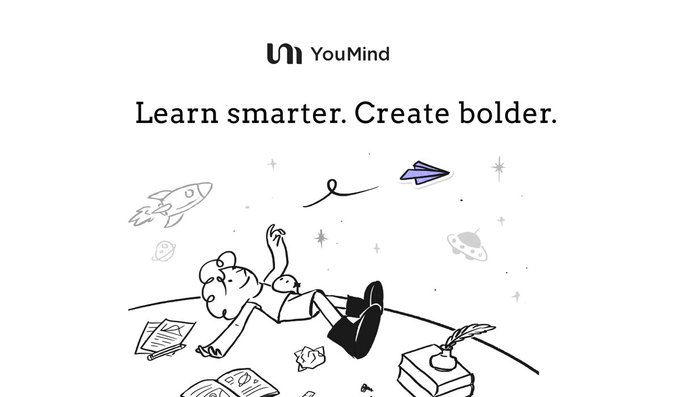
YouMind released version 0.5, proposing the product concept of "Learn smarter. Create bolder." Starting from topic selection, it systematically provides research steps (defining the problem, finding sources, focusing on reading, organizing key points, and producing an editable summary), and follow-up questions will automatically fill in the gaps, and newly added materials will flow back to the same management point.
The core update unifies "learning, thinking, and creating" onto a single board: the left side, Materials, aggregates web clippings, YouTube videos, and PDF highlights; the middle section, Crafts, is used for structured writing; and the right side, Tools, provides rewriting, comparison, and citation processing. Content can be rewritten, split, and moved from the very first second, with traceable citations; the same content can also be converted into audio, facilitating continued reflection during commutes.
Frequently Asked Questions
Q: What are the main changes in YouMind 0.5?
A: We provide a step-by-step research flow from topic selection to output, and integrate materials, writing, and tools into a three-column board, so that the generated content can be edited and traced throughout the process.
Q: What are the three columns on the Board for?
A: Materials manages materials, Crafts is for structured writing, and Tools is responsible for tool operations such as rewriting, comparison and citation.
Q: Can the generated code still be modified?
A: Yes. Any sentence can be rewritten, split, or moved around. Once improved, the key points can be carried forward to the next topic.
Q: How are citations and reliability guaranteed?
A: Each citation remains traceable, making it easy to verify the source at any time without having to switch back and forth between multiple tools.
Q: Does it support multi-mode output?
A: It supports converting the same content into audio, making it convenient to review and modify during short breaks.