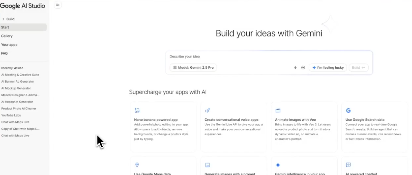
Google has launched a "vibe coding" experience for AI application creation in AI Studio, featuring an integrated workflow from natural language prompts to live applications, using Gemini for generation, iteration, and deployment. The new interface focuses on the "Build" path and quick sharing, reducing tedious configuration and enabling one-click publishing. The goal is to enable individuals and teams to more quickly complete the process from prototype to finished product. Officials also announced that this feature is now free to use, with continued releases of new features and updates.
Supporting information indicates that the AI Studio website and blog promote "vibe coding" as part of an improved developer experience, emphasizing reduced context switching and improved delivery speed. Multiple media outlets have demonstrated the rapid transition from prompts to runnable applications. Current functionality and availability are subject to the AI Studio website and official blog post, with more capabilities to be released gradually.
Frequently Asked Questions
Q: What exactly does vibe coding do in AI Studio?
A: Describe your requirements in natural language, and Gemini will generate and iterate the application, supporting quick preview and one-click publishing.
Q: Is there any charge?
A: AI Studio provides free startup capabilities. Billing and quotas are subject to the latest information on the official website.
Q: How much programming knowledge do I need?
A: It is aimed at beginners and developers, focusing on lowering the threshold; basic engineering and deployment knowledge is still recommended for complex projects.
Q: Is it fully launched?
A: The relevant entrance is now online on the AI Studio page, and more updates will be released through official channels.
Q: What’s the difference from previous workflows?
A: Reduce manual configuration and tool switching, and emphasize a direct path from prompts to deployment and faster iterative feedback.