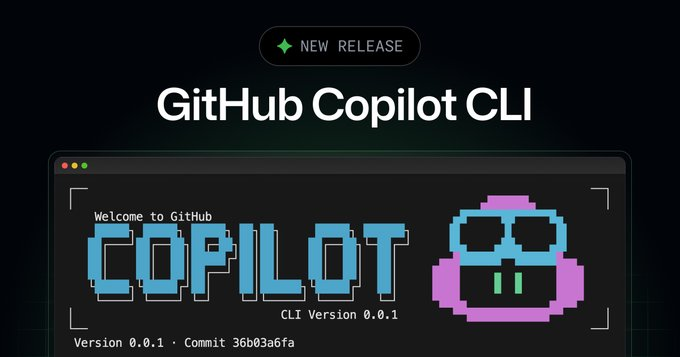
GitHub has announced the release of the Copilot CLI , which brings the Copilot coding agent to the terminal. This allows developers to interactively complete development tasks such as "build, debug, and deploy" locally using natural language, and leverage repositories and GitHub context to perform operations such as modifying files, running commands, and interpreting code. GitHub documentation states that this feature is in public beta and subject to change, and also provides installation and usage guides.
Subsequently, GitHub announced plans to deprecate the old gh-copilot CLI extension starting October 25, 2025, and temporarily disable related enterprise policies to allow administrators to evaluate whether to enable the new Copilot CLI. The official repository and features page further demonstrate capabilities such as terminal sessions, project structure exploration, and integration with MCP (Model Context Protocol) servers. Specific platform support and organization-specific switches will be determined by enterprise and organizational policy configuration, and the cadence of subsequent official updates will be determined.
Frequently Asked Questions
Q: What can Copilot CLI do?
A: Conduct conversational collaboration with Copilot in the terminal to explore project structure, install dependencies, modify files, run commands, and integrate with GitHub workflows.
Q: Is it stable and can be used in production?
A: This is currently a public beta version, and its functions and policies may be adjusted. Enterprise activation requires administrator review and compliance assessment.
Q: What is the difference from the old gh-copilot?
A: The new CLI provides more "proxy-like" capabilities; the old extension is scheduled to be deprecated on 2025-10-25.
Q: How to start the experience?
A: Install the Copilot CLI according to the official documentation and use it after logging in to the terminal; it supports collaboration between GitHub and local repositories.
Q: What is the relationship with Copilot encoding agency and other new products?
A: The CLI brings the encoding agent to the terminal and can be used in conjunction with the recently released encoding agent and related capabilities.