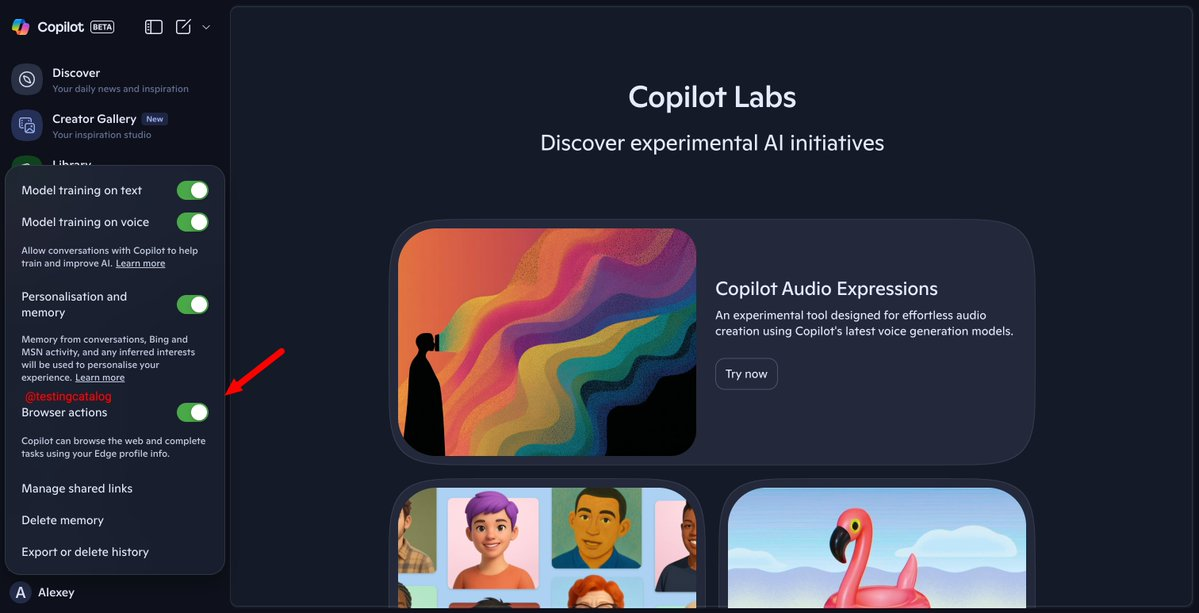
Microsoft is testing Copilot's "Browser Actions" feature in Edge, alongside the already announced Copilot Mode, in preparation for the upcoming proxy browsing feature. The test interface shows the switch located in Copilot's privacy settings, indicating that Copilot can use the current Edge profile information to complete tasks on the web. This is an optional feature that requires user consent.
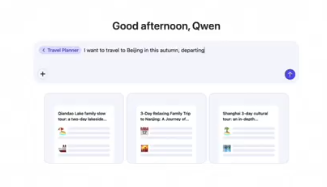
From the July release of Copilot Mode to its recent beta release, Edge is unifying chat, search, navigation, and automation into a single workflow. Microsoft stated that it will gradually open up access to browsing history, form information, and account context, subject to authorization, to facilitate complex tasks such as price comparisons, bookings, and form completion. The specific rollout schedule and applicable versions will be subject to official release.
Frequently Asked Questions
Q: What are Browser Actions?
A: Copilot's automation capabilities in Edge can perform web tasks based on your browser profile information and need to be enabled by the user.
Q: How does this relate to Copilot Mode?
A: Copilot Mode provides a unified conversation/navigation interface, while Browser Actions is the execution layer. Both point to proxy browsing.
Q: How to control data and privacy?
A: According to Microsoft, it is "optional - requires consent - can be turned off". Users can manage the switches and available scope in the settings.
Q: What is the current progress?
A: Relevant switches and text have appeared in test channels such as Canary/Dev; the official version release date has not been determined.
Q: How is this different from Edge's "screen understanding/multi-tab organization" features?
A: The latter focuses on analysis and suggestions; Browser Actions places more emphasis on executing specific web page steps and form operations on your behalf.