Method 1: Use a full UNC path (recommended)
Press WIN+R and enter cmd, then enter the following information and press Enter
del "\\?\C:\Users\更换成你自己的文件路径\nul"
Method 2: Using PowerShell
Remove-Item "\\?\C:\Users\更换成你自己的文件路径\nul"
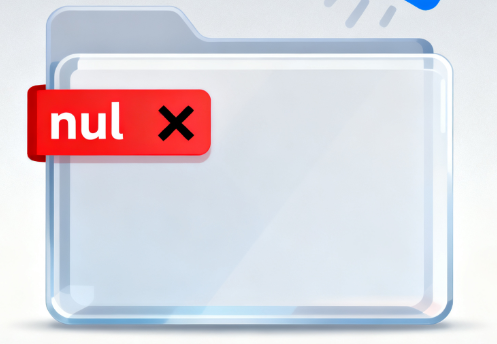
Method 1: Use a full UNC path (recommended)
Press WIN+R and enter cmd, then enter the following information and press Enter
del "\\?\C:\Users\更换成你自己的文件路径\nul"
Method 2: Using PowerShell
Remove-Item "\\?\C:\Users\更换成你自己的文件路径\nul"
What should I do if I encounter the following prompt when installing software on my computer? The dr...
An Authorization Error Occurred. What should I do if I frequently encounter this kind of prompt in d...

WorkBuddy Personal Edition is better suited for improving personal office efficiency. The Enterprise...

WorkBuddy often needs to read documents, spreadsheets, meeting content, or knowledge materials when ...