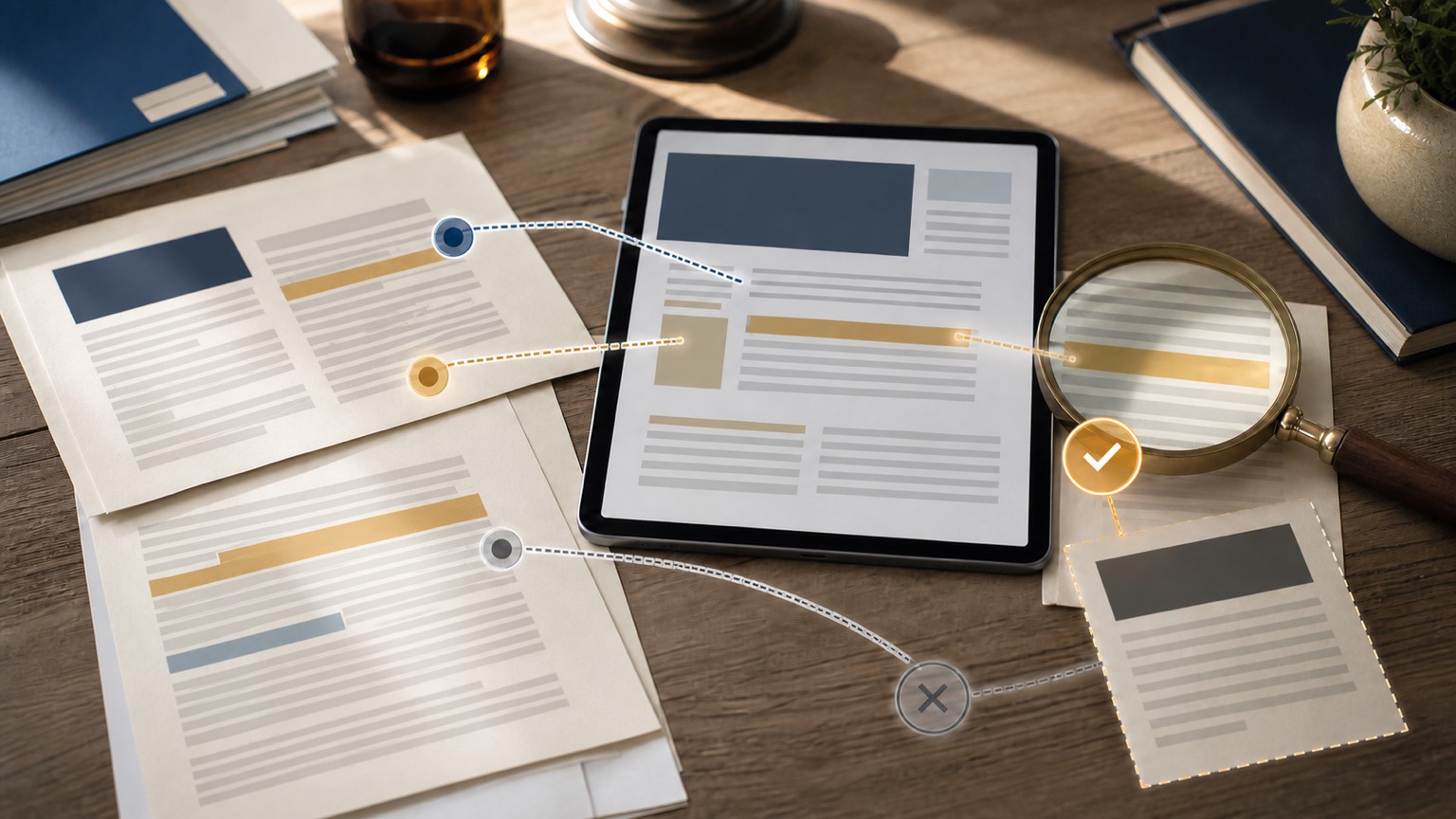
If a Gemini poster looks great but the title shows typos, missing characters, or distorted strokes, don't redo the entire image repeatedly. A safer approach is to first have the model confirm a completely accurate short copy, then use that copy to generate images; If there are only partial errors, only edit the text area, keeping the composition you are satisfied with.
Why does the image work normally but the text still errumble?
When processing text with image models, you need to understand the language and also draw the character shapes into pixels. The longer the copy, the smaller the font, the more colorful the font, or the mixing of multiple languages in the same image, the higher the chance of errors. Even if the model supports good text rendering, it cannot be treated as typesetting software, especially not assuming it will comply verbatim with brand names, prices, and legal statements.
First, confirm the copy, then generate the image
In the first round, only text is handled; do not let the model produce images. You can write it like this:
Don't generate images yet. Please repeat the following title word by word and check for typos; do not rewrite: New Product Experience Day.
After confirming the correct reply, submit the image request:
Generate horizontal event posters with confirmed titles. The title appears only once, placed in the blank area above; Do not add subtitles, dates, brand logos, or other text.
The prompt should explain the subject, action, background, style, and composition, but the text should be short and clear. Placing only one core copy in one area is usually easier to verify than having the model generate the title, selling point, price, and description simultaneously.
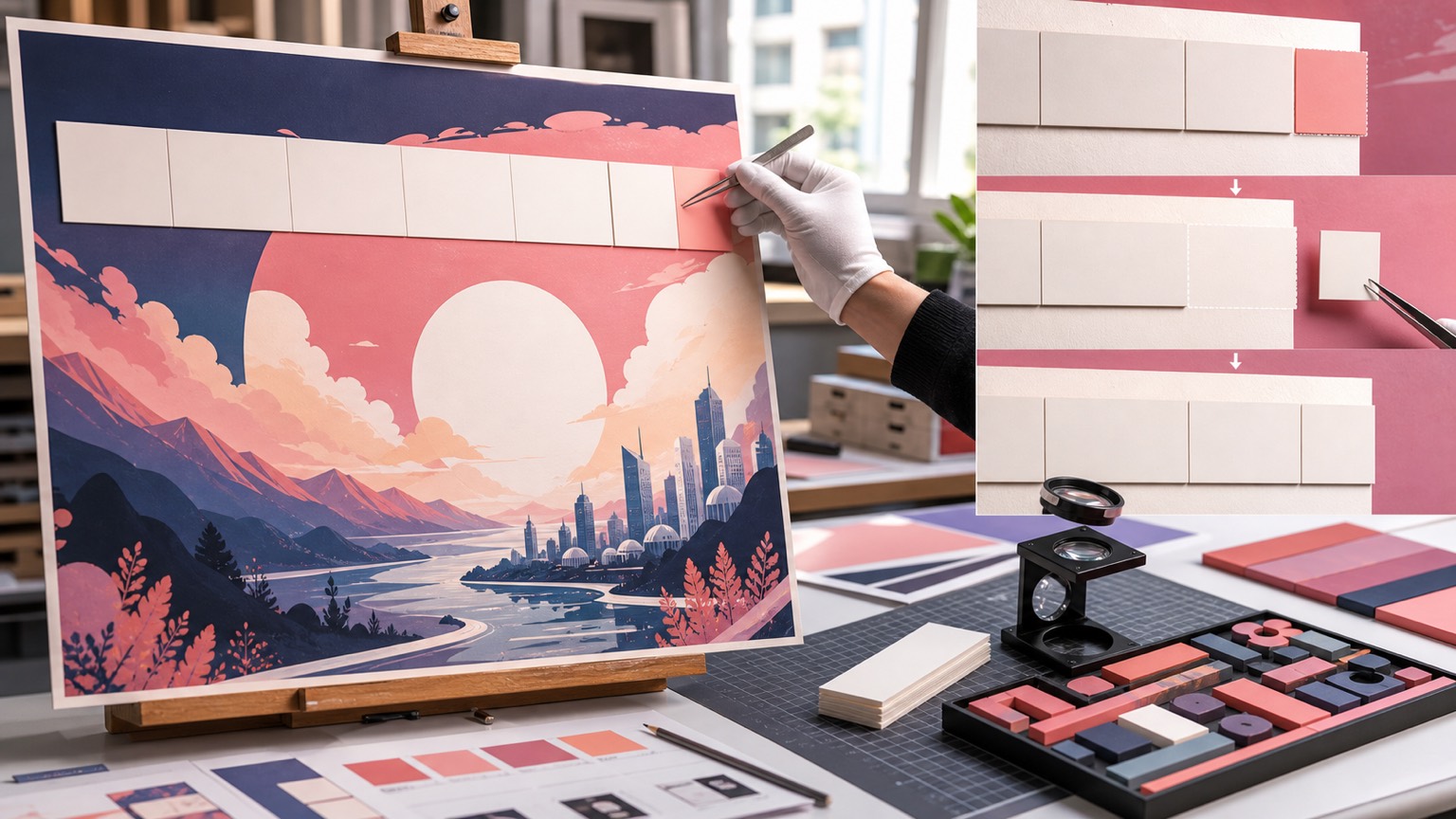
Do not redo the entire image for local typos
If the figures, lighting, and layout are already appropriate, you can upload an existing image and state: "Only replace the top heading with 'New Product Experience Day', keeping the figure, color, lighting, frame size, and other elements unchanged." "After editing, you still have to zoom in and check every word, because complex editing can alter edge textures, and a second round of correction may introduce new defects.
Which text should be typeset later?
For brand name, website, price, date, event rules, and small size disclaimer, it's best to have Gemini generate only a no-text background image, then overlay text in the design tool. This way, font type, spacing, and alignment can be locked, making future revisions easier. Images used for official release should be manually proofread before export; do not skip word-by-word checking just because the preview looks correct.