WorkBuddy Personal Edition is better suited for improving personal office efficiency. The Enterprise Edition isn't about "having more features," but about whether you can turn your personal AI experience into collaborative, manageable, and reusable organizational capabilities for your team. When selecting a team, focus on three key areas: digital employees, project collaboration, and management backend.
In its official release in June 2026, Tencent mentioned that Tencent Cloud will release WorkBuddy Enterprise Edition and the Office Agent suite for enterprise users, supporting employee collaboration with AI; The Enterprise Efficiency Agent suite integrates Tencent Docs and Tencent Enjoy capabilities natively into the WorkBuddy workbench through One ID. This direction clearly isn't just about personal writing, but about integrating AI into enterprise workflows.
Who is the personal edition suitable for?
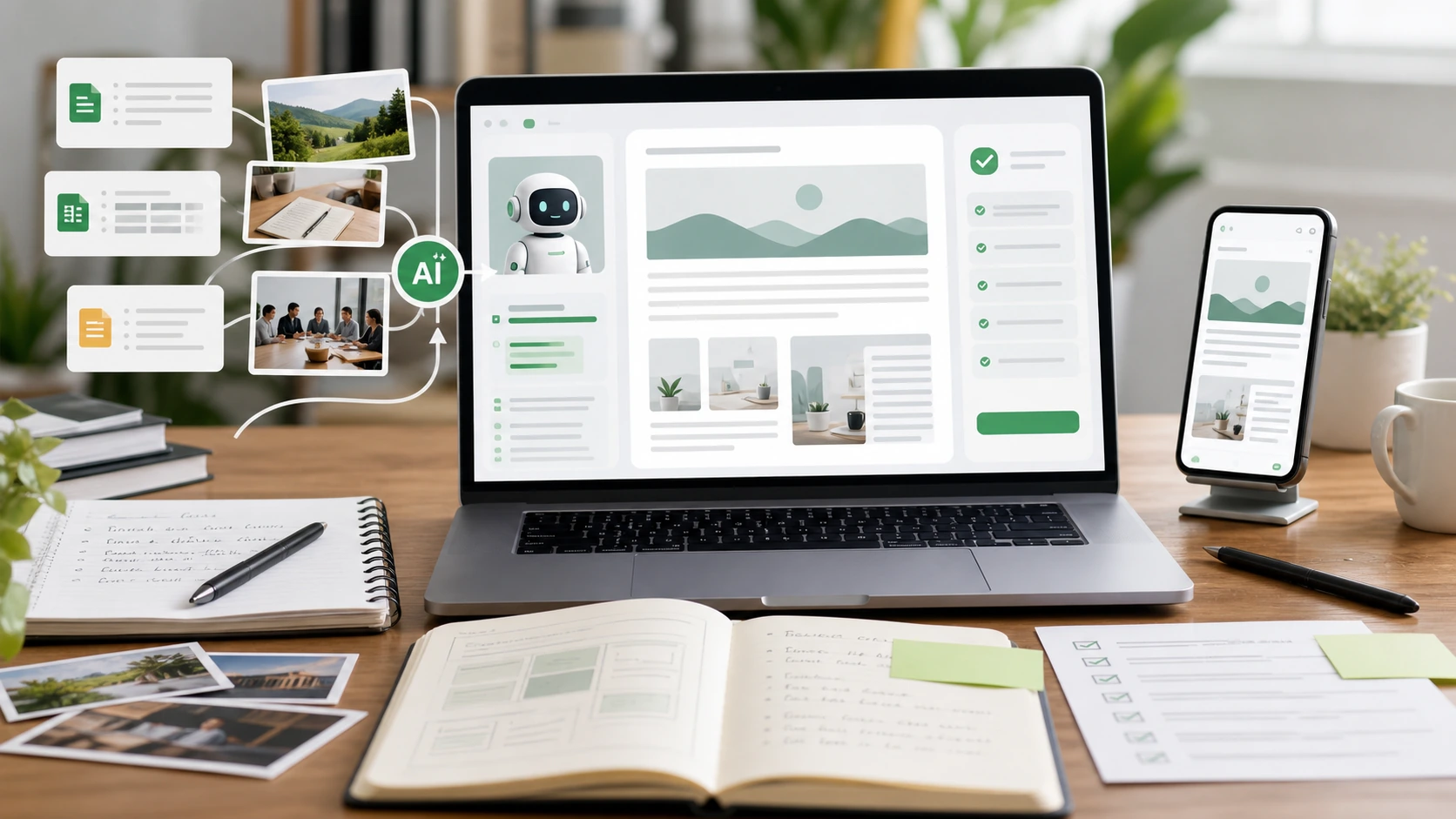
If you mainly write documents yourself, organize materials, analyze spreadsheets, make meeting minutes, and generate project drafts, the personal version is usually sufficient. It solves the problem of "how can I complete tasks faster by myself?" The core is quick to learn, quick feedback, and the ability to push scattered office tasks forward.
The personal version is not suitable for managing complex team permissions, nor for centrally managing the company knowledge base, cross-departmental projects, and long-term digital employees. Once you start involving multi-person collaboration and organizing assets, you should consider enterprise capabilities.
What are the three things to look at in the Enterprise Edition?
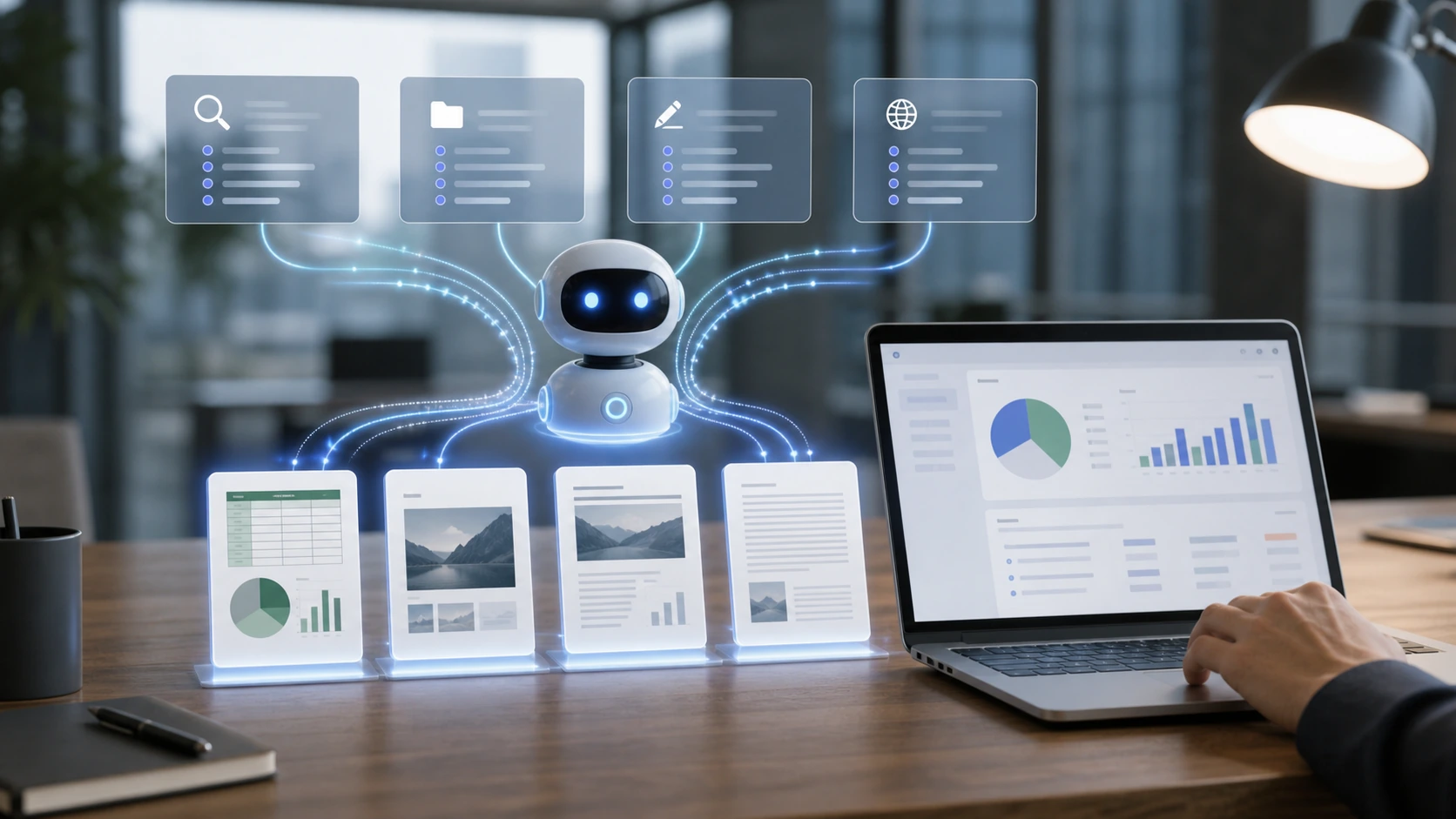
The first is the 24×24 expert digital workforce, which encapsulates job experience, tools, processes, and knowledge into an agent for sustainable work. The second is project-based human-machine collaboration, allowing employees and AI to process data, tasks, and deliverables around the same goal. Third, there is an enterprise-level management backend, making it easy to centrally manage accounts, permissions, assets, and usage.
These three factors determine the boundary between the enterprise and personal versions: the personal version leans toward "can I go faster?" while the enterprise version leans toward "can the team use it together and with control?"
When is there a rush to get into the enterprise edition?
If a company lacks a stable knowledge base, processes are not well established, and departments lack consensus on AI usage boundaries, going directly to the enterprise version may not be immediately effective. A more practical approach is to first select two high-frequency scenarios for pilot, such as meeting minutes and project documents, and thoroughly run data sources, output formats, approval processes, and permission rules.
When pilot tasks can be continuously reused and multiple people need to share the same set of expert capabilities, upgrading to the Enterprise version is more stable. The value of the Enterprise Edition is not to "buy AI for everyone," but to distill reusable work methods into team assets.