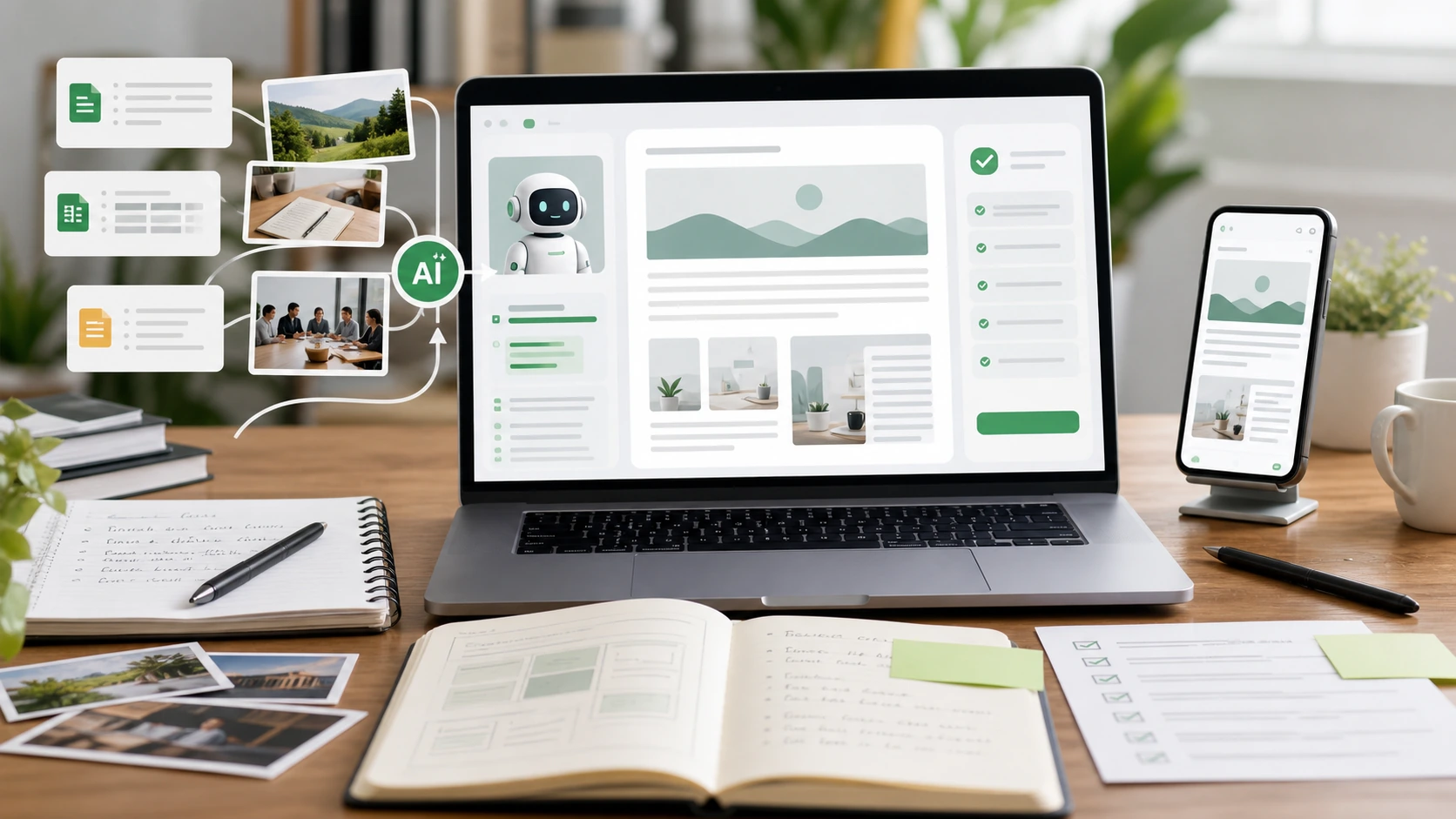
WorkBuddy often needs to read documents, spreadsheets, meeting content, or knowledge materials when handling office tasks, so security questions shouldn't just ask "Is the platform safe?" but also "What data, permissions, and connectors did I give it?" The safest approach is to authorize by task, only providing the files and space you currently need.
Tencent Cloud's release information for WorkBuddy Enterprise Edition and the Office Agent Suite, mentioning that enterprises will emphasize project collaboration, management backend, and workbench integration with Tencent Docs, Tencent Lexiang, and other capabilities. For users, this means WorkBuddy's value comes from contextual connections; But the more context there is, the more important it is to define the boundaries of authority.
How to reduce risks when using them personally
First, put the materials you need to process into a separate work folder; don't leave the entire desktop, download directory, or private cloud drive all to AI. This involves ID numbers, contract amounts, client lists, API keys, employee compensation, unpublished financial reports, and other content. If you can be desensitized, do so first; if not, don't casually use it for testing.
If you only ask it to write articles, outline, and organize ideas, often you don't need to provide the original sensitive files. You can first provide summaries, field descriptions, or sample data to generate structure, then decide whether to add real data.
When using these for teams, focus on these three aspects
First, see if administrators can uniformly manage members, projects, and permissions. Second, check the files, knowledge base, and meeting content after entering WorkBuddy—who can access them, who can call them, and whether they can be tracked. Third, check whether there are approval, log, and permission recovery mechanisms, especially for resignations, job changes, or project completion.
If the team is just a few people collaborating temporarily, at least agree on the naming of materials, sharing scope, and a list of prohibited uploads. Don't turn "everyone can use AI" into "everyone can see all the data."
When these signals appear, pause is necessary
If you find that AI outputs contain information that doesn't belong to the current project, cite client information you didn't intend to disclose, or have access to historical projects you shouldn't have, you should first disable the relevant data sources and check the scope of authorization. Don't keep using more prompts to "correct"; permission issues should be resolved back in the permission settings.
WorkBuddy's document capabilities are suitable for office efficiency, but security boundaries must be designed by people. The more complex the task, the more you need to clearly break down data, permissions, personnel, and output scope before letting AI Agents execute them.