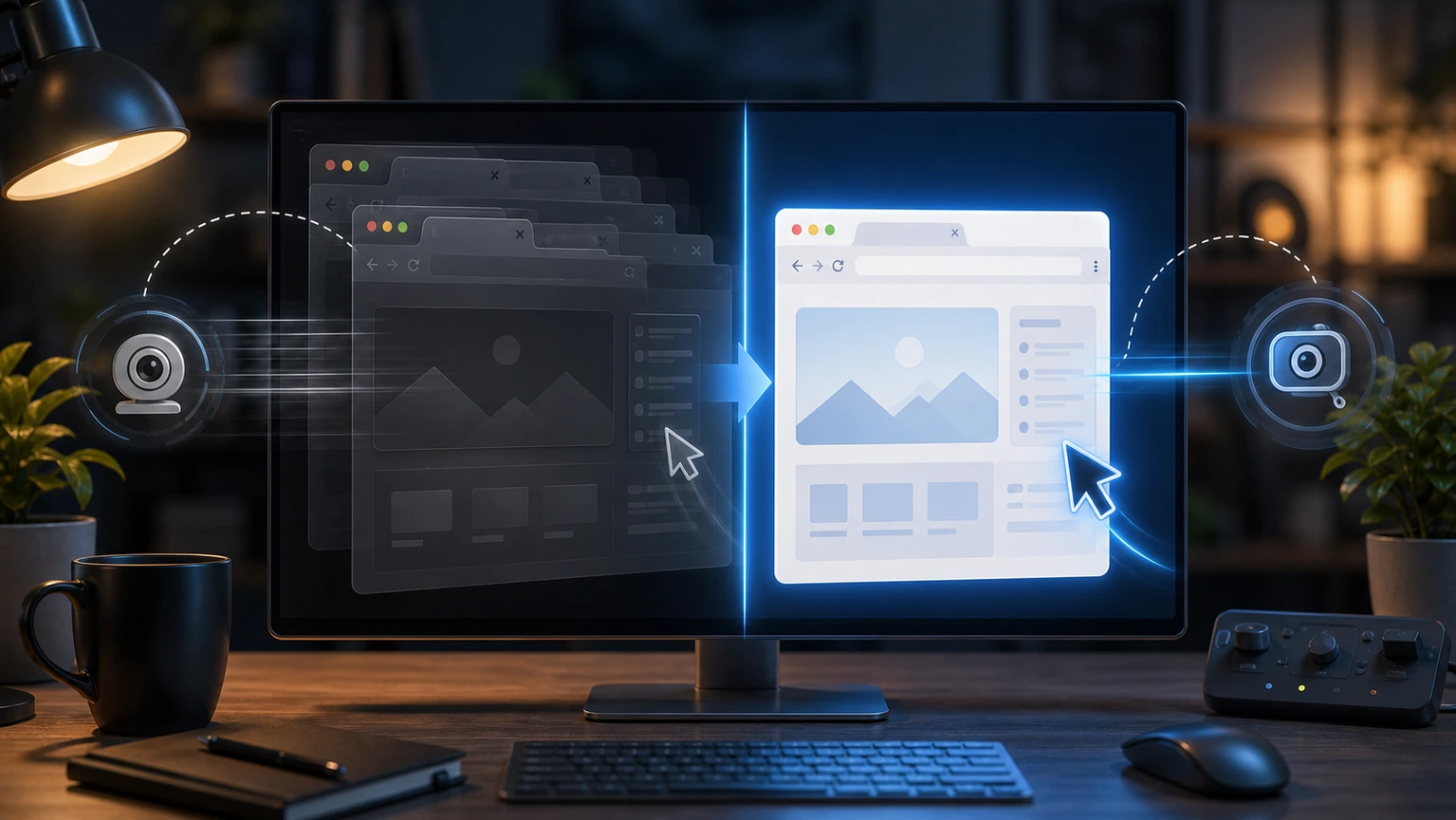
OpenClaw browser keeps getting stuck on old pages, screenshots, or tabs. Restart the browser to control sessions first, but don't delete the profile immediately. In most cases, it's a control connection or stuck page state, not a faulty browser configuration.
First, determine where the stucks are
If the agent can open a new webpage but the screenshot is still the old page, it may be due to the observation layer or screenshot refresh being stuck; If you can't even open a new tab, it may be due to abnormal browser service or CDP connections; If only one website is stuck, it may be site risk control, pop-ups, login status, or secondary verification.
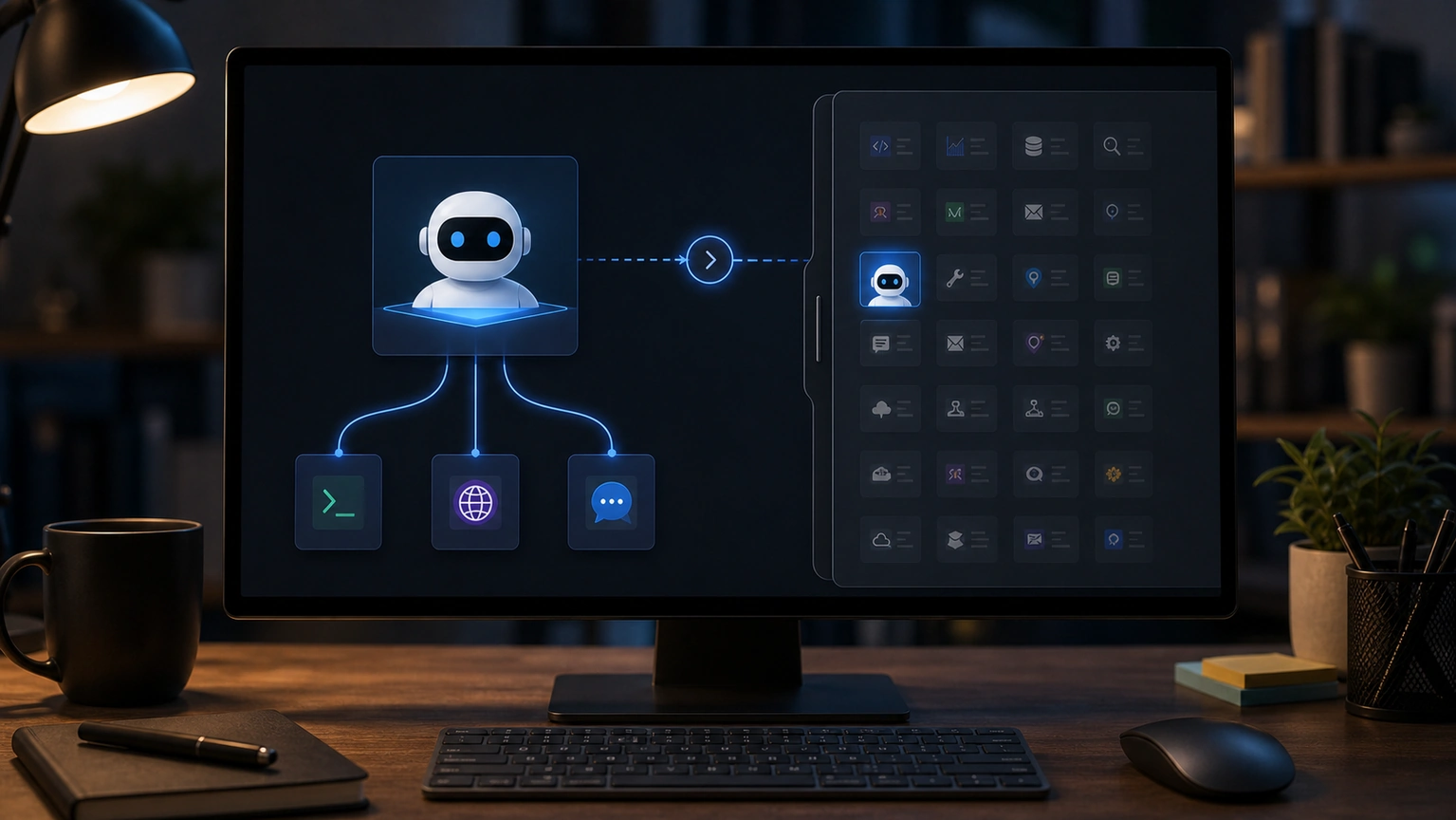
First, have the agent conduct a public web test, such as opening a simple page and taking a screenshot. If the public page is normal, the problem lies with the target website; If the public page is also not functioning properly, then handle the browser control service.
Don't rush to clear your profile
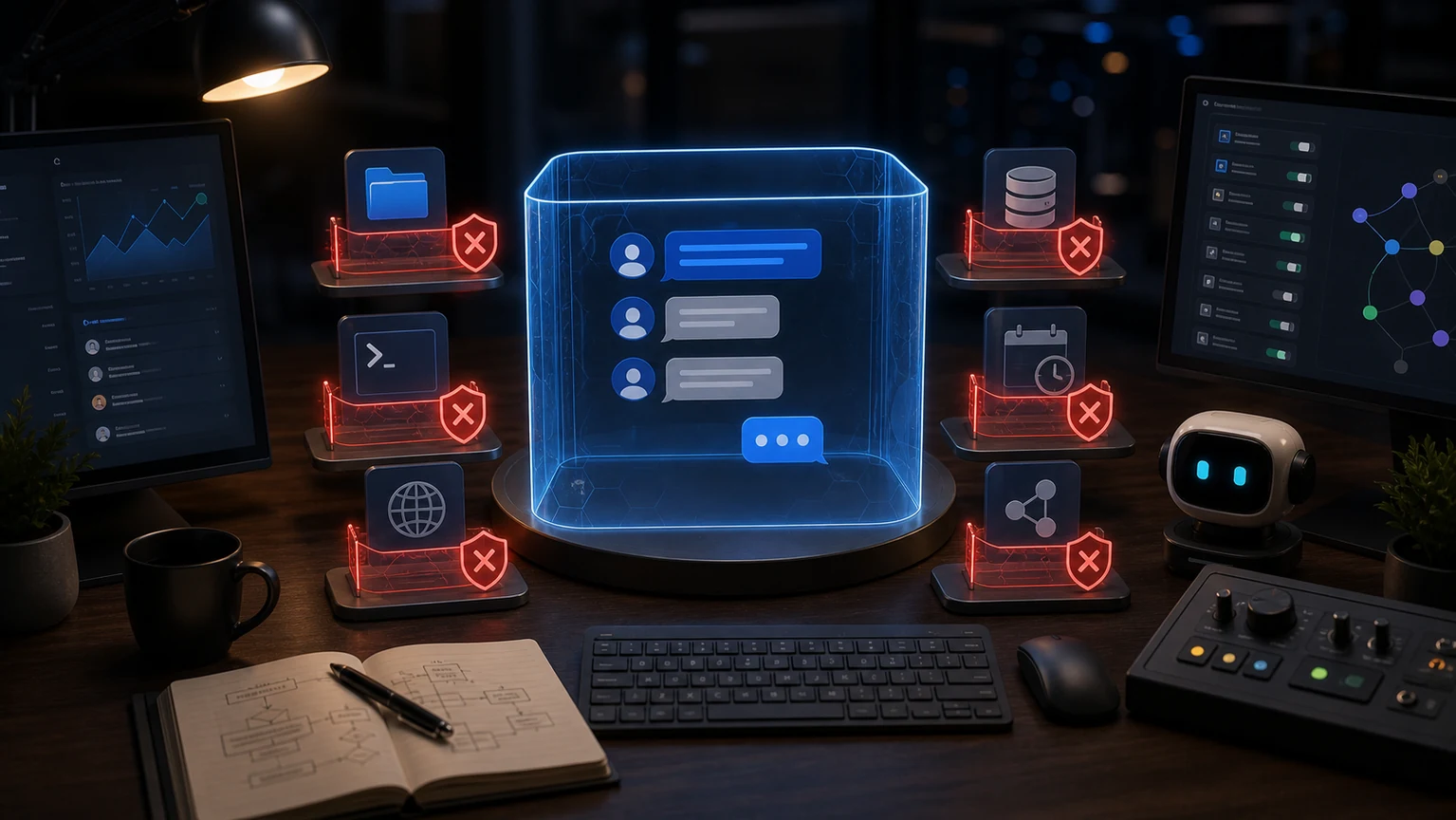
The profile may contain login status, cookies, and site settings. Deleting it directly will cause subsequent troubleshooting to become "The browser is good, but the account is gone again." A more reliable order is: stop the current browser session, restart the browser service, clear the stuck tabs, and then decide whether to switch to a temporary profile.
If you use an isolated openclaw profile, recovery costs are low; If it's a user profile, any cleaning action should be handled with extra caution. Finally, confirm three things: screenshots can be updated, clicks will take effect, and the target page's login status will still be active. After passing all three, let it continue with the webpage task.
If the problem keeps recurring, consider preparing a dedicated browser profile for automated tasks. The dedicated profile does not store personal sensitive accounts, only retaining the login status required by the task. If lag occurs, you can boldly reset it and reduce troubleshooting costs.