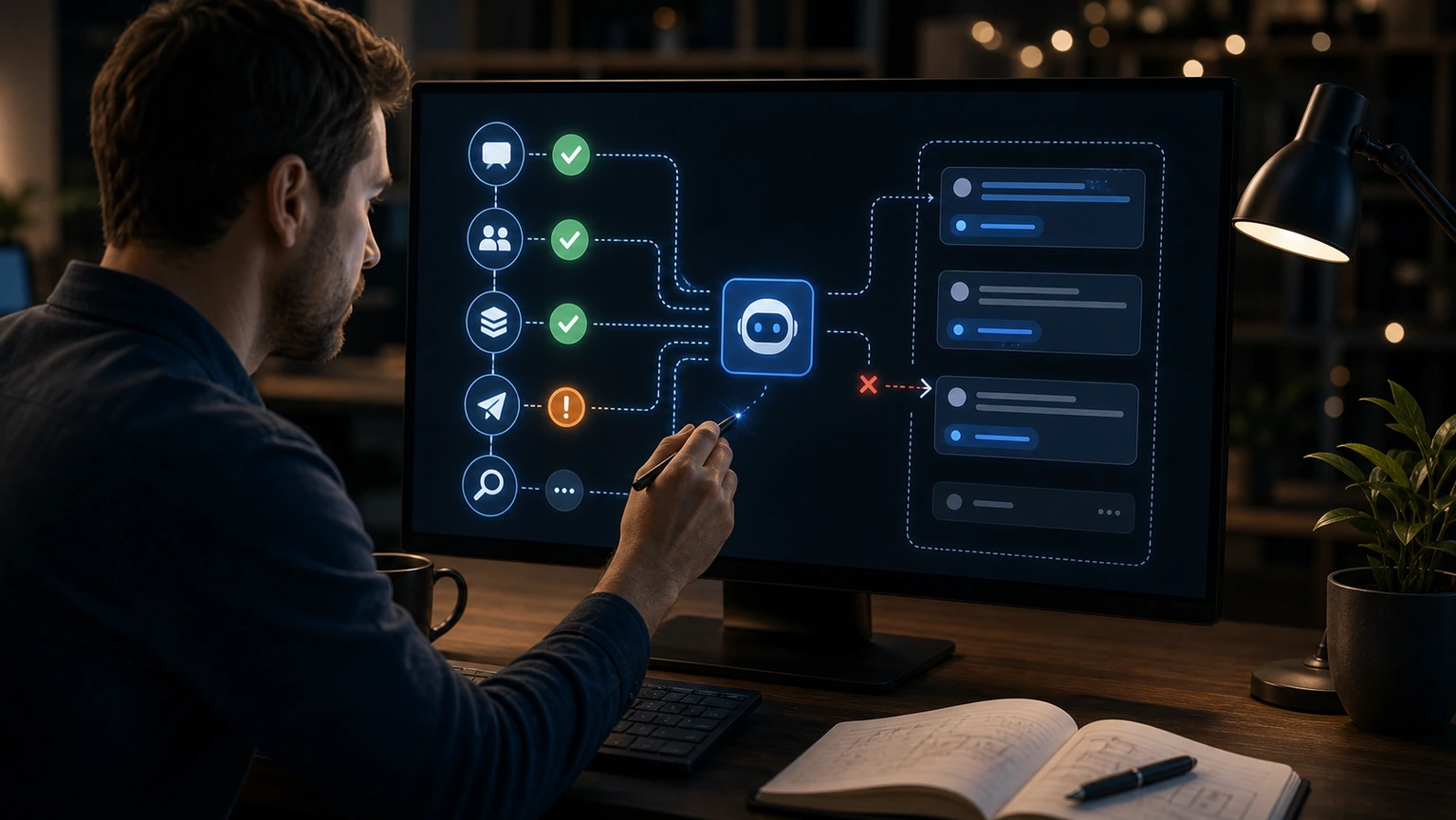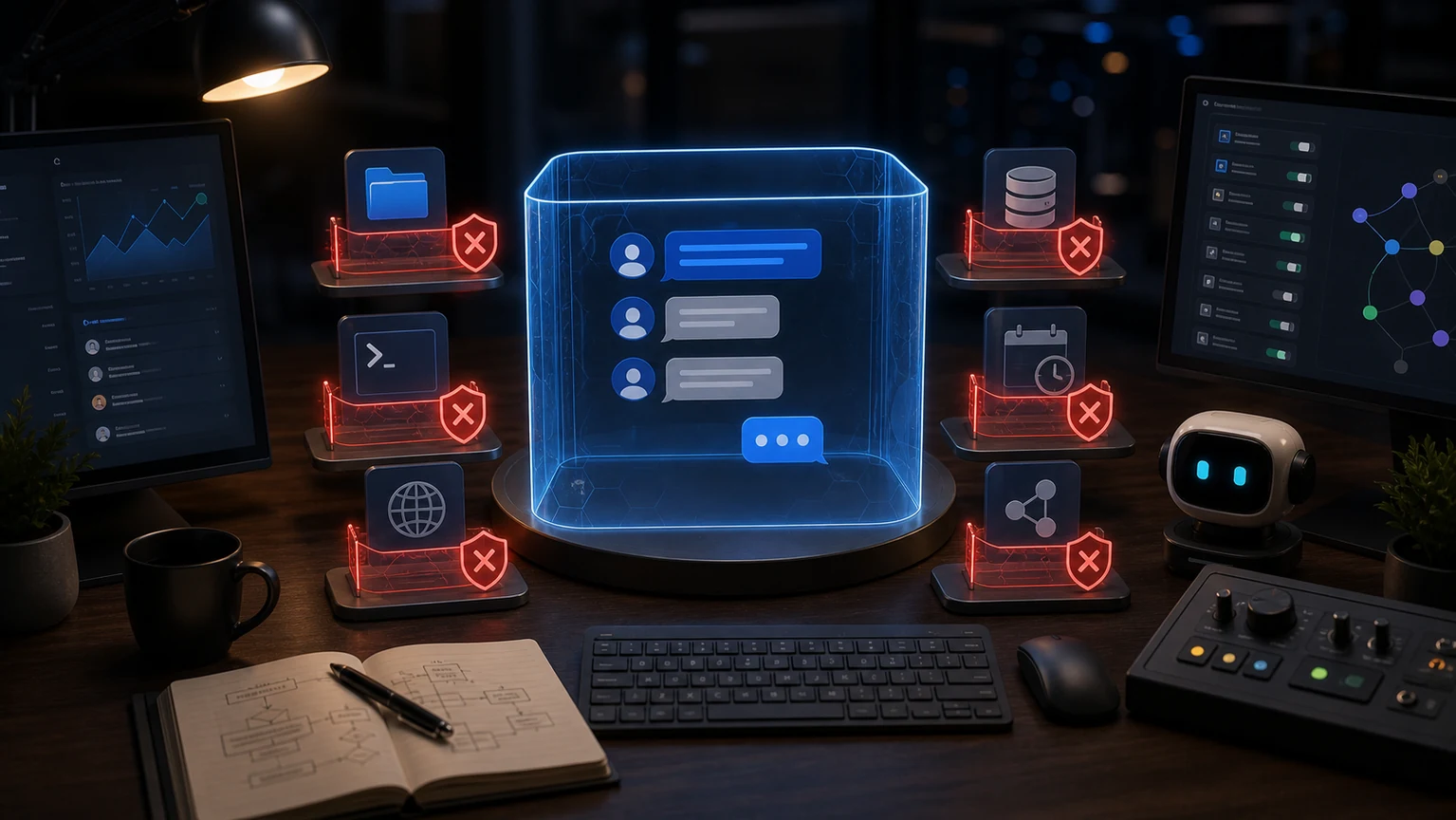
You can have normal conversations in OpenClaw group chats, but if you don't want group members to trigger files, terminals, or browser tools, the safest approach is to narrow the tools profile separately for the group, rather than changing the entire agent to low permissions. Group chat entry should be more conservative by default.
Why not rely solely on reminders?
Writing "Do not execute orders" in the group is not considered security control. As long as the tool remains exposed to this entry, the model may attempt to call it in a complex context. What really works is the configuration layer restriction: this group can only use messaging or selected light tools, private chats or local entry, and keep coding, browser, and terminal.
Configuration Strategy
First, confirm the channel and sessionKey corresponding to the group chat, then overwrite the tools profile on that entry. If you need it to help organize messages, forward summaries, or respond to status, keep messaging tools; If you need it to modify code, run deployment, or go to the background, users switch to private chat, VPN, or local entry to execute.
Team scenarios are recommended in at least three tiers: public groups for chat-only; Internal groups can check status but cannot write to it; Only private chats or controlled entry points are allowed to execute tools. This way, it won't affect daily collaboration or indirectly grant each group member access to your terminal.
During acceptance, do not use only administrator accounts for testing. Send messages to one user who allows the user, one for a regular group member, and one for an unauthorized user to see if the tool can be triggered. Permission boundaries only take effect after testing under different identities.
If the group really needs to take action, you can design the process as "submit the task first, then confirm via private message." Group chats are responsible for collecting requests; actual file modification, deployment, and browser operations are handled through a controlled entry point. This preserves collaboration efficiency while avoiding a joke command triggering real operations.