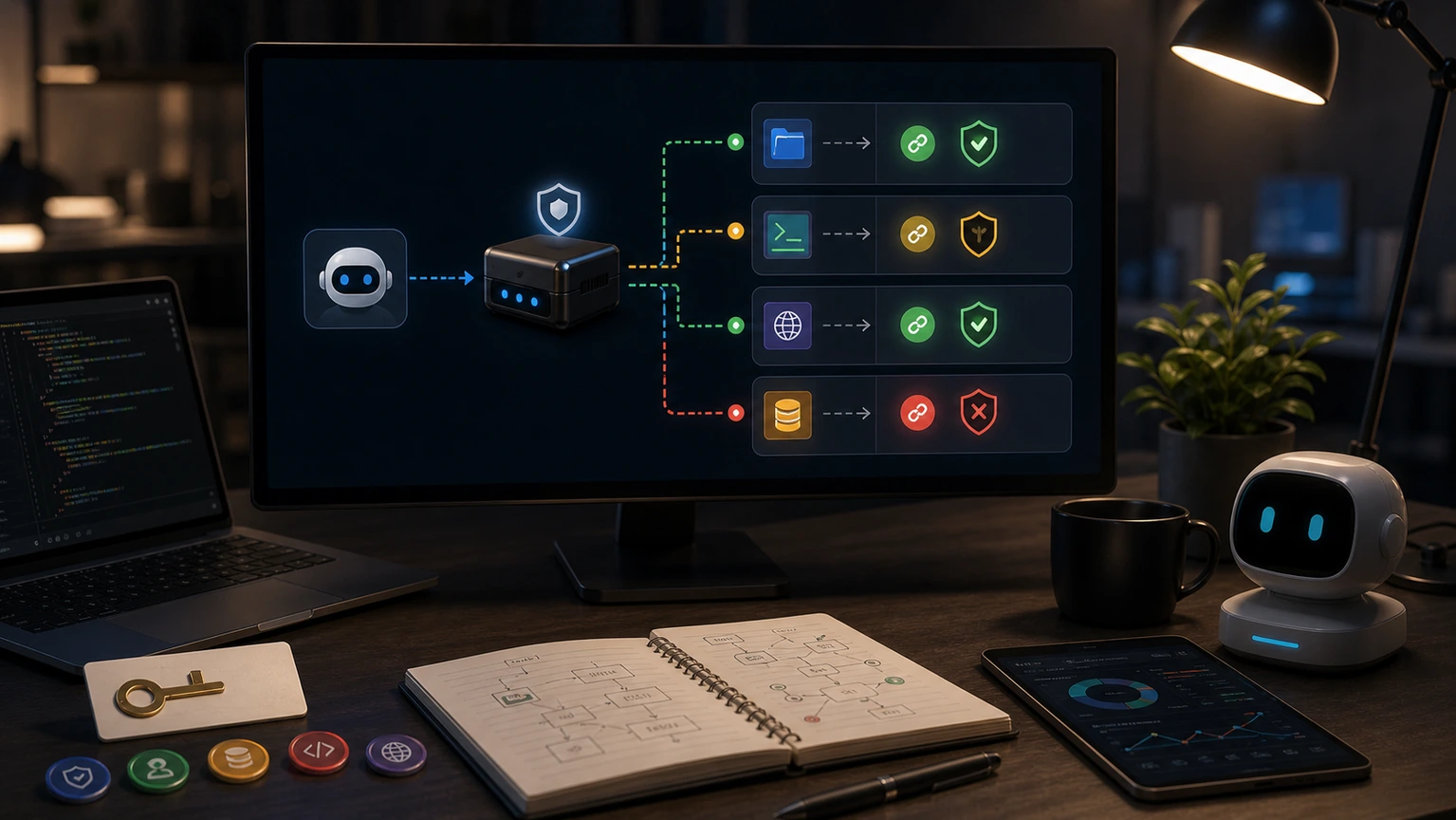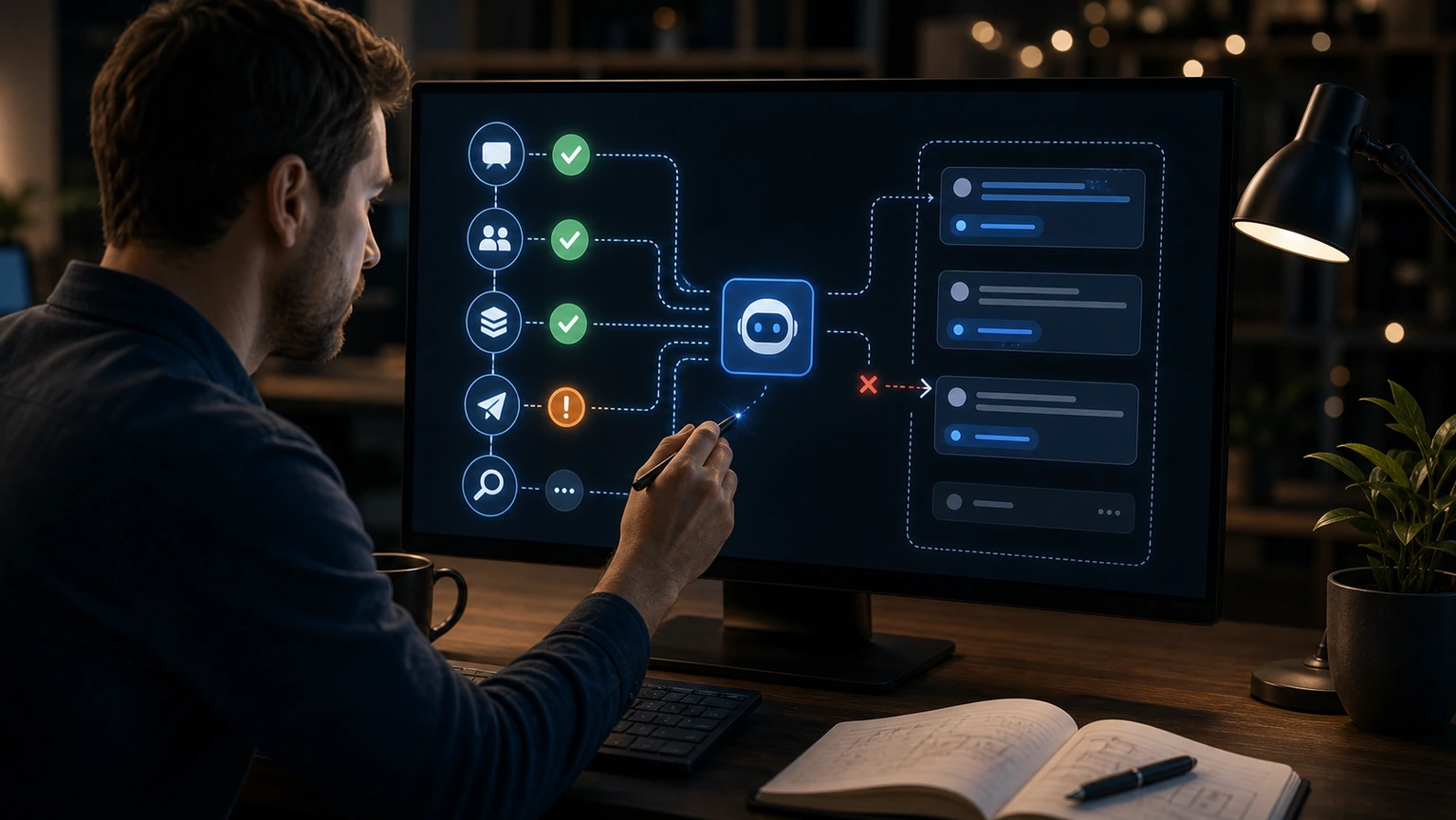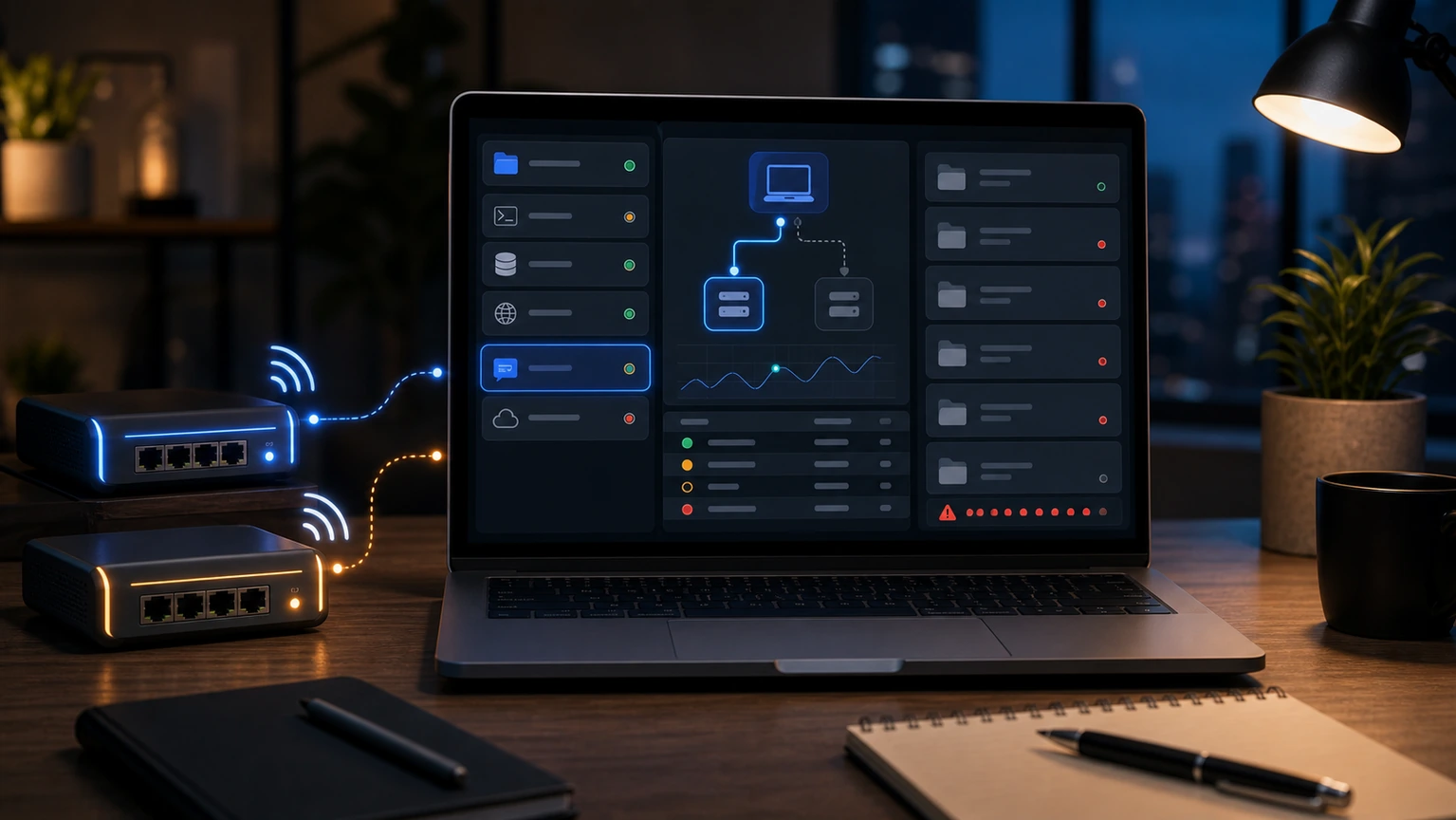
If both OpenClaw Gateways appear at the same time, don't rush to change the channel configuration. You should first confirm whether the old instance, old profile, or backend services haven't been fully shut down. When two Gateways are online simultaneously, the biggest problem is not port conflicts, but the possibility that messages may be picked up by old instances.
First, let's see who is answering the message
Use openclaw status --all to check the current bindings of Gateway, Agent, and channel, then check if there are any old processes in system services or PM2, launchd, or systemd. Just checking the online status in the dashboard isn't enough, because the old instance might still receive messages from a platform but no longer appear in the console you're looking at.
If the behavior is "sometimes replying, sometimes not replying," "task states in the same group don't match," or "the newly modified configuration doesn't work," the likelihood of duplicate Gateway is high. At this point, do not restart new instances continuously; first stop all old services and then start only one acknowledgment entry.
Do not accidentally delete the workspace during cleaning
The processing order is: stop the old process, confirm the port and service name, back up the configuration directory, and then clean up the useless profile. Do not delete workspace or reset all configurations. Many profiles also contain conversations, credentials, and channel bindings; deleting mistakes will make problems worse.
Final acceptance depends on three factors: there is only one Gateway online; Test messages are received by only one instance; Changing the channel or tools profile will immediately reflect the current entry. Only after these three points can you continue to troubleshoot issues with the model or tool.